

Window Display Screen Size Guide NZ: 49 to 86 Inch Options
Most shopfront screen mistakes happen before anyone discusses brightness or software. A business picks the biggest panel its budget allows, then finds the glass is too narrow, the screen sits too high to read from the footpath, or the text is too small to matter at walking pace. If you are looking for a window display screen size guide NZ shops can actually use, this article shows how to match 49, 55, 65, 75 and 86 inch panels to the glass you already have. We cover measuring, viewing distance, orientation and budgeting, and we are direct about which sizes suit which frontages.
Table of Contents
- Quick Takeaways
- Why Screen Size Starts With the Glass
- Measuring Your Shopfront Before You Choose
- 49 and 55 Inch Screens for Narrow and Mid-Width Frontages
- 65 and 75 Inch Screens for Wider Windows
- When an 86 Inch Screen Is Justified
- Side-by-Side Size Comparison for NZ Shopfronts
- Portrait or Landscape Before You Pick a Size
- Hanging Cable and LED Options Beside the LCD Range
- Budget Planning: Quotes, Paper and Postage
- Sizing Mistakes to Avoid
- Frequently Asked Questions
- References
Quick Takeaways
| Key Insight | Explanation |
|---|---|
| Measure the usable glass, not the wall | Subtract frames, tracks and mounting clearance from the window opening, then size the screen to what is left. |
| Let the footpath set the minimum text size | Stand where a passer-by stands and check whether your smallest text is readable before you choose a panel. |
| Start with 49 or 55 inch for narrow frontages | Smaller panels suit tight glass, single-bay windows and one clear promotion at a time. |
| Reserve 86 inch for wide, deep frontages | Large panels earn their place when the window is long, the showroom is deep and the glass can be seen from several approaches. |
| Orientation can beat size | A portrait 65 inch can suit tall, narrow glass better than a landscape 75 inch that leaves dead space. |
| Get quotes for two sizes | Large LCD displays are priced on request through Get a Quote, so compare two sizes against your real glass before you decide. |
Why Screen Size Starts With the Glass
A window display screen has one job: to be read by someone walking past at normal pace, usually without stopping. That makes the glass the real constraint, not the number on a spec sheet. An 86 inch panel squeezed into a narrow frontage does not produce a bigger message. It produces a screen that crowds the frame, blocks the view into the store and looks like an afterthought.
Our advice is to start from the opening and work back to the panel. Once you know how much clear glass you have, screen size becomes a question of fit rather than ambition. Most regrets we hear about come from buyers who chose a size first and then tried to fit the window around it.
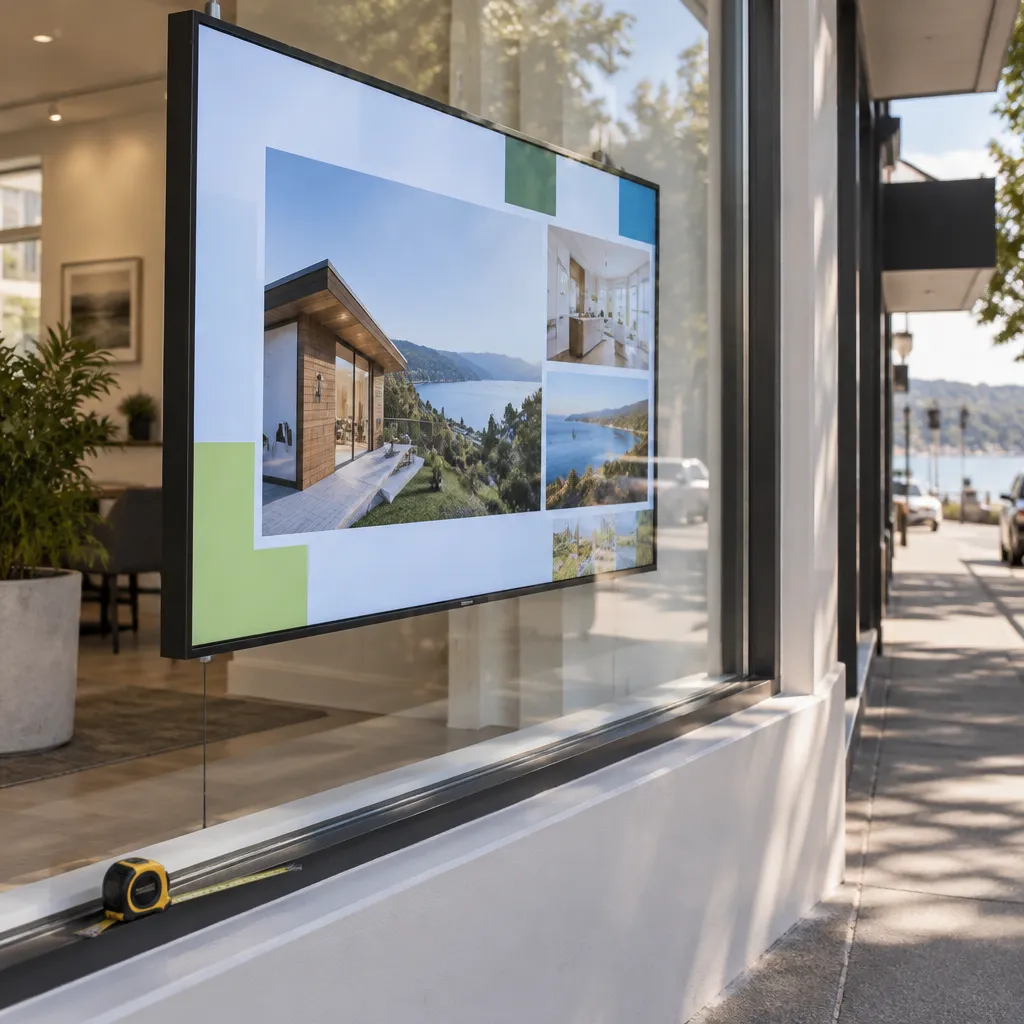
Size also decides what content you can run. A 49 inch panel suits one product, a headline and a phone number. A larger panel can carry a listing carousel or a multi-item menu, but only if the smallest text still reads from the footpath. The content plan should drive the size decision, not the other way round.
Pro tip: Before you request a quote, sketch the first three slides you plan to run. If the headline on each slide is a single short line, a 49 or 55 inch panel is often enough, and a larger screen will mostly add empty space.
Measuring Your Shopfront Before You Choose
Measuring the usable glass
Measure the width and height of the clear glass area, then subtract frames, mullions, signage tracks and mounting clearance. The figure you end up with is your usable zone, and it is the number to compare with each panel’s width. Measure at the top, middle and sill, because older shopfronts often have out-of-square frames and a window can be narrower at one point than another.
Check depth as well. A screen set into a deep reveal or a recessed wall needs room for its housing and cabling. Hanging cable displays solve some depth problems, but a wall-mounted LCD still needs a clean, level surface and a route for power and network.
Viewing distance from the footpath
Stand where a typical passer-by would stand, usually on the footpath a few steps back, and look at the window. Ask whether the smallest text on your planned content is readable from there. If it is not, you need a larger panel, a simpler layout or both.
A screen that reads well from a café table can be unreadable from the kerb. Test with a printed mock-up of your slide at real size. That test costs very little and removes most of the guesswork.
Size the message to the glass first, then size the screen to the message.
49 and 55 Inch Screens for Narrow and Mid-Width Frontages
The 49 inch and 55 inch panels cover most narrow and mid-width frontages. They suit cafés with a single window bay, small retail shops with one stretch of glass, and real estate offices that show one listing at a time. Smaller panels also stay in proportion with the frame, so the shop interior remains visible behind the display.
A 49 inch screen works best with one clear message: a product hero, a lunch special or a featured listing with a headline, a price and contact details. Keep the layout simple. Two or three large text blocks will outperform a dense slide with small type every time.
49 inch for tight frontages
Choose 49 inch when the usable glass is narrow, when the window sits close to a door or corner, or when the budget needs to stretch to one strong display rather than several screens. The panel is easy to frame, and it leaves room for passers-by to see the shop beyond it.
Pro tip: If your glass sits between two sizes, choose the smaller one and run fewer, larger messages. A smaller screen with bold text usually reads better than a larger screen that makes every line look tiny.
55 inch for cafés and agencies
The 55 inch panel is the size we most often suggest as a default for cafés, restaurants and real estate agencies. It has enough area for a menu-style layout or a listing slideshow with a large photograph, and it still fits most single-bay frontages. There is room for a headline and a secondary line that people can read from the footpath.
In practice, a café can run a breakfast offer in the morning and switch to an evening menu from the same screen. Scheduling is handled through the content system, so the owner does not need to be on site to change slides.
65 and 75 Inch Screens for Wider Windows
The 65 inch and 75 inch panels are for frontages where a 55 inch screen would look timid. They give a clear step up in presence without turning the window into a billboard. The question is not whether the screen is impressive, but whether the glass and the content can carry it.
When 65 inch is enough
A 65 inch screen works well for retail shops with several product categories to rotate, or for agencies running multi-property slideshows. It has the presence to hold attention at a distance while keeping text large enough to read comfortably.
Be careful on narrow panes. A 65 inch screen can dominate a tight shopfront, so measure the usable glass again before you commit.
Where 75 inch starts to pay off
The 75 inch panel suits long, open frontages where the screen can be seen from more than one approach. It draws attention from further away, which matters when people reach the window from both directions along a street.
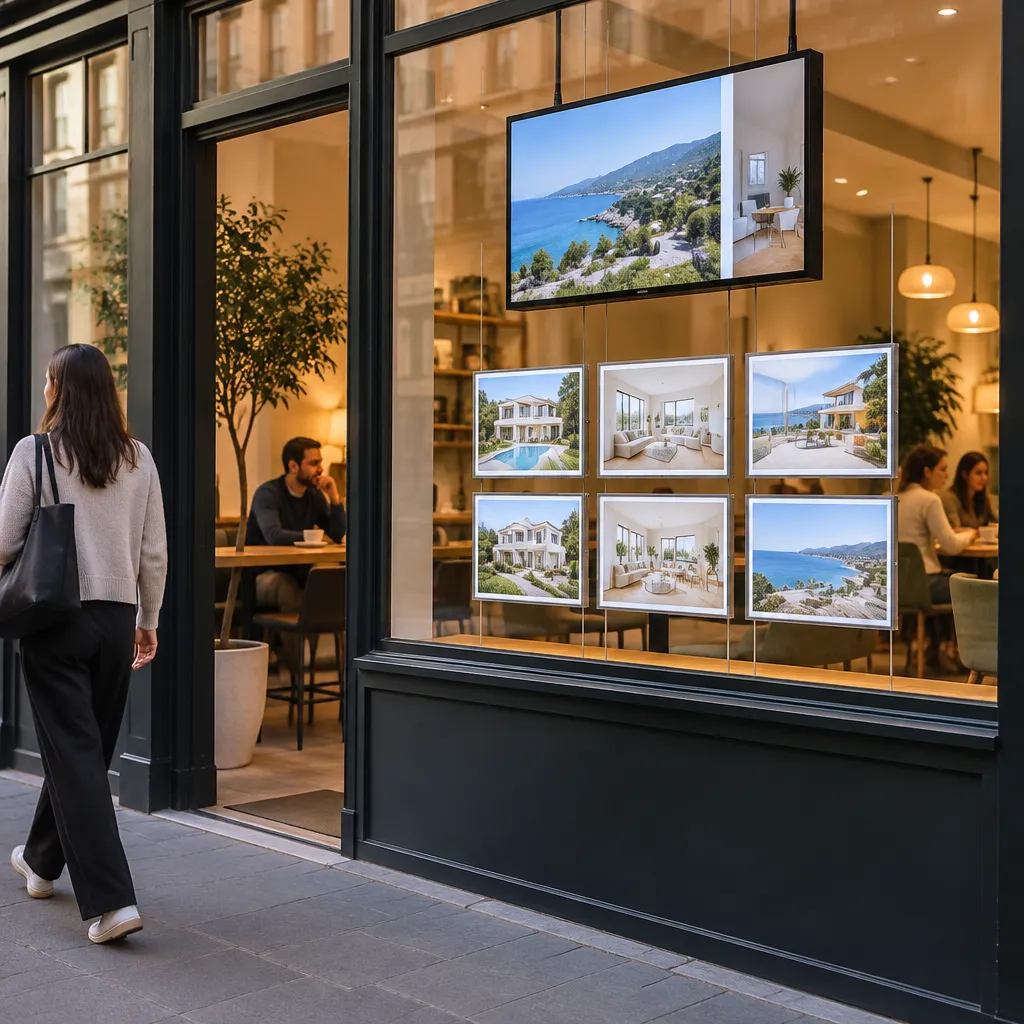
Larger panels demand more from your content. Text needs to be bigger, colours need more contrast and motion needs to be deliberate. A 75 inch screen running a slide designed for 49 inch will look empty, so design for the size you choose before you order it.
When an 86 Inch Screen Is Justified
The 86 inch is the largest size in our large LCD range, and it earns its place only in specific conditions. Those are a wide, deep frontage, a showroom where the window is the main sales surface, or a business that wants to hold attention from a long approach. It is not a default upgrade. A large panel also means heavier mounting, more careful planning for sun and reflections, and a stricter check of sightlines.
Deep showrooms and long frontages
When the shop is deep and the window is wide, an 86 inch screen can anchor the whole frontage and draw people toward the door. Retailers with a large street presence sometimes fit this profile. Check the sightlines before you buy, because a large panel can hide stock and staff behind it.
Sun exposure and large panels
Large screens facing the sun need careful planning. If your window takes direct afternoon light, UV protection and brightness matter more as the panel area grows. Our UV protected LCD display guide for sun-facing shop windows covers the specifics.
Large LCD prices are on request, so ask for a quote for the exact size, orientation and location you have in mind. Do not assume the largest panel is simply the most cost-effective option per square centimetre. Get the number, then compare it with what the window will actually show.
Side-by-Side Size Comparison for NZ Shopfronts
The table below compares three sizes by the type of frontage each one suits and the main trade-off you accept. Use it as a starting point, then check the result against your own measurements and viewing test.
| Screen option | Best fit | Main trade-off |
|---|---|---|
| 49 inch LCD | Narrow frontages, single-product promotions and tighter budgets | Limited room for multiple messages and fine detail |
| 65 inch LCD | Mid to wide frontages with rotating retail or listing slideshows | Can dominate narrow glass if the usable width is not measured carefully |
| 86 inch LCD | Wide, deep showrooms and long street frontages | Needs careful mounting, sun planning and sightline checks |
The 55 and 75 inch options sit between these rows. A 55 inch screen is usually the safer first choice for a café or agency, while a 75 inch screen suits a long frontage that needs to be seen from further away. Neither should be chosen because it looks impressive in a showroom photo.
Portrait or Landscape Before You Pick a Size
Orientation can change the answer. A landscape panel suits wide glass and horizontal layouts such as a listing carousel or a row of menu items. A portrait panel suits tall, narrow glass, where it can show a vertical product image or a stacked list of offers without leaving dead space.
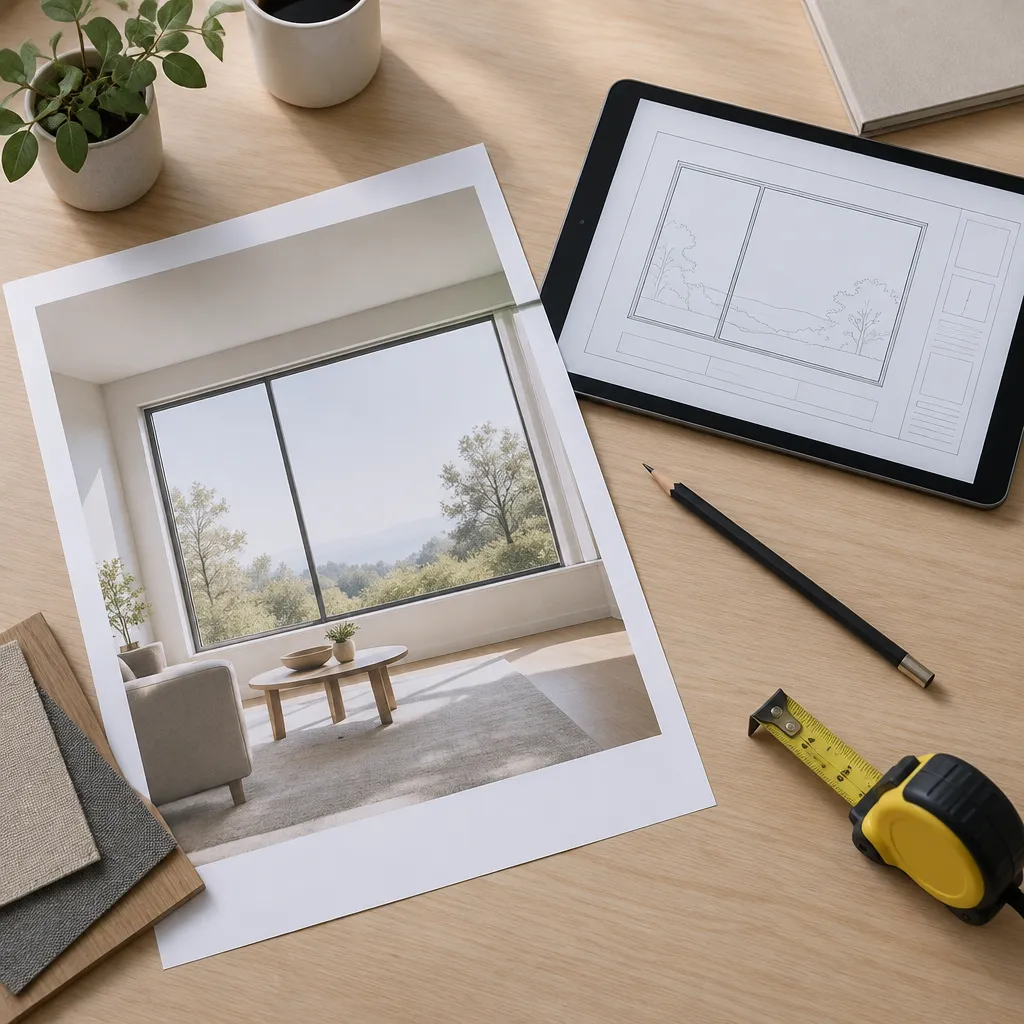
Portrait for tall, narrow glass
A portrait 65 inch screen can outperform a landscape 75 inch screen when the glass is tall and narrow. The taller shape keeps the content in the viewer’s natural line of sight and avoids the empty bands you get when a wide panel is forced into a tall pane. Our portrait vs landscape shop window displays guide walks through the layouts in more detail.
Landscape for wide frontages
Landscape remains the default for wide glass and for real estate listings that rely on photography. It makes a stronger first impression from a distance and suits most café and retail layouts. If your window is wide and shallow, start with landscape and only move to portrait if the content clearly calls for it.
Hanging Cable and LED Options Beside the LCD Range
LCD screen size is not the only route into window digital display. Hanging cable LCD displays come in 21 inch to 32 inch sizes with multiple hanging configurations, which suits narrow windows, glass doors and shopfronts where a large panel would look heavy. LED backlit real estate displays are a different product, designed for 24/7 advertising with a 7 to 10 year life expectancy, and you print the content on your own A3 or A4 printer.
Hanging cable displays for narrow glass
If your glass is too tight for a 49 inch panel, a hanging cable display in the 21 to 32 inch range can give you a digital presence without overwhelming the frame. Compare the layout options on our hanging cable LCD displays page before you measure the window.
LED backlit displays and printed content
LED backlit real estate displays suit agencies that update listings regularly and want a lit, always-on presence. Because the content is printed on your own printer, the workflow differs from a digital panel. Check the lifespan details in our LED display lifespan guide before you decide.
Budget Planning: Quotes, Paper and Postage
Large LCD displays are priced on request, so the only reliable way to compare sizes is to request a quote for each candidate with the orientation and location you intend. Use the Get a Quote button on the site or call +64 204 880 099. Business hours are Monday to Friday, 9:00am to 4:00pm, so plan calls around those times.
Paper costs for backlit printing
If you run paper shop displays or LED backlit real estate displays, paper is a separate budget line. A3 Premium Printing Backlit Paper is $165.00 plus GST per box of 100 sheets (165gsm), and A4 is $110.00 plus GST per box of 100 sheets. Postage is $35 per box, and for bulk paper orders above 4, email admin@vmedia.co.nz for cheaper postage costs.
Software and content planning
Software subscriptions include complimentary full custom integration to your CMS, so the ongoing cost to plan for is content production rather than a separate integration project. Remote content management over WiFi means you can change slides without visiting the shop. Budget time for designing content at the size you choose.
Pro tip: Ask for quotes at two sizes, one above and one below your first choice. Seeing the price gap makes the decision concrete, and it often shows quickly whether the larger panel is worth the extra cost for your frontage.
Sizing Mistakes to Avoid
Most sizing errors come from three habits: measuring the wall instead of the glass, designing content for a screen that is not yet ordered, and ignoring what sits behind the display. Each one is easy to avoid if you check it before you request a quote.
Ignoring mounting clearance and cabling
A common mistake is measuring the panel’s outer edge and calling it a fit. Mounting brackets, housings and cable runs add to the footprint. Leave room for them, and plan how the power and network connection will reach the screen before installation day.
Hiding the store behind a large panel
A large screen can turn an open shopfront into a closed one. If passers-by cannot see staff, products or the counter, the window stops doing its job of inviting people in. Check the view from the footpath with the screen switched on and switched off.
Pro tip: Run your mock-up slide for a full day before you order. Note what people can read, what they ignore and where the glare is strongest. That notebook will tell you more about the right size than any spec sheet.
Frequently Asked Questions
What window display screen size suits a narrow NZ shopfront?
For most narrow shopfronts, a 49 inch or 55 inch screen is the practical starting point. Measure the usable glass first, subtract frames and mounting clearance, and test the smallest text from the footpath before you commit.
Is an 86 inch screen too big for most shopfronts?
For most shops, yes. An 86 inch screen makes sense for wide, deep frontages or showrooms where the window is the main sales surface. In a narrow frontage, it usually crowds the glass and blocks the view into the store.
Should I choose a portrait or landscape screen?
Choose landscape for wide glass and horizontal layouts such as listing carousels. Choose portrait for tall, narrow glass, where it fills the pane better than a wide panel would. Check the orientation against the content you plan to run.
Can a hanging cable display replace a large LCD screen?
Not for the same job. Hanging cable LCD displays in the 21 inch to 32 inch range suit narrow windows and glass doors, where a large panel would look heavy. If you need a dominant window presence, a larger LCD is the better choice.
Why are large LCD prices not listed on the site?
Large LCD displays are priced on request, because the cost depends on the size, orientation and installation requirements. Use the Get a Quote button to request pricing for the exact specification you have in mind.
How much does backlit printing paper cost?
A3 Premium Printing Backlit Paper is $165.00 plus GST per box of 100 sheets, and A4 is $110.00 plus GST per box of 100 sheets. Postage is $35 per box, and bulk orders above 4 boxes can be discussed by emailing admin@vmedia.co.nz.
We would welcome your feedback, so tell us which screen size you chose for your shopfront and whether it matched the window once it was installed.
We would love your feedback and any insights you would share with others. What perspective would you add?
References
- Retail window display formats and design principles
- Window display guide covering audience goals, lighting and maintenance
- Prop sizing guide for small-format retail windows