

UV Protected LCD Display for Sun-Facing NZ Shop Windows
Stand outside a Christchurch or Auckland shopfront at two in the afternoon and you can see the problem. Direct sunlight pours through the glass, washes out whatever is on the screen, and heats the cabinet behind it. A display that looked sharp in the showroom can turn into a dark mirror within weeks. If your window takes direct sunlight, a UV protected LCD display is not a premium extra. It is the difference between a screen that keeps working and one that quietly fails.
Table of Contents
- Quick Takeaways
- Why Sun Breaks Ordinary Screens in Shopfront Windows
- How UV Light Damages LCD Panels Over Time
- Sunlight Readability: Brightness, Glare and Real Light Levels
- Comparing Window Display Approaches for Sun-Exposed Glass
- Heat Management Behind the Glass
- Installation and Placement in NZ Shopfronts
- Remote Content Management and Scheduling
- How to Specify a UV Protected Display for Your Window
- Frequently Asked Questions
- References
Quick Takeaways
| Key Insight | Explanation |
|---|---|
| Standard indoor LCDs struggle in sunlit windows | Indoor panels are built for room light, not direct sun. Expect washout and heat stress first, then discolouration. |
| UV protection should be specified, not assumed | Ask whether protection is a laminated film, a filter on the glass or a property of the panel, and request the test evidence. |
| Brightness is only half the spec | A sunlight readable screen needs anti-glare treatment and a strong backlight, and it must be judged in the actual window. |
| Heat is the failure most shops miss | Give the housing airflow, avoid pressing the panel flat against sunlit glass, and schedule dimming during the hottest hours where your content allows. |
| Placement changes the sun exposure | Two shopfronts in the same city can receive very different sun through the day, so measure the window before choosing a mounting method. |
| Remote management cuts callouts | WiFi-based content management lets you change messages without visiting the window or sending a technician each time. |
| Static and digital can work together | Use backlit paper for stable listings and an LCD for rotating content, rather than forcing one screen to do both jobs. |
Why Sun Breaks Ordinary Screens in Shopfront Windows
Most screens sold for commercial use are designed around indoor lighting. An office monitor or wall-mounted TV expects the room to be dimmer than the picture. A shopfront flips that relationship. Direct sun can throw more light at the glass than the screen was ever engineered to compete with, and the picture simply disappears.
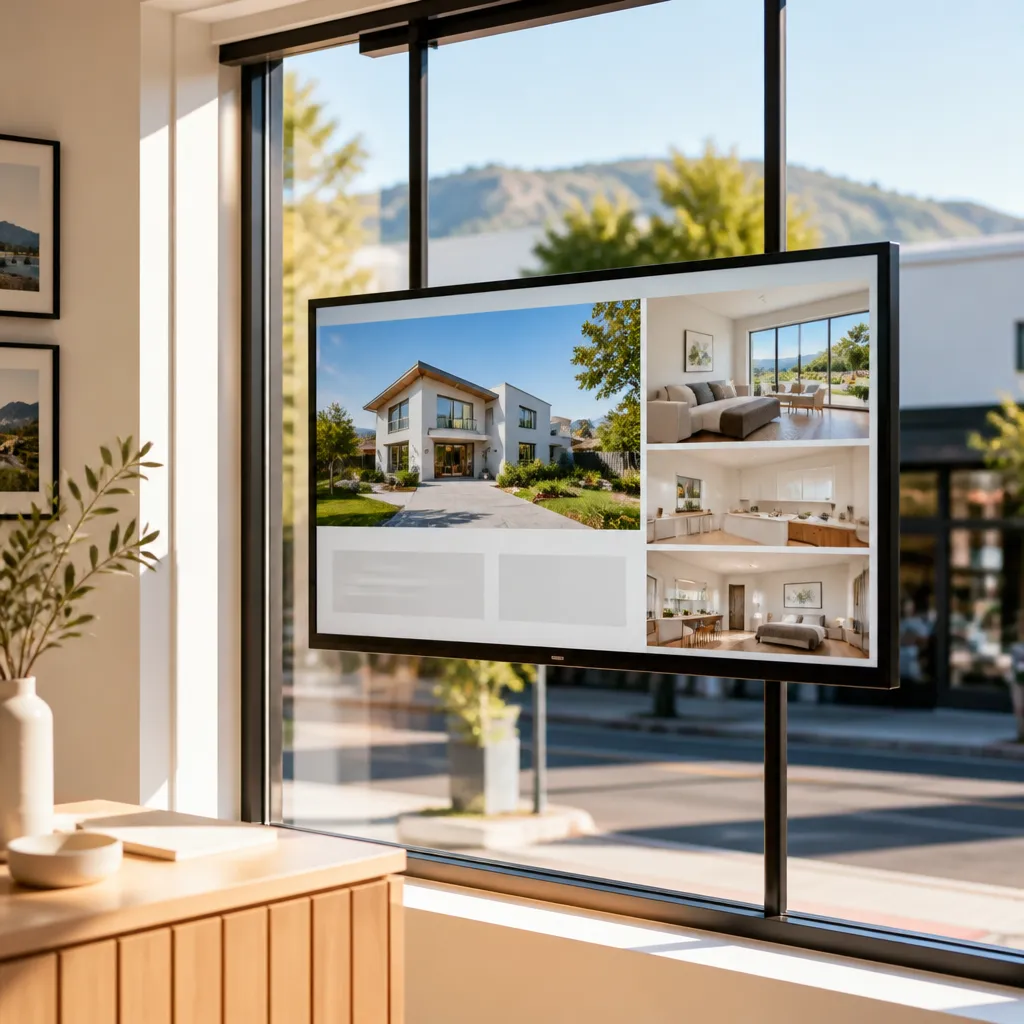
Glass does not protect the screen behind it. Ordinary clear glass blocks some of the shortest UV wavelengths, but it lets a good deal of ultraviolet light through, and the screen sits in the path of that light for hours each day. The result is a chain of problems: glare that hides the content, heat that builds inside the housing, and materials that age faster than the spec sheet suggested.
In practice, the first complaint is almost always brightness. The owner says the screen looks fine at nine in the morning and disappears by midday. The second complaint comes later, when the picture develops a yellow cast, uneven contrast, or a dim patch that was not there at installation. By then the screen has been working in conditions it was never built for, and the warranty conversation is much harder.
Real estate offices feel this most sharply. A listing screen facing the street is often the only advertising the agency controls around the clock, so a dead or washed-out display costs more than a single repair bill. Cafés and retailers see the same pattern, usually with a menu or promotion that must stay readable through a full afternoon of sun.
How UV Light Damages LCD Panels Over Time
Ultraviolet light is invisible, which is why it gets ignored. A window film supplier writing about commercial glass makes the point plainly: prolonged UV exposure can damage merchandise, fade displays, and degrade the materials around them. The same logic applies to electronics, because an LCD is a stack of polymer films, adhesives and glass layers rather than a single piece of hardened material.
Those polymer layers matter most. Polarising films and adhesives are organic materials, and sustained UV exposure can cause them to yellow or break down unevenly. When that happens, the image loses contrast in patches and colours shift, even while the backlight is still producing light.
Yellowing, contrast loss and uneven brightness
The damage rarely looks like a sudden failure. Most operators notice a gradual change: the top third of the screen looks tired, dark content turns grey, or a white background takes on a cream cast. Because the change is slow, many owners blame the content or the settings and keep adjusting the wrong thing.
Uneven brightness is the other sign to watch for. If one edge of the panel is noticeably dimmer than the rest after a few months in a sunny window, UV and heat are the first suspects, and a content change will not fix it.
Why a UV protected LCD display is built differently
A UV protected LCD display treats ultraviolet as a design input from the start, not a finishing touch. A touchscreen manufacturer describing its UV blocking film notes that the film keeps transparency and optical clarity while adding protection, which is the balance a shopfront screen needs. The content must stay clear, and the protection in front of the panel must do real work against UV.
Pro tip: Ask any supplier whether UV protection is a laminated film, a filter on the outer glass, or a property of the panel itself. Each has different weak points, and a supplier who can explain them has usually tested them.
Sunlight Readability: Brightness, Glare and Real Light Levels
When buyers look for a sunlight readable screen NZ retailers can rely on, the first question is usually about brightness. Brightness matters, but it is only one number. A screen can be rated bright and still wash out in a window if its surface reflects the room, or if its backlight cannot hold contrast against a sunlit background.
If you want to see the difference for yourself, a side-by-side high-brightness test published by invidis.de compared six displays visually, and it is worth reading before you sign off on any spec sheet. The lesson for shopfront buyers is simple: test the screen in the light it will actually live in.
Why brightness alone is not enough
A strong backlight will not help much if the screen surface bounces sunlight straight back into the viewer’s eyes. Anti-glare treatment reduces that reflection, and the panel’s construction determines how much of the backlight reaches the viewer rather than being lost in internal reflections. Good sunlight performance comes from the combination, not from one headline figure.
A screen that looks bright in a showroom and dim in a shopfront is not a bright screen. It is a screen that was tested in the wrong place.
Testing in the window before you commit
Before any order, we recommend a short field test. Mount a demo panel in the actual window, run full-white and dark content at the hours when the sun hits the glass, and photograph it from the footpath where customers stand. Ten minutes of checking that way tells you more than a datasheet.
Pro tip: Test with the content you actually plan to run, not a generic test pattern. Small menu type and pale backgrounds are usually the first things sunlight washes out.
Comparing Window Display Approaches for Sun-Exposed Glass
Most shopfront owners end up choosing between three routes: an indoor screen with protection added afterwards, a purpose-built UV protected LCD, or a static backlit display. Each can work, but each fails in a different way. The table below shows where each one holds up and where it breaks down.
| Approach | Where It Works | Where It Fails |
|---|---|---|
| Standard indoor LCD behind glass | Shaded windows with little direct sun and short viewing hours | Washes out in direct sun, runs hot and ages quickly under full exposure |
| Indoor LCD with UV film added | Reduces some UV on sunny glass while the panel is still in good condition | Does not fix glare, heat or brightness limits built into the panel |
| Purpose-built UV protected LCD with sunlight readable panel | Sun-facing windows, long daily run times, and shopfronts where screens must stay visible | Higher upfront cost, and needs proper mounting and ventilation to reach its rated life |
The retrofit route is the most tempting because the screen is already on hand. It is also the one we see fail most often. Film or a cover can reduce some UV, but it does not change the panel’s brightness or heat behaviour, and the screen was never designed for the load a sunlit window puts on it.
A high brightness UV display built for the window costs more upfront but avoids most of these compromises. The protection, the sunlight readable panel and the housing are chosen together, and the unit is designed for a window rather than adapted to one. For a window that takes direct sun for several hours a day, that trade usually makes sense.
Heat Management Behind the Glass
Heat is the failure most shopfront owners underestimate. A display in a sunlit window sits in a closed box that absorbs solar energy through the glass, and the electronics have nowhere to shed it. Practitioners on a digital signage forum are blunt about this, warning against placing LCD displays in windows that receive a lot of direct sun because they can absorb a great deal of heat.
A forum comment is not engineering data, but it matches what installers see on site. The usual symptoms are a screen that shuts down in the afternoon, colours that drift, or a panel that looks fine until the heat peaks and then flickers. Each is a clue that the thermal design, not the content, is the problem.
Ventilation and enclosure design
Good heat management starts with air movement. The housing needs vents or a ventilated cavity so warm air can rise and leave, and the panel should not sit tight against sunlit glass with no gap. Sealed boxes that look neat on a showroom floor often run hottest once they are in a shop window.
Scheduling around the hottest hours
Where your content allows, reduce the load during peak sun. A scheduled dimming period or a short power-down during the hottest part of the afternoon gives the panel a rest. Android-based scheduling makes that routine simple to set, so the screen does not depend on someone remembering to switch it off.
Pro tip: On a hot, sunny afternoon in the first week, check the temperature at the back of the housing. If the housing is too hot to rest your hand on, the enclosure needs more airflow before the screen runs full time.
Installation and Placement in NZ Shopfronts
Sun exposure is not the same from one shopfront to the next. A café in Tauranga, a real estate office in Dunedin and a retailer in Wellington each deal with different window layouts, verandahs and sun angles through the day. The same screen can perform well in one location and struggle in another, so placement needs a site check rather than a standard template.
Setting depth and mounting distance
Mounting distance matters more than most people expect. A screen pressed directly against glass takes the most heat and reflects the most light back at the viewer. Setting the display a short distance off the glass, where the mounting allows, improves airflow and reduces reflection, though the right gap depends on the window and the unit.
Hanging cable displays and sunlit glass
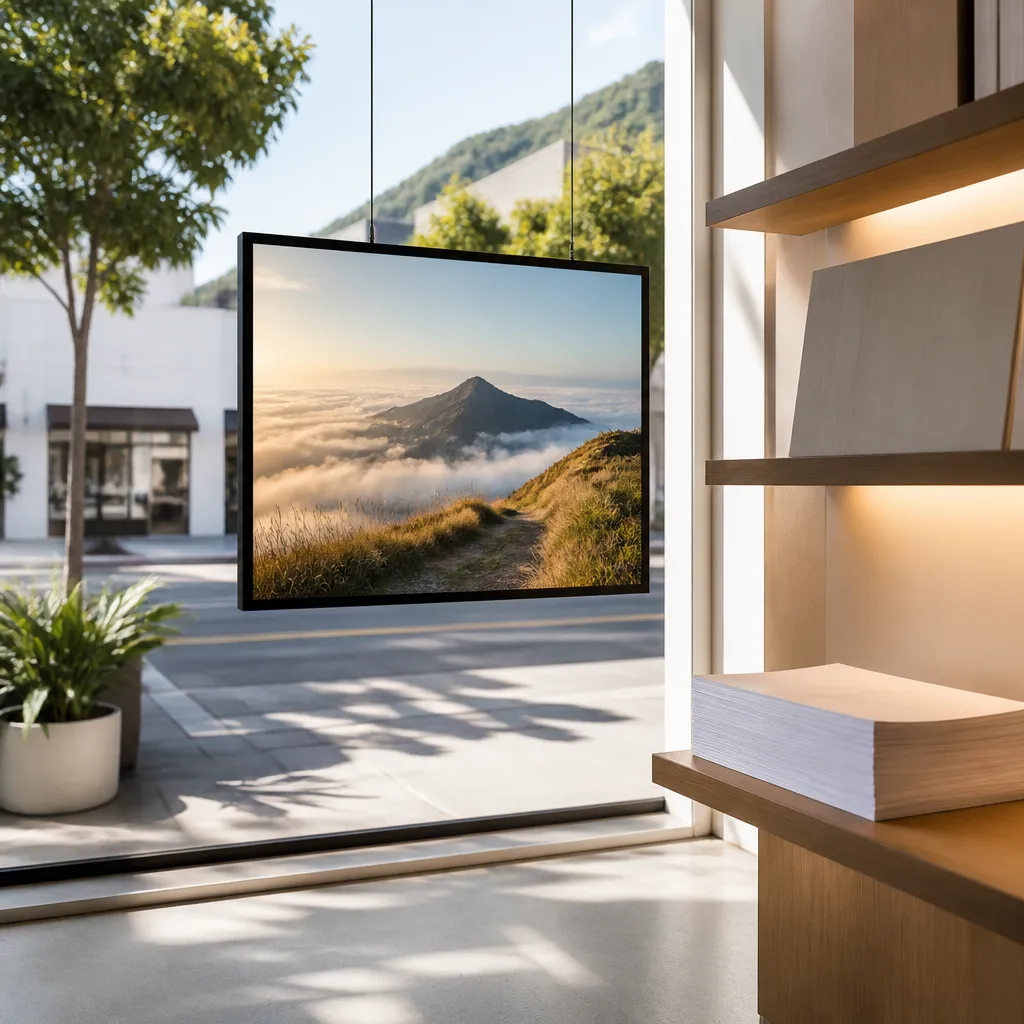
Hanging cable LCD displays suspended in front of the glass give you a natural air gap and let you angle the screen away from the worst glare. They also make it easier to adjust the position after installation, which matters because the sun moves across the seasons. Route power and data cables away from heat sources and direct sun, and check that cable entry points are sealed against weather.
In our experience, a site visit at two different times of day often changes the mounting position. A plan drawing cannot show where the glare falls at three in the afternoon, so that extra visit saves a repositioning job later.
Remote Content Management and Scheduling
A window screen earns its place only if the message stays current. The usual failure is not technical. It is a promotion that ended in March still showing in June, because changing it required a site visit. Remote content management over WiFi removes that bottleneck and keeps the window working for the business.
Scheduling content for sun and foot traffic
Scheduling lets you match content to the hours when the screen is actually seen. A café can run breakfast and lunch menus in the morning and evening specials later, while a real estate office can post new listings when its agents are out showing properties. Android-based scheduling and automation handles these changes without anyone touching the unit.
Connecting CRM and CMS data to the window
For larger operators, the real value comes from connecting the screen to the data you already hold. CRM and CMS integration can push new listings, updated prices or campaign content to the window, and our software subscriptions include that integration. That keeps the window consistent with your online marketing, which is where most customers check first.
Pro tip: Keep one master content calendar for your window and your online channels. A listing that is sold online but still running in the window is the fastest way to lose the trust of a passing buyer.
How to Specify a UV Protected Display for Your Window
A good specification protects you from the most common disappointments. Write down the window’s sun exposure, the viewing distance, the hours the screen will run and the content type before you ask for quotes. Suppliers who ask those questions first are usually the ones still answering questions after installation.
Ask for the UV protection method in writing, the sunlight readability specification with the test conditions used, the thermal design of the housing, and the warranty terms for the panel. If a supplier cannot explain how the display behaves in full sun, treat that as an answer in itself.
Questions to put to any supplier
Ask how the unit was tested in sunlight, whether the housing is ventilated, and how remote updates are handled after installation. Ask who supports the screen locally if something fails, and how quickly replacement parts can reach your site. Support matters more in a shopfront than in an office, because a dark window is visible to the whole street.
Where backlit printing paper fits
Not every window needs a moving screen. For stable messages such as property listings or long-running offers, premium backlit printing paper in A3 and A4 sizes gives a clean, bright finish at a lower running cost. Bulk paper orders suit agencies that refresh listings often, and the two approaches can sit side by side in one window.
Frequently Asked Questions
Can a standard indoor LCD screen be used in a sunny shop window?
It can work in a shaded window with limited direct sun and short viewing hours. In a window that takes full afternoon sun, an indoor screen usually washes out, runs hot and ages faster than its owner expects, so a purpose-built unit is the safer choice.
Does UV window film solve the problem on its own?
Film can reduce some UV reaching the screen, but it does not fix glare, heat or brightness limits. Treat film as one part of the protection rather than the whole solution, and check the panel’s design limits before relying on it.
What should I look for in a sunlight readable screen?
Look for anti-glare treatment, a strong backlight rated with its test conditions, and a housing that handles heat. Most importantly, ask for a demonstration in a window similar to yours, because a showroom result does not show how the screen performs at midday.
How do I stop a window display from overheating?
Give the housing airflow, avoid mounting the panel flat against sunlit glass, and schedule dimming or a short power-down during the hottest hours if your content allows. Check the temperature after the first hot afternoon so you can fix problems early.
Can I update window content remotely?
Yes. With a remote content management system connected over WiFi, you can change messages, schedules and campaigns without visiting the site. Confirm with your supplier which integrations, such as CRM or CMS connections, are included in the software subscription.
Is backlit printing paper a substitute for a digital screen?
For stable messages that change rarely, premium backlit paper can be a practical alternative. For content that rotates, updates often or needs motion, a digital screen is the better fit, and the two can work together in the same window.
We would like to hear what sun exposure has done to the screens in your own window, and which setup has held up best for you.
References
- Guide to how UV exposure affects retail merchandise and commercial glass
- Overview of a UV protective touchscreen display and its transparent UV blocking film
- Side-by-side high-brightness test of sunlight readable displays
- Guide to comparing UV-protective display cases
- Practitioner forum discussion on LCD displays in direct sunlight windows