

Multi-Location Digital Signage NZ: A Franchise Guide
If you run five, twenty or sixty stores under one brand, your shopfront windows are either selling for you or quietly working against you. A café in Hamilton with last month’s promotion still on the screen, or a real estate branch in Wellington showing listings that sold weeks ago, undermines the head office message every time a customer walks past. Multi-location digital signage in NZ is less about buying screens and more about running one content system across many shopfronts without losing control. This guide covers how franchise and chain retailers get it right, and where they usually go wrong.
Table of Contents
- Quick Takeaways
- Why Window Content Drifts Out of Sync
- Building Content Standards Franchisees Will Follow
- Choosing a Platform for Multi-Location Digital Signage
- Hardware for Different Shopfront Formats
- Remote Management Across Regional Branches
- Scheduling and Local Exceptions
- Rolling Out New Branches and Training Operators
- Frequently Asked Questions
- References
Quick Takeaways
| Key Insight | Explanation |
|---|---|
| Name one owner for the whole network | A single head office role should approve or publish every change. Without a named owner, screens drift within weeks and nobody can say which version is live. |
| Lock the brand, open one local slot | Fix the logo, colours and mandatory wording. Give each store one bounded area for local offers, so operators have something to do without touching the frame. |
| Choose the CMS before the hardware | The software decides how you schedule, monitor and update. Pick the platform first, then specify screens that it can run reliably. |
| Test glare on the footpath | Specify sunlight-readable screens and UV-protected panels for exposed windows, and judge sightlines from outside the shop, not from behind the counter. |
| Monitor every screen remotely | Know when a branch goes offline before a customer or franchisee tells you. Assign one person to respond to every alert. |
| Write the rollout checklist down | Registration, logins, first content approvals and fault contacts should follow the same checklist at every new branch. |
Why Window Content Drifts Out of Sync
Most chains do not fail because of a bad screen strategy. They launch well, then watch the network slowly fall apart over the next six months. Someone uploads a promotion at one store, another branch keeps last season’s creative, and head office only notices when a franchisee sends a photo.
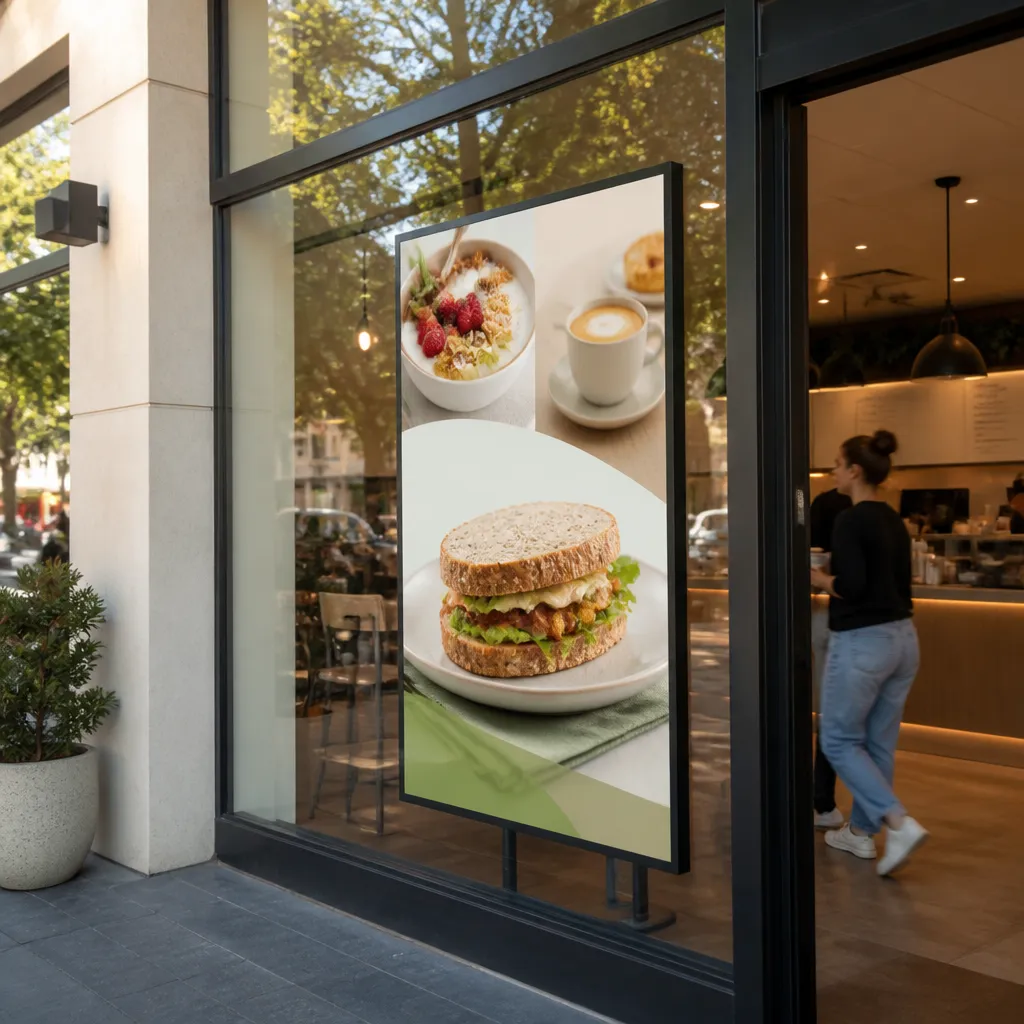
Drift usually comes from three places: unclear ownership, slow approvals, and content that was never designed for a window. When a franchisee has to email a designer, wait three days and then ask someone to upload a file, they stop asking. The screen keeps running, but it stops saying anything current.
Who owns the window at store level
In a franchise, the operator often believes the window belongs to them. The franchisor believes it belongs to the brand. Neither view is wrong, but without a written split, the screen becomes a dispute waiting to happen. Decide ownership before you install anything, and put it in the operations manual.
A practical split works well. Head office owns brand elements and the national campaign calendar, while the operator owns local offers inside a fixed template. Nobody needs to ask permission for a weekend special, and nobody can replace the logo by accident.
The approval bottleneck nobody measures
Approval delays are the quiet killer. If a change takes a week to clear, stores stop requesting changes and the screen goes stale. Chains that set a short service level for standard items, such as one working day, keep far more of their screens current than chains that handle every request ad hoc.
Ask a simple question at your next network review: how long does it take from a franchisee request to a live screen? If nobody can answer it, that is the first problem to fix.
Building Content Standards Franchisees Will Follow
A content standard is only useful if a store manager can follow it at 7am with a coffee in one hand. Good standards are short, visual and specific about what can change. Long brand manuals end up in a shared folder, and nobody opens them again.
Lock the brand core, leave one slot open
Fix the logo placement, the typefaces, the colour palette and any mandatory wording that applies to your category. Then give each store one bounded area for local content, such as a weekly offer, a staff pick or a change to opening hours. Operators get a real job to do, and head office keeps the frame.
For a real estate agency, this might be a fixed agency banner with a rotating listing slot. For a café, it could be a fixed menu header with a daily special panel. The principle is the same in every case: the brand decides the frame, and the store decides the picture.
Templates that operators can edit without a designer
Build templates in the same tool your stores will use. A template that needs a graphic designer is a template that will be ignored. Cap text lengths, provide a small set of approved colour variants, and test every template on the real screen in the real window, not on your office monitor.
Pro tip: Print one approved template at actual size, tape it inside a store window for a day, and check it from across the footpath. Text that reads fine on a laptop often fails once a passer-by is a few metres away from the glass.
Choosing a Platform for Multi-Location Digital Signage
The software decision matters more than the hardware decision once you pass five locations. Hardware fails one site at a time. A weak platform fails everywhere at once, because every store inherits the same scheduling limits, login problems and missing integrations.
Central control with local permissions
Your platform should let head office publish to every screen, while giving store operators permission to edit only their own zone. Check that you can set user roles by location, see who changed what, and roll back a bad upload within minutes. If you cannot audit changes, you cannot prove that a store is following the standard.
Connecting to the systems you already use
Many chains want their screens to reflect live information, such as stock levels, property listings or booking availability. Ask how any platform connects to your CRM and content management system before you sign. In V Media subscriptions, CRM and CMS integration is included, so a real estate agency can push new listings from its existing system without re-keying details for each window.
The table below compares the three approaches we most often see in multi-site networks.
| Approach | How it works | Where it breaks down |
|---|---|---|
| Central cloud CMS with user roles | Head office publishes to groups of screens, and stores edit only within their own zones | Needs a clear owner and regular checks that every screen is online |
| Local USB or per-store updates | Each store loads content onto its own player by hand | Versions diverge quickly, and nobody sees which screens are out of date |
| Per-store custom builds | Each branch commissions its own design and playback setup | Expensive to change and almost impossible to standardise across a franchise network |
Hardware for Different Shopfront Formats
Not every window is the same, and a chain that buys one screen model for every shopfront will regret it. A narrow city frontage, a wide suburban café window and a sunlit real estate office each need different specifications. Start with a site survey, not a catalogue.
Sunlight readability and UV protection
Shopfront screens compete with daylight. Standard indoor displays wash out, which is why we build sunlight-readable screens and large-format UV-protected LCD units for exposed windows. UV protection matters because a panel that yellows or fails early turns a premium shopfront into a maintenance problem across every branch.
The cheapest screen in the network is the one that is still working in year four.
Hanging cable displays and LED backlit real estate units
Hanging cable LCD displays suit narrow windows and heritage frontages where a heavy wall mount is not practical. LED backlit real estate displays suit agencies that need bright, always-on advertising with a long life expectancy. Match the format to the window, not the other way around, and make sure any cable run is fixed securely and out of customers’ reach.
Pro tip: Check the sightline from the footpath, not from inside the shop. A screen that looks perfect from behind the counter can be hidden by shelving or washed out by reflections from the street.
Remote Management Across Regional Branches
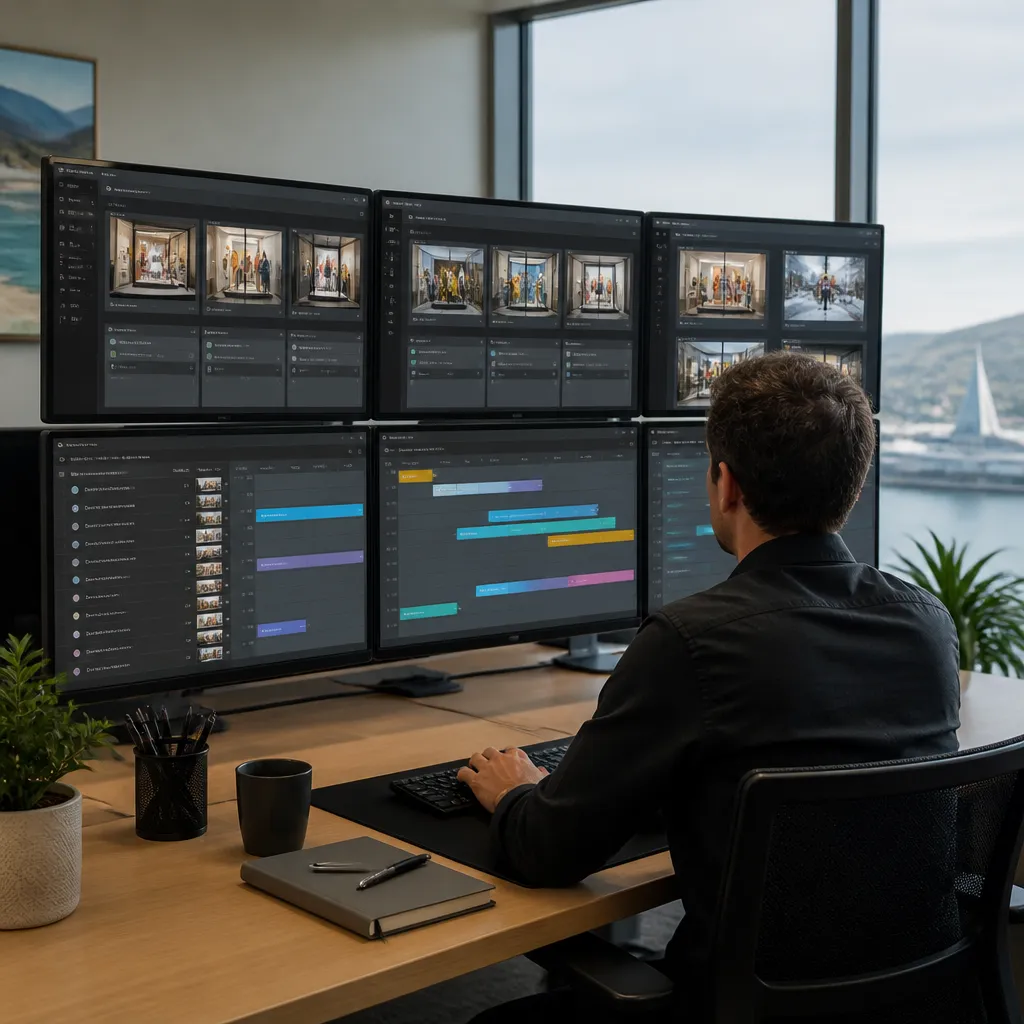
Once you have screens in Auckland, Christchurch, Wellington, Tauranga, Hamilton and Dunedin, you cannot visit each store every time a file needs replacing. Remote management is the only practical way for head office to keep a network accurate. WiFi-based content management lets you push changes, check playback and swap a file without a site visit.
Monitoring uptime before a customer notices
A dark screen is a silent failure. Set up alerts for offline players, review them every working day, and name the person responsible for responding. If a store has to call you to report a blank window, your monitoring has already failed.
Planning for weak connections in regional stores
Not every shopfront has a strong connection. Test the signal at each site before installation, and ask your provider what happens to the display during an outage. A good setup keeps approved content on the player so a short connection drop does not blank the window. Confirm this in writing rather than assuming it.
Think of a café chain with one site on strong fibre and another on a weak connection. The head office dashboard may show both as online, yet the second screen can freeze on an old promotion. Monitoring playback, not just connectivity, catches that problem.
Scheduling and Local Exceptions
Scheduling is where a good network earns its keep. A café needs breakfast content before 10am and a dinner menu after 4pm. A real estate agency needs open home listings on Saturday and market updates on weekday mornings. Each store has its own rhythm, and the schedule should reflect it without breaking the brand.
Day-parting for shopfront audiences
Build schedules around when people actually pass the window. Lunch-hour traffic, school pick-up times and weekend browsing all differ by location. Keep the national calendar for campaigns, and let each store set its own time blocks inside its zone.
Local exceptions and the audit trail
Exceptions happen. A storm closes a store, a product runs out, or a local event needs a same-day message. The rule should be that exceptions are logged, time-limited and visible at head office. Without that record, a one-off change quietly becomes permanent, and nobody remembers why it went up.
Before you set those rules, confirm with your franchise agreement and a legal adviser what content you can display without approval. The review of key franchise laws in New Zealand on Lexology covers pre-contractual disclosure and other obligations, which makes it a useful starting point for that conversation.
Rolling Out New Branches and Training Operators
A new branch is where a network either proves its system or starts breaking it. The first two weeks set habits that can last for years. Treat every rollout as a repeatable project with a checklist, not a one-off installation.
A handover checklist that holds up
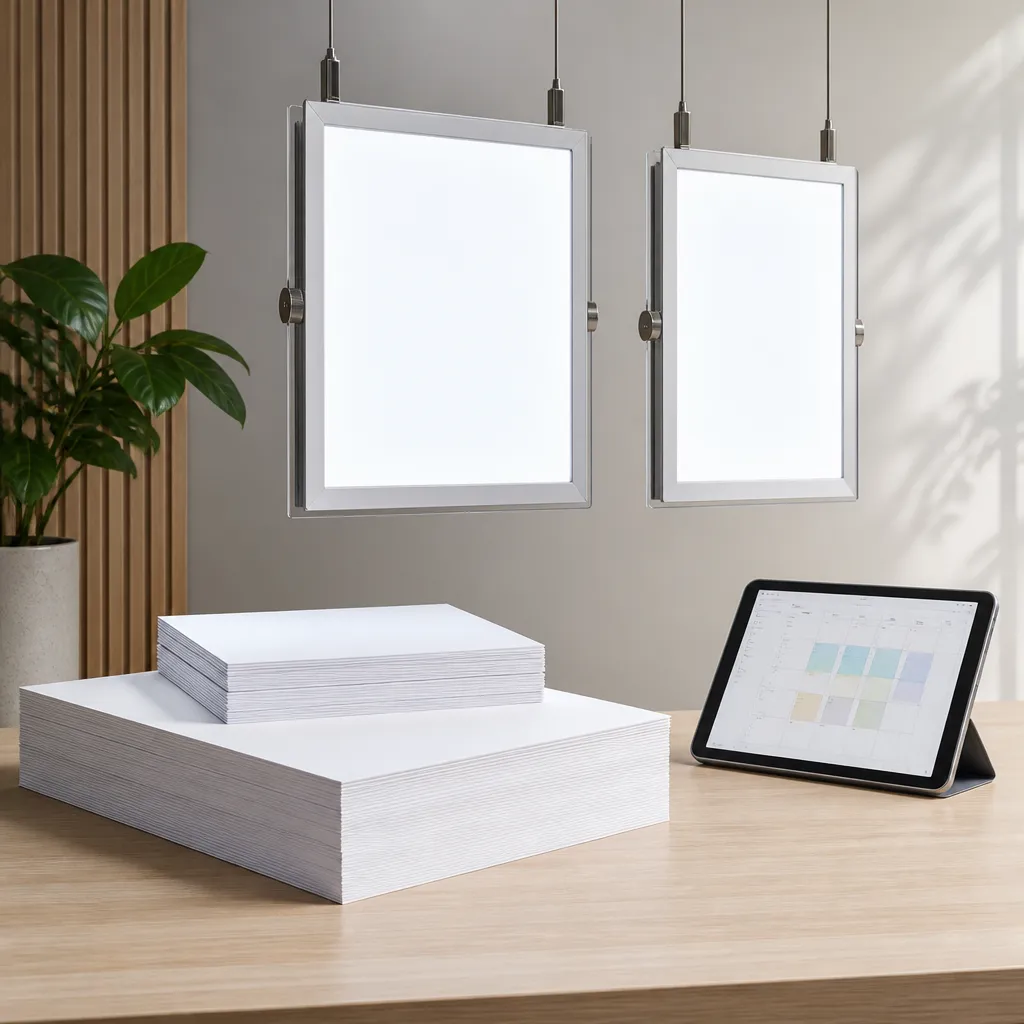
Before you leave a site, confirm that the screen is registered to the correct location, the store manager’s login works, the first three pieces of content are approved, and the offline alert goes to a named person. Put this in writing and file a signed copy against the store record.
Training that franchisees will actually use
Run a 30-minute session on site, covering only the tasks the operator will perform each week: upload, schedule and report a fault. Leave a one-page guide taped inside the back office door. Long training sessions are forgotten by the following Monday.
Franchise support offices play a central role in keeping this consistent. A training programme from Franchize covers the roles of the Franchise Support Office and general franchise system practice, which is useful when you decide who in head office owns the screen network. Legal Vision’s guidance on maintaining a franchise’s reputation also makes a practical case for training, clear frameworks and regular feedback from franchisees.
Frequently Asked Questions
How many screens do I need before a central system makes sense?
There is no magic number, but once you have three or four sites that change content often, manual updates usually start to slip. That is the point where a central platform with user roles stops being a luxury and becomes basic control.
Can franchisees choose their own window content?
Yes, within a bounded slot. Let operators control one local area with approved templates, and keep the brand frame, legal wording and national campaigns under head office control.
Do we need a separate platform for each franchise location?
No. A single platform with location-based permissions is easier to audit, easier to update and cheaper to support than separate systems for each store.
What happens to the screen if a store loses its internet connection?
It depends on the player and the platform. Ask whether approved content stays on the device during an outage, and test that behaviour at the site before you accept the installation.
Are your screens suitable for sunny shopfronts?
Sunlight-readable screens and UV-protected LCD panels are designed for exposed windows. A site check is still worth doing, because sightlines, glare and mounting position vary from one shopfront to the next.
We would like to hear how your network manages window content, so tell us which approaches have worked in your branches and which have failed.
References
- Guide to choosing a content management system for multi-location digital signage
- New Zealand franchise training programme on managing a franchise system
- Tips for maintaining a franchise’s reputation through training and feedback
- Review of key franchise laws in New Zealand