

Android Display Scheduling NZ: Automate Your Shopfront
A shopfront window works like a billboard that never sleeps, yet most New Zealand businesses run it with whatever file was loaded months ago. A café still showing the lunch special at 9 pm, or a real estate window displaying a listing that sold last week, costs you attention every hour it stays on screen. Android display scheduling NZ operators can use solves this by letting you plan content by time, day and location, then push it to the screen without anyone standing in the window. This guide covers how to set that up, what to schedule, and where automation tends to go wrong.
Table of Contents
- Quick Takeaways
- Why Static Shopfront Screens Lose Passers-By
- How Android Scheduling Works on a Window Display
- Planning a Content Calendar for NZ Shopfronts
- Scheduling Rules That Prevent Common Failures
- Comparing Three Scheduling Approaches
- Connecting Scheduling to CRM and Listing Data
- Measuring and Adjusting Your Schedule
- Frequently Asked Questions
- References
Quick Takeaways
| Key Insight | Explanation |
|---|---|
| Schedule by daypart, not by date | The people passing at 8 am are not the people passing at 6 pm. Build separate playlists for commute, lunch and evening windows. |
| Keep one message per slot | Passers-by give a window a few seconds at most. Use one headline and one call to action in each slot, never three offers. |
| Preview every playlist on the actual device | A wrong price or an old listing photo is visible to the whole street. Check the exact file that will play, not the version on your laptop. |
| Check legibility at the hour it will run | Afternoon sun can wash out a design that looked sharp on a screen at night. Test content against the light it will face. |
| Feed content from one source of truth | When listings or promotions live in two places, one of them will go stale. Pick a single record and let the window read from it. |
| Review playback logs monthly | Compare what actually played against what you planned. Retire slots that produce no visible result. |
Why Static Shopfront Screens Lose Passers-By
A window screen has a few seconds to earn a glance from someone walking past at normal pace. Industry guidance on exterior screens generally points the same way: keep messaging simple, bold and short, because people outside are moving quickly and will not read a paragraph.
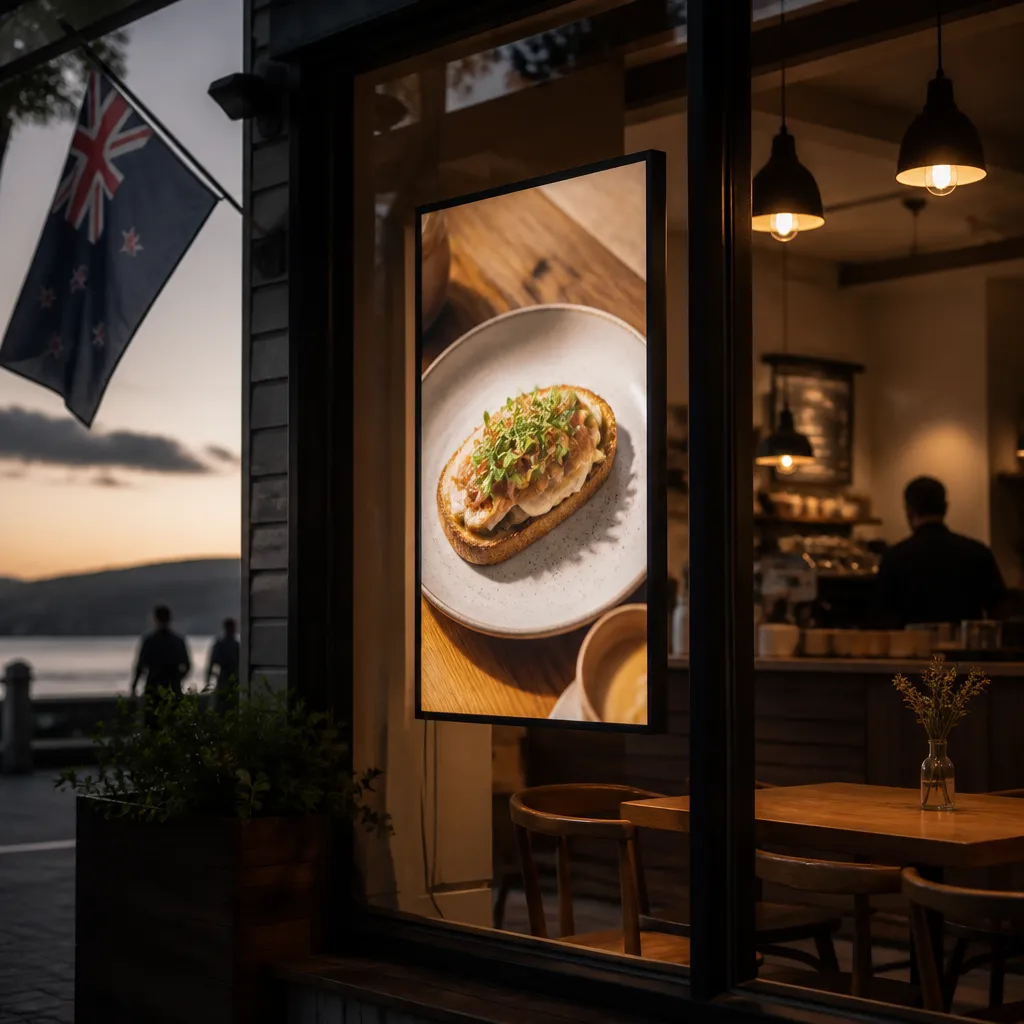
The problem for most businesses is rarely the design. It is what happens after launch. A listing sells, the winter menu rolls over, or a promotion ends, and the screen keeps showing it. In practice, an out-of-date window is often the first thing a customer notices, and it can make an open shop look closed.
Static backlit prints have the same shelf life. A premium backlit real estate print looks sharp on day one, but it cannot change when the market, the stock or the offer does. That is why scheduled digital content matters even for businesses that still use printed inserts for some of their display.
The real cost of an outdated screen
Old content costs you in two ways. The first is missed attention: a window showing last month’s offer tells passers-by that nobody is paying attention. The second is trust. A buyer who walks in because of a property in the window and finds it has already sold has lost confidence before the conversation starts.
Why manual updates fail
Manual updates depend on one person remembering a task on a busy day. Files get copied onto a USB drive, uploaded late, or forgotten entirely. Scheduling removes that dependency on memory, because the calendar is what runs the screen.
How Android Scheduling Works on a Window Display
An Android-based display player runs a scheduling app that plays content according to a calendar you set. Playlists are assigned to time slots, and the player switches between them without anyone touching the screen. For a shopfront, that is the difference between a window that changes on time and one that changes when someone finally gets around to it.
Remote management over WiFi is what makes the system useful after the first install. You can update a playlist from a phone or laptop, whether the shop is next door or in another city. For operators with several sites across Auckland, Wellington, Christchurch, Tauranga, Hamilton or Dunedin, one person can manage every window without travelling to each one.
Setting up the player and network
The setup sequence is straightforward, but steps get skipped. Create your software account, connect the hardware to the network, then assign a playlist to each screen. Name each device clearly, such as “Front window, Hamilton branch,” so schedules are never mixed up across sites.
Network reliability matters more than most people expect. A shopfront WiFi signal can drop after a router reset or building works. Download approved content to the player in advance so the window keeps running its last valid schedule if the connection fails, and confirm the player reconnects on its own.
Pro tip: Run a deliberate connection test by switching off the router for ten minutes during a quiet period. If the screen still plays its schedule and reconnects cleanly, your setup will survive a real outage.
Building time slots and dayparts
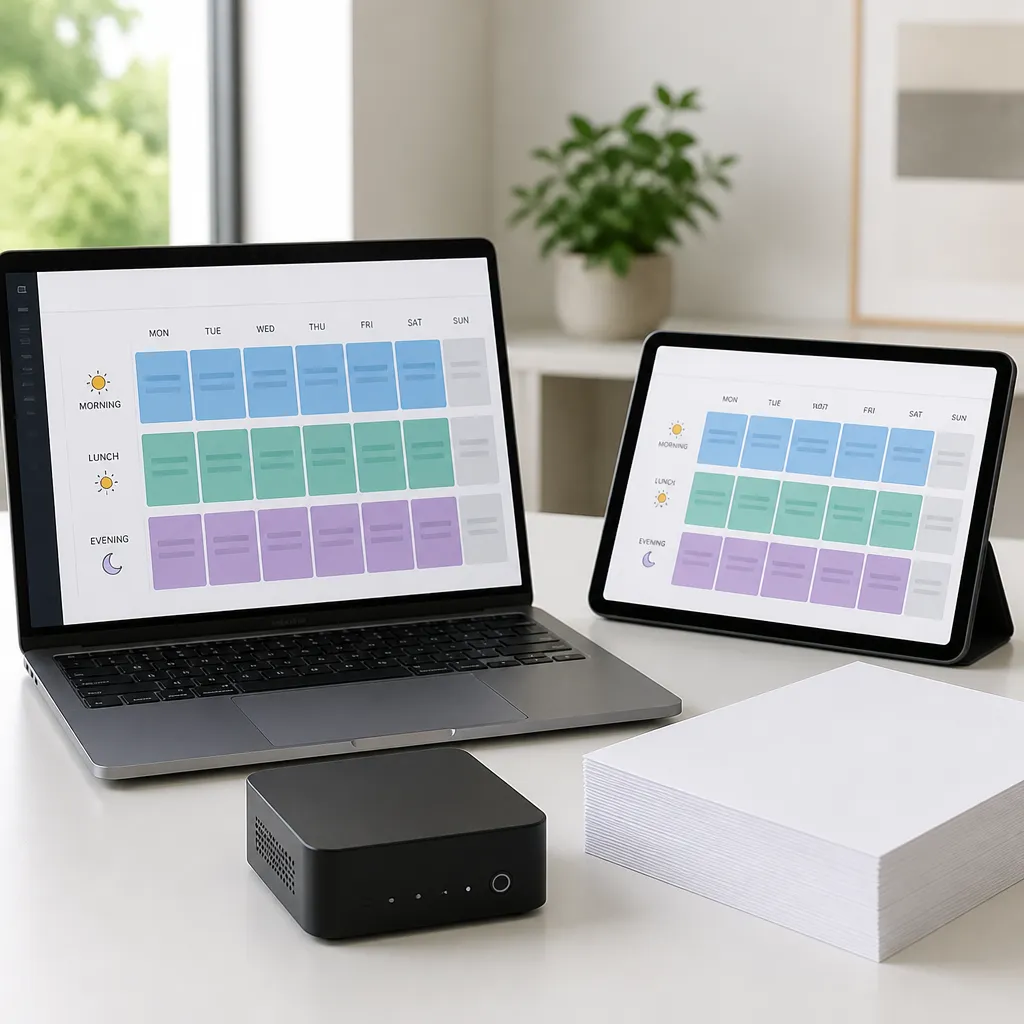
A daypart is a block of time with its own content, such as morning commute, lunch, after work and closing. A café might run breakfast and coffee offers before 10 am, a lunch special from 11:30 am to 1:30 pm, and a brand message in the evening. Real estate windows often work differently, with open home times during the day and a rotating carousel of new and sold listings in the evening.
Keep the number of slots small. Five well-timed playlists are easier to maintain than twenty, and every extra slot is another chance for an error. Set a default playlist that runs whenever no slot is active, so the window never goes blank.
Planning a Content Calendar for NZ Shopfronts
Scheduling is only as useful as the calendar behind it. Before you touch the software, write down who walks past your window at each part of the day and what they need to know. A commuter wants speed and a clear offer. A shopper at 4 pm may respond to a slightly longer message about the afternoon range.
Mapping content to who walks past
Start with a simple grid: times of day across the top, the main message down the side. Fill each cell with one offer, not three. The grid will expose gaps quickly, such as a Saturday morning with no content at all, a window many retailers overlook.
Test the grid against real traffic for a week. If your evening slot is running but the street is quiet after 6 pm, move that content to the hours when people are actually outside. The calendar should follow the foot traffic, not the other way round.
Reusing listings and seasonal campaigns
Real estate agencies can rotate the same listing photos across several slots, moving between a new listing, an open home time and a sold banner. Retailers can keep a seasonal campaign on a fixed date range and let it drop off automatically at the end. The aim is to build reusable content blocks rather than one-off files, so each change takes minutes.
Always give campaigns an end date. A promotion with a set start and finish removes the common failure where an expired offer stays on screen for weeks.
Scheduling Rules That Prevent Common Failures
Most scheduling problems are predictable. Content that reads well on a laptop can be unreadable in a window at midday. A playlist that ends at midnight can keep looping an old slot because the day boundary was set wrong. Build rules around these failures before they happen.
Legibility comes first. Sunlight can flatten a dim design, so use high contrast, large type and a single focal point. A sunlight-readable screen helps, but the content still has to be designed for the light it will face.
Sunlight and screen legibility
Check the screen at the time it will be most exposed. A morning design may look excellent at 9 am and wash out by mid-afternoon if the window faces the sun. Use bold colours on dark backgrounds where the light is strong, and avoid thin fonts that disappear at a distance.
Keep text short enough to read in a single glance. If a passer-by needs to stop and decode a sentence, the slot has failed, however good the offer is.
Testing before you publish
Preview every playlist on the actual device, not on the scheduling dashboard alone. Check the start and end times, the day boundaries and the fallback content. A slot that looks correct in the software can still show the wrong file if the player has not synced.
Publish changes to a test slot first, then move them into the live calendar. This takes a few minutes and prevents the most visible mistakes, like a wrong price or a listing photo from the previous owner.
Most scheduling failures are not technical. They happen when nobody owns the calendar, and content quietly ages in the window.
Comparing Three Scheduling Approaches
There is no single right way to run a window schedule. The best choice depends on how many screens you run, how often content changes and whether someone on your team will own the calendar. Three approaches cover most situations.
| Approach | Best for | Main drawback |
|---|---|---|
| Manual file swaps on a USB drive | One screen with content that rarely changes | Depends on someone visiting the shop, so updates often slip |
| Cloud scheduling on a networked Android player | One to several windows with weekly or daily changes | Needs a stable WiFi connection and a clear owner for the calendar |
| Full content management with CRM and listing integration | Agencies and multi-site retailers with frequent listing or stock changes | Requires setup time and a defined content workflow before launch |
For most businesses with more than one screen, or any content that changes weekly, cloud scheduling is the sensible starting point. It removes the site visit and gives you control from anywhere. Manual swaps are only defensible for a single window with a stable message.
Full integration pays off when your listings or stock already live in a system you trust. If you are still typing the same details into three places, it is worth fixing that before adding more screens. Otherwise the schedule will simply display the inconsistencies faster.
Connecting Scheduling to CRM and Listing Data
Scheduling gets much easier when content comes from a source you already maintain. If your listings live in a CRM or property system, or promotions sit in a sheet your team updates for other reasons, the window should draw from there rather than from a separate copy.
Why a single source of truth matters
Two copies of the same data drift apart. A listing gets marked as sold in your CRM, but the window keeps showing it because someone only updated one place. Choose one system as the record, then let the window read from it.
This also protects your team. When content is fed from the record, a staff member no longer has to remember to change the window after every status update.
What integration looks like in practice
V Media’s software subscriptions include CRM and CMS integration, so content can be fed from the systems you already use instead of being re-keyed each week. In practice, a sold status or a new listing flows into the playlist, and you check the rule once rather than every morning.
Integration does need planning. Decide which fields trigger new content, what happens when a field is empty, and which default playlist covers incomplete records. Without those rules, automation simply moves errors faster.
Measuring and Adjusting Your Schedule
A schedule is a hypothesis about your passers-by. Test it against what actually happens, and change the parts that do not hold up. Start by confirming each slot ran at the right time with the right content.
Then look at the calendar with a critical eye. If one offer has run unchanged for six weeks, either it is working or nobody is noticing it. Either way, you need to decide, not wait.

Reading playback logs
Logs show whether the player switched on time, which playlists ran and where the connection dropped. Check them weekly during the first month after launch, then monthly once the schedule is stable. Look for gaps, not only errors, because a missed slot is often silent.
Retiring slots that nobody notices
If a slot produces no measurable result, such as no change in enquiries, orders or open home bookings, simplify it. Fewer, stronger slots are easier to run well. Keep a short notes column beside each slot so you can see why each change was made.
Pro tip: Name one person as the calendar owner and book a 20-minute monthly review in their diary. Ownership is the single factor that most reliably keeps a window schedule current.
Frequently Asked Questions
Do I need a constant internet connection for Android display scheduling?
A stable WiFi connection is strongly preferred for remote updates and monitoring. Content should be preloaded onto the player, so playback continues on the last approved schedule if the connection drops. Test that behaviour before you rely on it.
How often should I update window display content?
Listing and stock content should change as soon as the underlying status changes, ideally within a day. Cafés with daily specials may need weekly or even daily updates, while brand messages can stay fixed for longer. Let the speed of your business set the rhythm.
Can one Android player run different schedules on different days?
Yes. Most scheduling setups let you assign different playlists by day of the week and time of day. Confirm the exact options with your provider before you plan a complex weekly pattern.
Is automated scheduling worth it for a single shop?
If you have one window with a fixed offer that rarely changes, manual updates may be enough. Once you change content more than once a week, run several slots, or manage more than one screen, scheduling pays back the setup time quickly.
How do I stop sun from washing out my window screen?
Use a sunlight-readable screen, then design content with high contrast, large type and a single focal point. Check the display at its most exposed hour, not only at opening time, and adjust the design if it fades in strong light.
Tell us how your window content is updated today, and which part of the process has saved you the most time or caused the most problems.
We would love your feedback and any insights you would share with others. What perspective would you add?