

NZ Buyer’s Guide to High-Brightness Digital Window Displays
Most shop owners and agents who buy a digital window display start with screen size and price, then find out in the first bright week that nobody can read the screen. Glass reflects light, and direct sun can wash out a standard panel until the content disappears. That is why this digital window display buyer’s guide NZ starts with brightness, not the feature list.
We build high-brightness LCD and LED backlit displays for real estate agencies, cafés, restaurants and retailers, so this advice comes from the questions we hear at the quoting stage. Below you will find how to judge a high brightness display NZ shopfronts actually need, which format suits your frontage, what to check on site and what to ask before you request a quote.
Table of Contents
- Quick Takeaways
- Why Brightness Decides Whether Your Window Display Gets Seen
- Choosing the Right Format for Your Window
- Screen Sizes and Orientation
- Comparing Display Approaches
- Content Management and CMS Integration
- Installation and Site Checks
- Lifespan and Running Costs
- Backlit Printing Paper as a Companion
- Frequently Asked Questions
- References
Quick Takeaways
| Key Insight | Explanation |
|---|---|
| Check nit rating before anything else | Standard consumer screens are often around 250 to 400 nits. High-brightness displays start around 700 nits, and sun-facing glass needs more. Ask for the rating in writing. |
| Sun-facing glass needs a UV protected, sunlight-readable panel | Specify this when you request a quote so the supplier builds for your glare, not a showroom. |
| Match the format to the frontage | Large LCD displays in 49 to 86 inches suit wide glass. Hanging cable LCD displays in 21 to 32 inches suit narrow or layered windows. |
| Price the software with the hardware | Remote content management over WiFi and full custom CMS integration are included in your software subscription, so compare subscriptions as well as screens. |
| Do the site check before you order | Confirm power, network reach, glass type and mounting point. Fixing a missing power point after delivery costs more than the site check. |
| Use printed backlit paper between digital slots | A3 paper is $165.00 plus GST per 100-sheet box, and A4 is $110.00 plus GST per box. Postage is $35 per box. |
Why Brightness Decides Whether Your Window Display Gets Seen
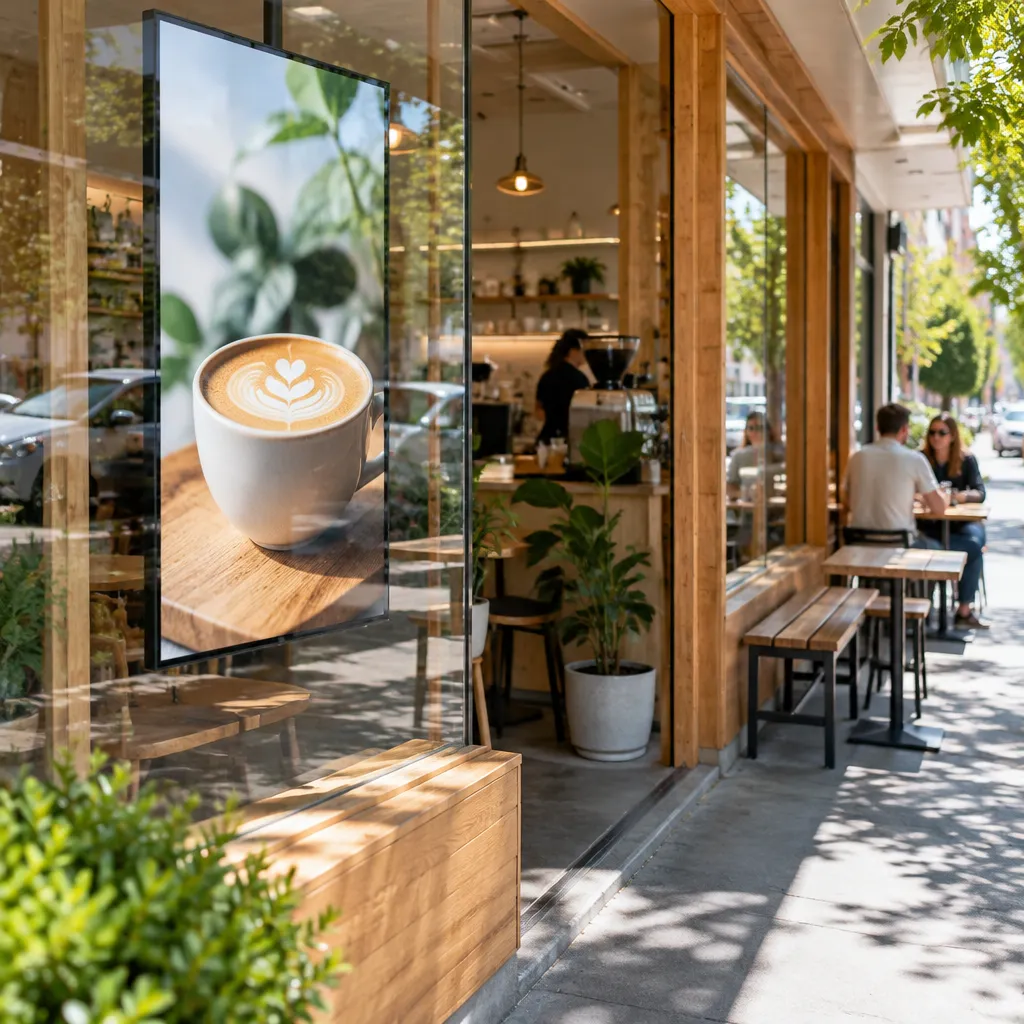
A window screen competes with daylight, reflections off the glass and sunlight pouring through the shopfront. A normal consumer monitor is typically rated around 250 to 400 nits, which is fine indoors but often disappears behind glass at midday. High-brightness displays use stronger backlighting and anti-glare finishes, and they are normally specified at 700 nits or higher.
Nits Are Not the Whole Story
The nit rating tells you how much light the panel emits, not how well it handles glare. Two screens with the same rating can perform very differently if one has a matte anti-glare finish and the other is a glossy panel behind a reflective window. Some commercial panels are specified as high as 4,000 nits, which shows how wide the range really is.
A screen that only works indoors will lose the outdoor fight, because the sun and the glass do the damage, not the room.
What Happens at Midday on a Sun-Facing Shopfront
Sun-facing windows are where cheap screens fail first. Colours go flat, text turns grey and the panel starts to look like a dark mirror. If your frontage takes strong direct sun for part of the day, look at a UV protected LCD display for sun-facing shop windows and state the sun exposure in your enquiry.
Pro tip: Stand outside the shop at the time of day when the sun hits the glass hardest and photograph the reflection. If you cannot read a phone screen held at arm’s length, a display behind that glass will struggle too.
Choosing the Right Format for Your Window
Format decides how the screen sits in the window, how much content you can show and how the display is serviced. Most buyers in our market end up choosing between a large LCD, a hanging cable LCD or an LED backlit real estate display. The right choice depends on glass width, depth behind the window and whether the display must run around the clock.
Large LCD Displays for Wide Glass
Large LCD displays come in 49, 55, 65, 75 and 86 inch sizes, in portrait or landscape. They suit wide frontages where one strong screen carries the message from the footpath. Pricing is provided on request through the Get a Quote button, because glass type, mounting and software needs change the final figure.
Hanging Cable LCD Displays for Narrow or Layered Windows
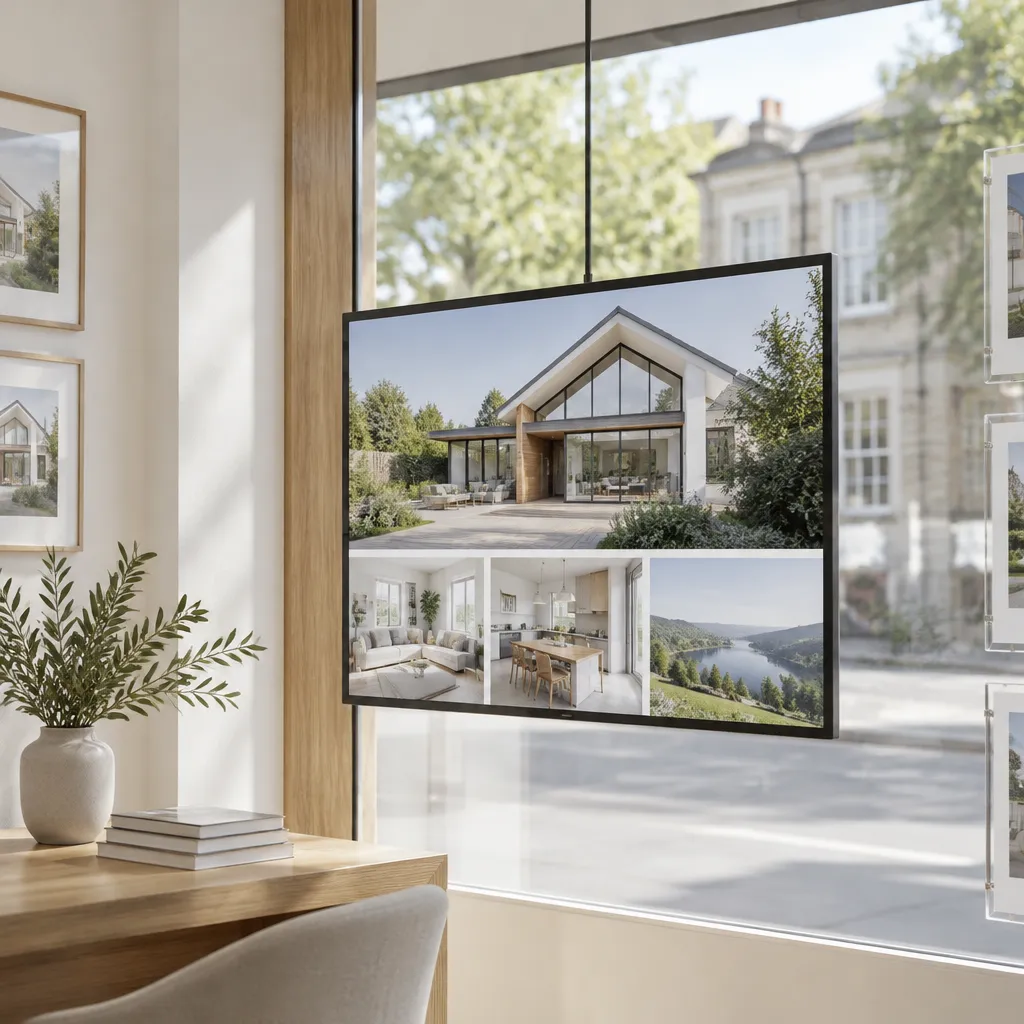
Hanging cable LCD displays range from 21 to 32 inches and can be installed in several hanging configurations without stands. They work well in narrow windows, in multi-screen layouts and alongside static display columns. The smaller size is easier to keep readable at eye level, but it has less pull from across the street, so place it where people stop.
LED Backlit Real Estate Displays for Round-the-Clock Advertising
LED backlit real estate displays are designed for 24/7 advertising with a 7 to 10 year life expectancy. You print the artwork on your own A3 or A4 printer, which keeps listing updates quick and affordable. They suit agencies that change listings regularly but do not need moving video, and the details are covered in our guide to digital signs for real estate windows.
Screen Sizes and Orientation
Size is where many buyers overspend. A screen that is too large for the frontage looks like a billboard bolted onto a shop, and one that is too small disappears behind passers-by. Measure the clear glass you can actually use, not the wall, and think about the distance from which people first notice the display.
Matching Screen Size to Frontage Width
Match the screen to the width of the clear glass, allowing for the frame and the space you need around the content. Our large LCD range from 49 to 86 inches covers most shopfronts, while the 21 to 32 inch hanging cable range suits narrower panels. Avoid choosing the biggest size only because it looks impressive on a quote.
Portrait or Landscape: Pick by Content, Not Taste
Landscape suits property photographs and wide product shots, while portrait works for menus, price lists and vertical listing cards. If your content is mostly text, portrait usually reads faster from the footpath. Decide the orientation before installation, because changing it later means rechecking the mounting and cable runs.
Pro tip: Ask for a mock-up of your real content at the actual screen size. Text that looks sharp on a laptop can be unreadable from the footpath.
Comparing Display Approaches
Buyers often compare a digital screen with printed backlit paper or an LED backlit unit. The right answer depends on how often your message changes and how much the window needs to move. The table below sets out the trade-offs we see most often.
| Approach | Best for | Trade-off |
|---|---|---|
| Large LCD display | Wide glass, frequent content changes and scheduled promotions | Higher upfront cost, quote required, needs power and network |
| Hanging cable LCD display | Narrow or layered windows in cafés and boutiques | Smaller screen with less impact from across the street |
| LED backlit real estate display with printed A3 or A4 artwork | Listings and static promotions that run 24/7 | Updates depend on your printer and paper stock |
In practice, the cheapest option is rarely the one that stays on budget. A printed sheet looks good on day one, but a mismatch between print quality and the glass shows up quickly. Choose the approach that matches how often your message changes, not the one with the lowest first figure.
Content Management and CMS Integration
A window display is only as good as the content updating behind it. Remote management over WiFi lets you change listings, promotions and opening hours from an office without visiting the shop. Before you buy, check what the software can do and how it connects to the tools you already use.
Remote Content Management Over WiFi
Remote management lets an agent push a new listing to the screen the same day, and lets a café change its lunch menu before service starts. It works best when one named person owns the schedule. Without an owner, screens tend to keep showing last month’s offer.
Full CMS Integration in Your Subscription
Software includes complimentary full custom integration to your CMS within your subscription, and the platform can integrate with your current CRM. Ask whether the integration reads your listing data directly or relies on manual uploads. A common mistake is buying hardware first and discovering later that the software cannot read the data you need.
Android-Based Scheduling and Automation
Android-based scheduling lets you set time slots, so a lunch offer runs at midday and a property feature runs in the evening. Automation saves time, but only if someone checks the schedule after public holidays and seasonal changes. A schedule that was right in winter can look careless in summer.
Pro tip: Keep one shared content folder with dated file names. It sounds minor, but it stops an outdated price from going live by mistake.
Installation and Site Checks
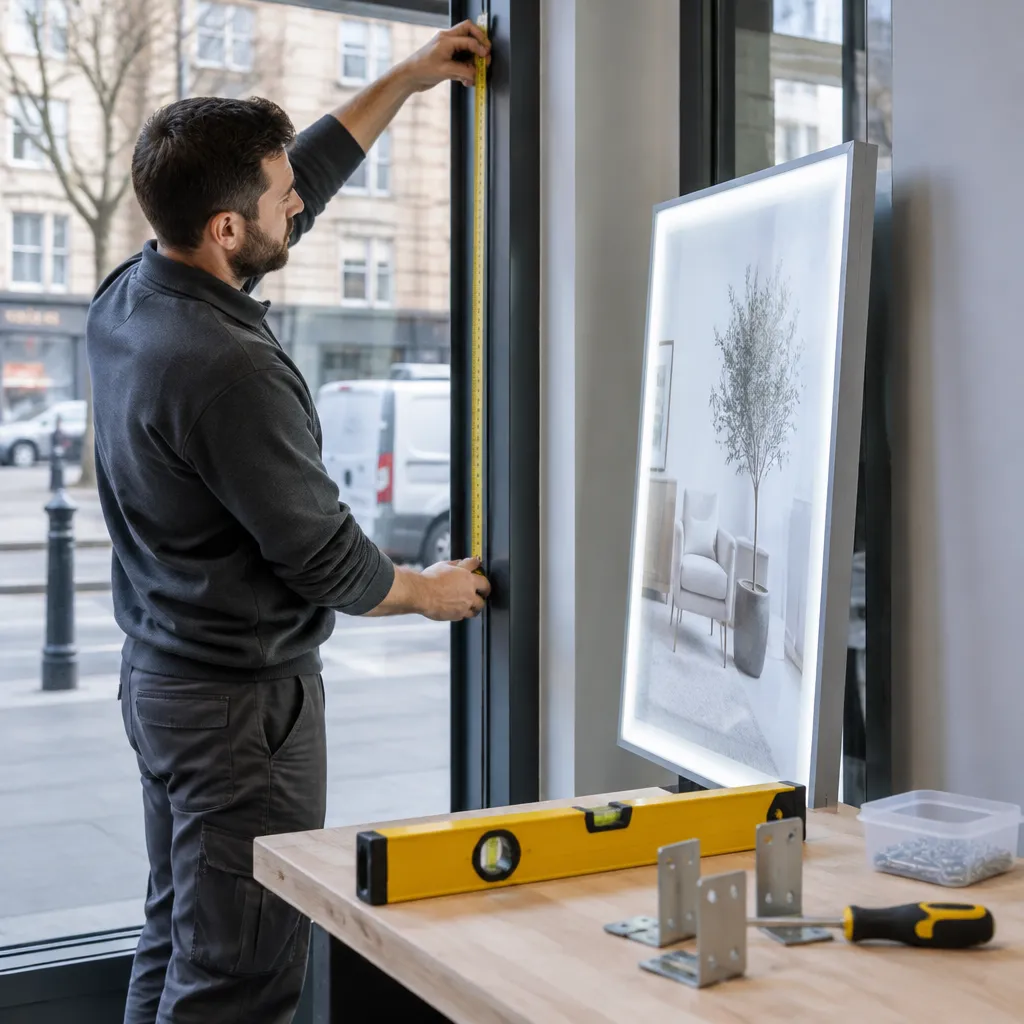
Most installation problems are predictable and can be checked before you place an order. Walk the frontage at the time of day the sun hits the glass, note where power and network connections are available and confirm what the glass is made of. Our office is open Monday to Friday, 9:00am to 4:00pm, so book a site check during those hours if you want to talk to a person.
Power, Network and Cable Routes
Confirm a power point within reach of the mounting position, and a WiFi signal or network point at the screen. For hanging cable displays, check the ceiling or fixing point, because the cable route shapes the final look. Running a new power circuit after the screen arrives adds delay and cost.
Mounting Without Stands
Hanging cable LCD displays need no stands, which keeps floor space clear in cafés and boutiques. Large LCD mounting depends on the strength of the wall or frame and the depth of the window. Ask for the mounting method in writing and check it against the glass and frame you have.
Lifespan and Running Costs
Lifespan and running cost are where a cheap quote often hides the real price. LED backlit real estate displays are designed for 24/7 advertising with a 7 to 10 year life expectancy. Compare that figure with the warranty, service terms and how the screen handles your sun exposure.
Reading the 7 to 10 Year Life Expectancy
Life expectancy is a design target under normal use, not a promise for every site. Heat, humidity and constant sun exposure all shorten the working life of a backlight. Ask how the screen is cooled and how it is ventilated behind the glass. For more on this, read our guide to LED display lifespan in NZ window displays.
Questions to Ask About Warranty and Service
Ask what the warranty covers, who attends a fault and how the repair process works. Whether you are in Auckland, Christchurch, Wellington, Tauranga, Hamilton or Dunedin, confirm the response plan for your location before you sign. A warranty you cannot act on is worth very little in a shop that opens at 8:00am.
Budgeting Around Quotes
Large LCD, hanging cable and LED backlit displays are all price on request through Get a Quote, so you compare specifications rather than list prices. Build your request from the site check rather than from a guess. A complete brief gets you a quote you can compare with confidence.
Backlit Printing Paper as a Companion
A digital screen does not have to carry everything. Premium backlit printing paper is a low-cost way to refresh a window between digital slots, and it suits LED backlit real estate displays that you print in-house.
A3 and A4 Paper Pricing
A3 Premium Printing Backlit Paper is $165.00 plus GST per box of 100 sheets at 165gsm, with postage at $35 per box. A4 Premium Printing Backlit Paper is $110.00 plus GST per box of 100 sheets at 165gsm, also with $35 postage per box. Use the Buy Now button on the site to order paper products.
Bulk Orders and Postage
For bulk paper orders above 4 boxes, email admin@vmedia.co.nz to ask about cheaper postage costs. Plan orders around your listing turnover, so you are not paying postage on a single box for a two-week promotion. Keep a small stock of the sheet size you use most.
Frequently Asked Questions
What brightness do I need for a sun-facing shop window in NZ?
Standard consumer screens, usually around 250 to 400 nits, are not enough for sun-facing glass. High-brightness displays start around 700 nits, and for direct sun you should ask the supplier for a measured rating and an anti-glare finish. Include your window orientation and sun exposure in the enquiry.
Is a hanging cable LCD display suitable for a café?
Yes, for narrow windows and for layouts where you want no stands. The 21 to 32 inch sizes come in several hanging configurations and can be set in portrait or landscape. They are less suited to very wide frontages, where a large LCD display usually makes more sense.
How long does an LED backlit real estate display last?
These displays are designed for 24/7 advertising with a 7 to 10 year life expectancy. Real-world life depends on heat, sun exposure and maintenance, so ask about the warranty and service plan before you buy.
Can I manage the content from my office?
Yes. Remote content management over WiFi lets you update screens from anywhere, and Android-based scheduling lets you plan changes in advance. Full custom CMS integration is included in your software subscription.
How much does a digital window display cost in New Zealand?
Large LCD, hanging cable and LED backlit real estate displays are price on request through the Get a Quote button. Printing paper is listed separately, with A3 at $165.00 plus GST per 100-sheet box and A4 at $110.00 plus GST per box, both with $35 postage per box.
Do you supply displays outside Auckland?
Yes. We supply across New Zealand, including Auckland, Christchurch, Wellington, Tauranga, Hamilton and Dunedin. Phone +64 204 880 099 or email admin@vmedia.co.nz during business hours to discuss your location.
Tell us which sizing or brightness mistake you wish you had avoided, or what your shopfront taught you about glare, by sending your experience to admin@vmedia.co.nz.
We would love your feedback and any insights you would share with others. What perspective would you add?
References
- Retail window display ideas and store design tips for attracting foot traffic
- Product specification sheet for a bright display built to attract passing customers