

Digital Signs for Real Estate Windows: NZ Agency Guide
Spring is when many New Zealand agencies notice more people slowing down outside their shopfronts, checking the windows before they walk in. Most of those people are not ready to list or buy this week. They are deciding whether your agency looks current, active and worth a phone call. Digital signs for real estate windows can help make that decision in your favour, if the screen is bright enough to read at midday and the content changes often enough to be worth stopping for. This guide covers how to plan a spring window program so the foot traffic you earn in October and November turns into listing appointments before the summer rush.
Table of Contents
- Quick Takeaways
- Why Spring Foot Traffic Is Worth Chasing
- What Window Displays Need to Do
- Content That Turns Passers-By Into Enquiries
- Listing Updates Without a Site Visit
- Hardware Choices: LED Backlit, LCD and Hanging Cable
- Comparing Display Types for Agency Windows
- Measuring Whether Traffic Turns Into Listings
- Common Mistakes Agencies Make
- Frequently Asked Questions
- References
Quick Takeaways
| Key Insight | Explanation |
|---|---|
| Treat spring as the first stage of the listing pipeline | Passers-by in spring are early researchers. Fresh listing and sold content gets your agency onto the shortlist before summer campaigns start. |
| Test brightness on your own glass | Check the screen at the hours when sun hits the window. Sunlight-readable panels are the baseline for shopfront use. |
| Update content from the office | Remote content management over WiFi lets you pull a sold property off the playlist the same day. |
| Lead with sold and price-change stories | Recent sales in a suburb show activity. Price-change cards show that listings are moving. |
| Give every slide one next step | Use one phone number or one QR code per slide, and track which slides produce appraisal bookings. |
| Match hardware to the glass | LED backlit suits steady stills running long hours. Large UV-protected LCD suits mixed content. Hanging cable LCD suits narrow or clean frontage. |
Why Spring Foot Traffic Is Worth Chasing
Spring is when many households start taking the idea of selling seriously. Listing activity often picks up as the weather improves, and owners who have been thinking about moving for a year start looking at what agencies around them are doing. Your shopfront gets a longer, slower look from these people than your website ever will.
Who Actually Stops at a Listing Window
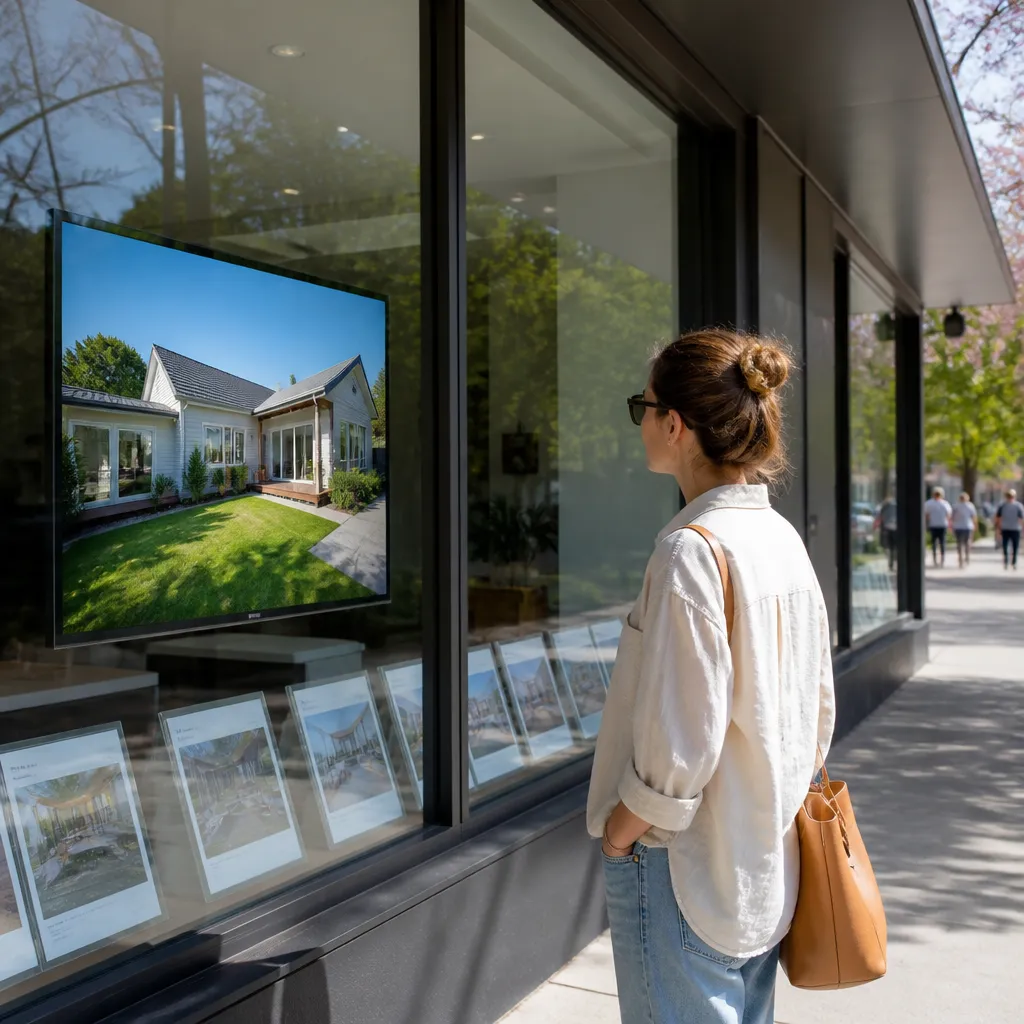
The people who stop are rarely the buyers you expect. Some are neighbours checking what their street is worth. Some are renters wondering what a home nearby costs. Some are owners who have not decided to sell but want to know whether the agency across the road is busier. Each group reads your window differently, which is why a static board with one listing photo rarely does much work.
A screen can rotate through these needs in a minute. A sold result, a new listing in the suburb and a short line about booking an appraisal give each group something to read. The screen has to answer a question before the passer-by has finished walking.
The Gap Between Looking and Listing
Most window traffic does not turn into a listing appointment on the same day. The gap between a stranger noticing your screen and an owner calling you is usually weeks. In practice, the content you show in spring is doing the job of a first impression that follow-up activity builds on later in the year.
A common mistake is judging a window display by walk-in counts alone. A better measure is whether people who stopped later searched your agency name, called the office or booked an appraisal. That requires a plan to track enquiries, which we cover later in this guide.
A window screen does not sell a house. It earns the next few minutes of an owner’s attention, and those minutes are what agencies compete for in spring.
What Window Displays Need to Do
A window display has two jobs. It has to be readable from the footpath on a bright afternoon, and it has to hold attention long enough for someone to read a headline. Most failures we see come from choosing a screen that works well indoors and then placing it behind glass that faces the sun.
Brightness Is the First Filter
Indoor monitors are usually not built for direct sunlight. A screen that looks crisp on a desk can wash out completely once the afternoon sun hits the glass. Sunlight-readable screens are the baseline for shopfront use, not an upgrade you add later if budget allows.
Test before you buy. Stand across the street at the hour your window gets the most light, and check whether a bright listing photo still reads as a photo rather than a pale rectangle. That single test saves more regret than any spec sheet.
Protecting the Screen From UV and Weather
Sun exposure ages panels. UV-protected LCD screens are designed for windows that take daily sunlight, which matters in every New Zealand city where the sun falls on the glass for hours at a time, from Auckland to Dunedin.
The same logic applies to the enclosure. Moisture, dust from the footpath and heat from a poorly ventilated cabinet shorten the life of any display. Ask the supplier how the unit is sealed and vented before you approve a mounting position.
Mounting Suited to the Glass
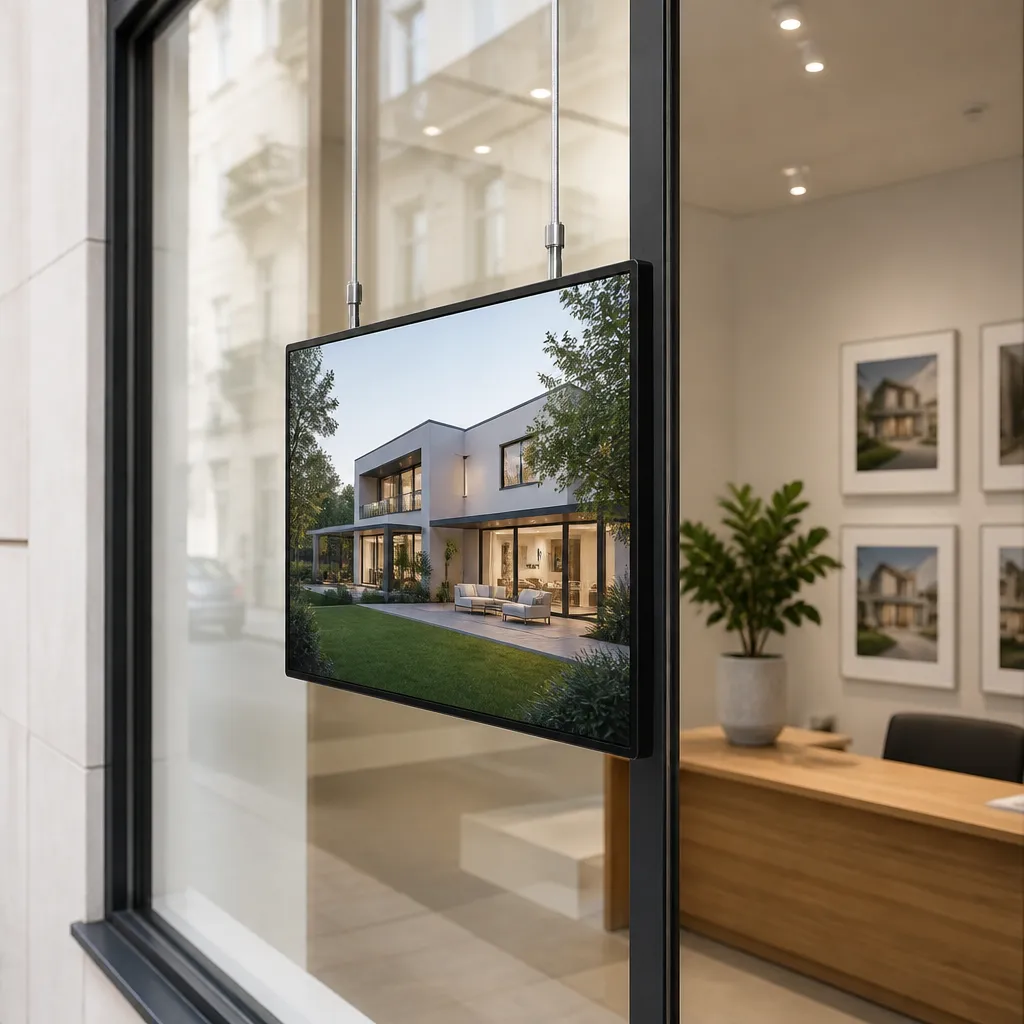
Some shopfronts have a deep, clear window with room for a screen set back from the glass. Others have a narrow frontage or a fixed transom that leaves little space. The mount decides what you can show. A hanging cable LCD display suits a window where the screen needs to sit inside the glass, while a fixed LED backlit unit suits a wall or frame. Plan the cable route and power point before the screen arrives, not after.
Content That Turns Passers-By Into Enquiries
Content is where most agencies lose the window. The screen looks busy, but nothing on it answers why a stranger should call. The best content mixes proof of activity with a clear next step, and it changes often enough that regular passers-by notice.
Sold and Price-Change Stories
A slideshow of recently sold properties is one of the most useful things a window can show. It tells a neighbour that your agency is closing deals on their street. A price-change card has a similar effect, because it shows that a listing is moving and that the agent is active on it.
Keep sold slides specific. A suburb name, a sale price range and the agent’s name do more than a generic “Sold” stamp. Show each property photo for a few seconds, then move on. Recognisable streets pull people to the glass.
Suburb Market Updates and Buyer Guides
Owners and buyers want to understand what is happening around them. A simple card showing recent activity in a suburb, the number of open homes this week or a short explainer on how a sale process runs gives people a reason to stay. Market information from a local office is more useful than generic headlines, which is why it earns more attention.
Buyer and seller tips also work when they are short and practical. A card explaining what to bring to an appraisal speaks to people who are not ready to call yet but may be soon.
Giving Every Slide a Clear Next Step
Every slide needs one action. That might be a phone number, a QR code that opens an appraisal form or a line inviting passers-by to ask for a neighbourhood report. Avoid putting three calls to action on one card, because nobody acts on three. One screen, one request keeps the message readable at walking pace.
Pro tip: Rotate in one slide each week that features a local park, café or school near a listing. Neighbourhood detail gives people a reason to stop, and it shows that your agents know the streets they sell.
Listing Updates Without a Site Visit
The biggest operational difference between a useful window display and a neglected one is how easily someone can change the content. If updating a screen means a trip to the shopfront with a USB stick, the content will go stale within a fortnight. Remote management changes that.
Scheduling Content by Time of Day
Remote content management over WiFi lets a team build playlists in advance and schedule them for set times. A weekday morning playlist can focus on open homes and new listings while people are walking to work. An evening rotation can lean towards sold stories and market context, when people have more time to read.
Ask your supplier what the screen shows if the connection drops. A blank screen in a busy window is a wasted slot, and you want to know the fallback before the first outage, not during it.
Pulling Sold Listings Off the Screen Fast
When a property sells or goes off the market, the content still on the screen can cause confusion. Someone who sees a home marked available and then calls the office for a viewing will feel misled. Set a simple rule that any status change in your listing system triggers a same-day update to the window playlist, and name one person responsible for it.
Tie that process to your CRM or content system where possible. Our software subscriptions include CRM and CMS integration, so listing status can flow into the display workflow rather than being retyped. The fewer manual steps between the office and the glass, the less stale content you show.
Hardware Choices: LED Backlit, LCD and Hanging Cable
Hardware choice follows the window, the content and the hours the screen needs to run. Agencies often start with the screen they liked at a trade show, then discover the frontage does not suit it. Work backwards from the glass and the content mix.
LED Backlit Real Estate Displays
LED backlit real estate displays are built for continuous advertising in a shopfront, with long life expectancy as a design goal. They suit agencies that want a bright, steady presence through the day and evening, with listing imagery and a clear headline rather than long video loops.
The trade-off is content style. Backlit displays shine with strong stills and clean typography. If your plan depends on video walkthroughs playing in a loop, test whether the content still works at the viewing distance from the footpath.
Large LCD and UV-Protected Screens
Large LCD screens handle motion well and give you more flexibility in what you show. UV-protected models suit windows that take direct sun, because the protection slows the wear that bright light causes. They also suit agencies that want to run walkthrough clips, sold montages and market updates on the same panel.
In practice, a large LCD works best in a deep, well-lit window with space for a stand or wall mount. Check glare, reflections and the sightline from the footpath before you approve the position.
Hanging Cable LCD Displays
Hanging cable LCD displays suit windows where the screen needs to sit inside the glass without a heavy frame. They are a practical option when floor space is tight or the frontage is narrow. The cable and power route need planning, because a visible cable or a poorly secured fixing spoils the look of a premium office.
Choose this option when the window is the main selling point and the office wants a clean, modern look. Avoid it if the window is very high or hard to reach, since servicing becomes a bigger job.
Comparing Display Types for Agency Windows
The table below sets out how three common setups compare for an agency window. Treat it as a starting point for your site survey, not a substitute for testing a screen on your own glass.
| Display Type | Best Fit | Main Trade-off |
|---|---|---|
| LED backlit real estate display | Steady stills, listing photos and headlines running long hours | Less suited to long video loops |
| Large UV-protected LCD screen | Mixed content including video, sold montages and market updates | Needs a deep window or wall space and careful glare control |
| Hanging cable LCD display | Narrow frontage or a clean look inside the glass | Cable routing and servicing need planning |
Choose by content first. If your weekly plan is mostly photos and text, backlit displays give you a simple, consistent look. If you plan to run video, the larger LCD format earns its place, provided the window can carry it.
Many agencies end up with a mixed setup. A digital screen carries rotating sold and listing content, while premium backlit real estate paper in A3 or A4 holds a static offer or open home notice lower in the glass. The two work well together because the paper stays current without needing a schedule.
Before you request quotes, write down the window width and height, the hours of direct sun, the power point location and your planned content mix. Suppliers who ask those questions up front are usually the ones who will still be supporting the install a year later.
Measuring Whether Traffic Turns Into Listings
A window display earns its cost only if it contributes to listings. Without a tracking plan, the screen becomes a pleasant office feature rather than a sales tool. The measures below are simple enough for a branch manager to run each week.
Tracking Enquiries From the Window
Give each campaign its own phone line or tracked QR code. A QR code on a sold card can send people to a page that invites them to book an appraisal, and that page can record that the visit came from the window. Over a few weeks, you will see which content produces the most real contact.
Ask the front desk to log every walk-in who mentions the screen. It sounds low-tech, but it gives you a baseline that software cannot provide on its own.
Connecting Screen Data to Your CRM
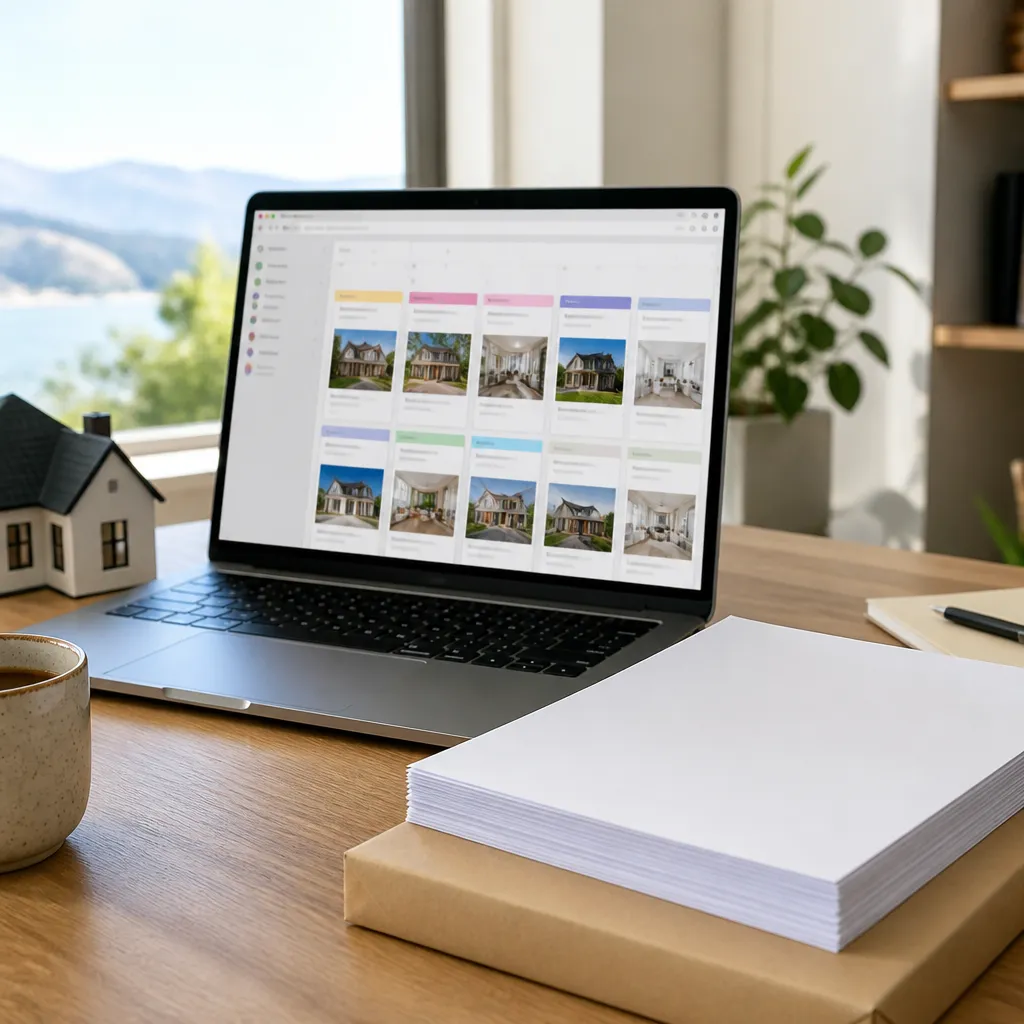
The most useful measurement comes from matching enquiries to listings. If an owner books an appraisal after seeing a sold card for their street, record that in the CRM against the suburb and the slide. Over a quarter, patterns appear. A simple monthly review of which suburbs and slides generated appraisals is enough to shape next spring’s plan.
Keep the review honest. A screen that brings in five curious people and one appraisal may still be doing useful work, but you should know that before you add a second screen.
Common Mistakes Agencies Make
Most window display problems are predictable. They come from the same handful of decisions, and they are easy to avoid if you know what to check before installation.
Running Old Listings Too Long
A listing that has been under offer for a month should not stay on the screen as if it is fresh. Passers-by notice when the photo is out of date, and the agent looks inattentive. Use a fixed review day each week to remove stale content, and make sure the team knows who signs off changes.
Putting Too Much on One Screen
A common mistake is trying to fit a full listing brochure into a window. People reading at walking pace take in one headline and perhaps one image. If the text needs a magnifying glass, cut it. Move the detail to a QR code or the printed sheet inside the door.
Pro tip: Walk across the road at a normal pace and read every slide once. If you cannot name the agency, the suburb and the next step within a few seconds, the slide needs to be simpler.
Ignoring Glare and Sightlines
A screen can look perfect at the installer’s test and then be unreadable at 3 pm when the sun moves. Reflections from parked cars, street lights at dusk and the angle of the footpath all change what people see. Test at more than one time of day before signing off the install, then revisit when the season changes.
Also check the view from inside the office. A glowing screen that blinds a receptionist or a client seated near the window is a fault, even if the street view looks great.
Frequently Asked Questions
How bright does a window screen need to be for New Zealand sunshine?
It needs to be readable on your own glass at the hours when the sun hits it hardest. Test the screen on site before buying, and treat sunlight-readable panels as the baseline for shopfront use rather than an optional upgrade.
Can we update the content from the office instead of visiting the shopfront?
Yes. Remote content management over WiFi lets you change playlists, schedule slides and remove sold listings from the office. Agree on who approves changes and set a same-day rule for removing sold or withdrawn properties.
How often should the content on a window screen change?
In our experience, a rotation of six to eight slides refreshed weekly keeps regulars interested without creating an overwhelming workload. Sold stories and market updates can change more often, while the core brand slide can stay the same for longer.
Is an LED backlit display better than an LCD screen for a listing window?
It depends on the content. Backlit displays suit steady stills and headlines that run for long hours, while LCD screens handle video and mixed content better. Choose by the content plan first, then confirm the window can carry the chosen format.
Do you supply agencies outside Auckland?
Yes. We supply and support real estate agencies across New Zealand, including Auckland, Wellington, Christchurch, Tauranga, Hamilton and Dunedin. Share your window dimensions, sun exposure and content plan so the recommendation fits your office.
We would value hearing how your agency’s window displays have performed this spring, so tell us which type of content has drawn the most attention.
We would love your feedback and any insights you would share with others. What perspective would you add?
References
- Content ideas and playlist features for real estate digital signs
- Six benefits of digital signage for real estate agency offices
- Real estate digital signage ideas for agency branding