

Café Digital Display NZ: Daily Specials Without Printing
Every café has the same Tuesday morning problem: the lunch special has changed, the printed A4 sign in the window still shows the old one, and someone has to reprint it before the doors open. A café digital display NZ setup breaks that loop. You update the daily specials once from a phone or computer, and the screen facing the footpath shows the right offer at the right time. This guide explains how NZ café owners can promote daily specials without printing a single sign, which screens suit a shopfront, and what to check before you buy.
Table of Contents
- Quick Takeaways
- Why Daily Specials Need a Window Screen
- Choosing a Screen for Your Café Window
- Building a Daily Specials Schedule
- Printed Specials Versus Digital Screens
- Costs and What to Ask a Supplier
- Mistakes That Kill a Specials Screen
- Keeping the Screen Fresh Through the Busy Season
- Frequently Asked Questions
- References
Quick Takeaways
| Key Insight | Explanation |
|---|---|
| Update specials once, not on every sign | Edit the daily special in your content system and it appears on the screen without a reprint or a trip to the printer. |
| Show each special only during its service window | Set a start and end time for each item so a breakfast pastry does not sit on the screen during the lunch rush. |
| Keep the screen to one to three items | A passer-by gives the window a few seconds. Long lists get skipped, so save the full menu for the counter. |
| Match the screen size to the frontage | Hanging cable LCD displays come in 21” to 32” sizes, while large LCD displays come in 49” to 86”. Choose based on the width of the glass and how far viewers stand from it. |
| Check sun exposure before you buy | Sun-facing windows wash out standard screens by midday, so ask for a UV protected LCD display if the glass takes direct afternoon sun. |
| Ask for the full cost in one quote | Screen pricing is provided on request through the Get a Quote button, so compare the screen, mounting and software subscription together. |
Why Daily Specials Need a Window Screen
Daily specials change faster than printed signs can keep up with. A café that runs a soup of the day, a breakfast bundle and a coffee deal may change two of those three every week, and a printed insert in a window frame is out of date the moment the kitchen changes the menu.
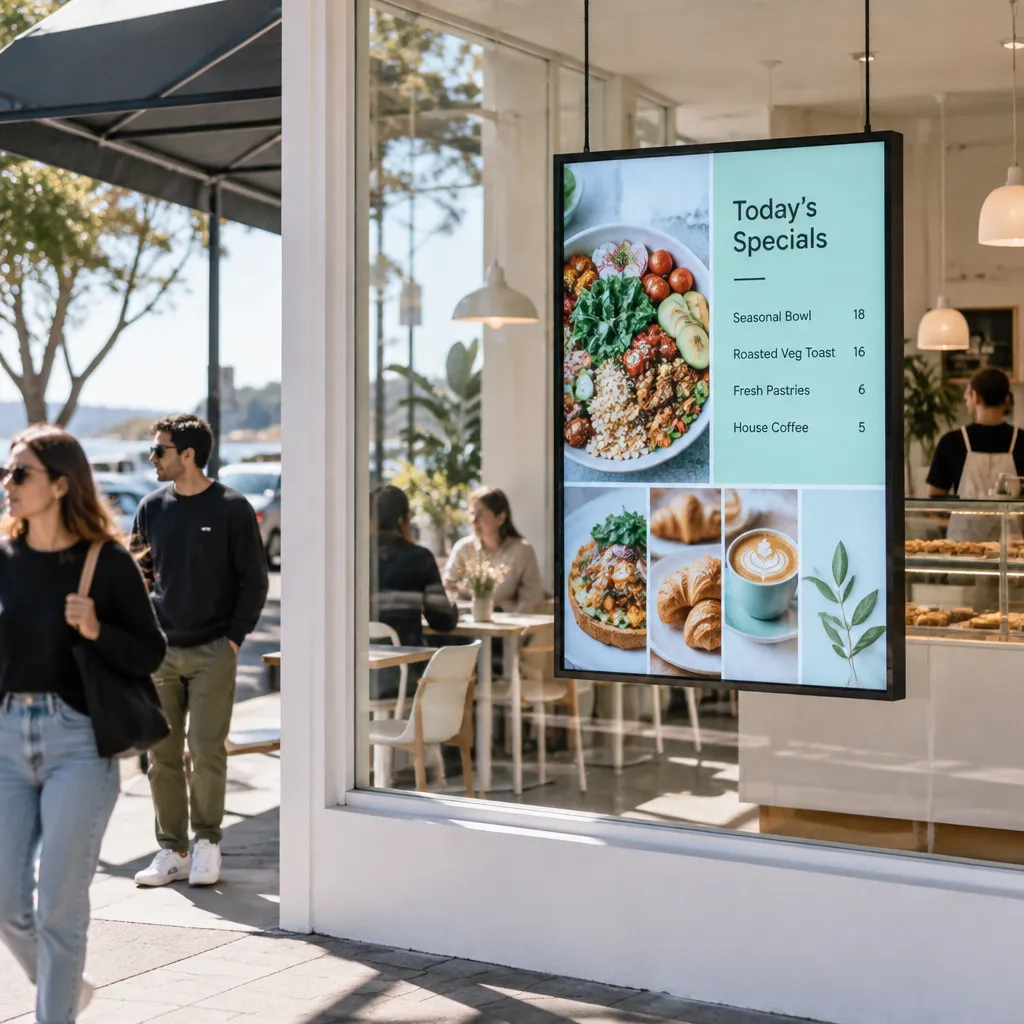
The window is the only advertising your café gets from people who are walking past and not planning to eat. A screen in the glass reaches those people at the moment they are deciding where to have lunch. Our guide to café window displays and how NZ restaurants fill more seats looks at the same decision from the seating side.
In practice, the value comes from three things: the content changes without a reprint, the timing is set in advance, and the message is cleared when the special runs out. The trap is turning the screen into a rolling catalogue of everything you sell. Show one special at a time, and make sure it is something the customer can order at that moment.
A window screen works best when it answers one question for a passer-by: what can I eat right now?
Most café owners who struggle with window screens are not short on content. They are short on a clear rule for what appears, when it appears and who removes it. Set those rules before you design a single slide, and the screen starts to earn its place on the frontage.
Choosing a Screen for Your Café Window
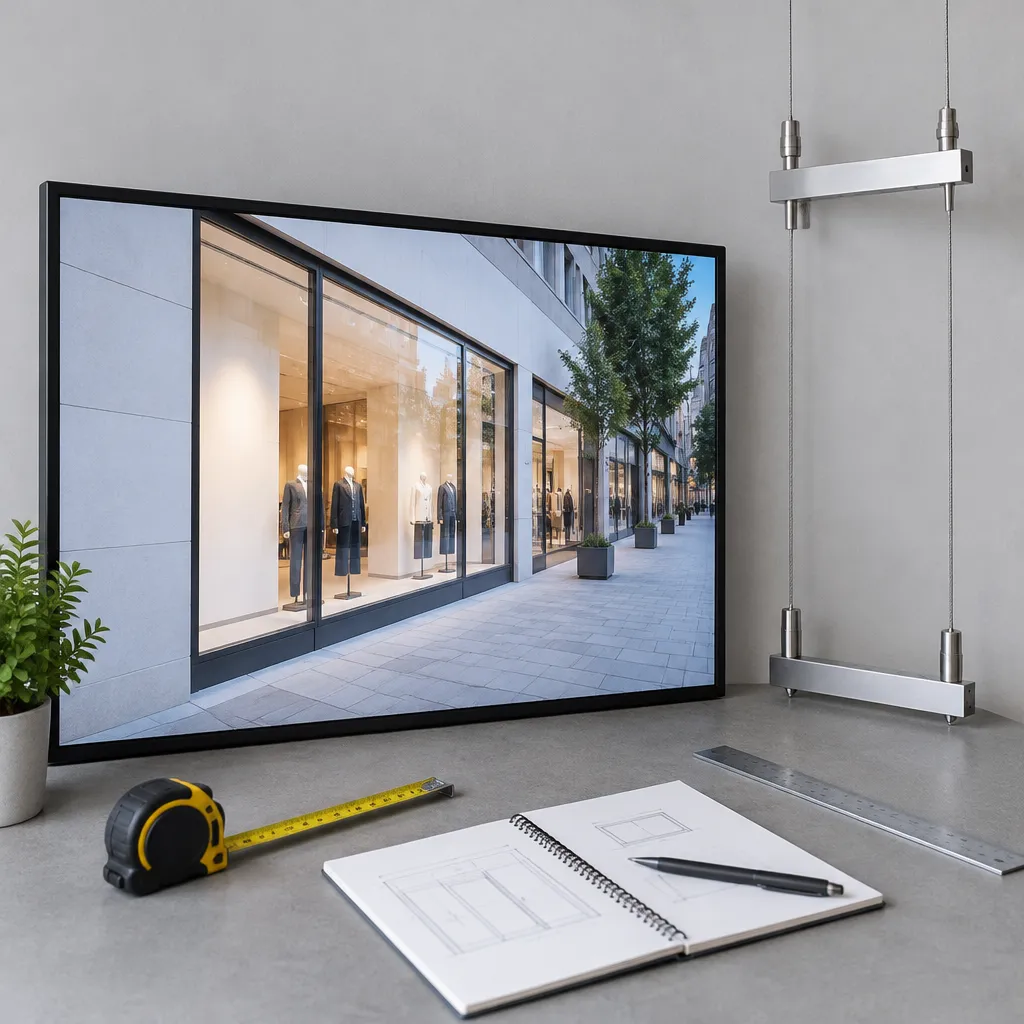
Screen choice starts with the glass, not the budget. Measure the width of the frontage and how far a passer-by stands from the window, because those two numbers decide whether the text on the screen is readable at a glance.
Hanging cable LCD displays for narrow frontages
Hanging cable LCD displays come in 21” to 32” sizes and can be installed in several hanging configurations. They suit a narrow window, a door panel or a glass wall where the screen needs to sit inside the shop line. Because the screen is smaller, keep to one special per frame or split the content into two rotating panels.
Large LCD displays for wide glass
Large LCD displays are available in 49”, 55”, 65”, 75” and 86” sizes, in portrait or landscape. Portrait suits a vertical list of two or three specials, while landscape suits one hero offer, such as a weekend brunch bundle. Pricing for these screens is provided on request through the Get a Quote button, so ask for the screen, mounting and software subscription in the same quote.
Protecting the screen from direct sun
Sun-facing windows are the most common reason a café screen looks washed out by midday. If the glass takes direct sun for part of the day, ask for a UV protected LCD display and confirm the screen is sunlight readable before you commit. Our page on UV protected LCD displays for sun-facing NZ shop windows covers the placement questions to ask.
Most owners should choose the screen size last. Start with the viewing distance, the light on the glass and the number of specials you need to show at once, then pick the size that fits those answers.
Building a Daily Specials Schedule
A window special only works when it appears at the right time. Breakfast offers should disappear before the lunch rush starts, and an afternoon deal should not carry into the next morning. Set the start and end time for each special when you create it, so nobody on the team has to remember to switch it off.
Dayparting the content for each service period
Build the schedule in three blocks: morning, lunch and afternoon. Give each block one to three items. A passer-by at 7:30am wants coffee and a pastry, while one at 12:15pm wants a lunch deal, so the screen should not show the same content all day.
Pro tip: Create the next week’s specials on the same day each week, and schedule them with start and end times before the week begins. Changes made in a rush on the morning of service are where most wrong specials come from.
Keeping one person responsible for updates
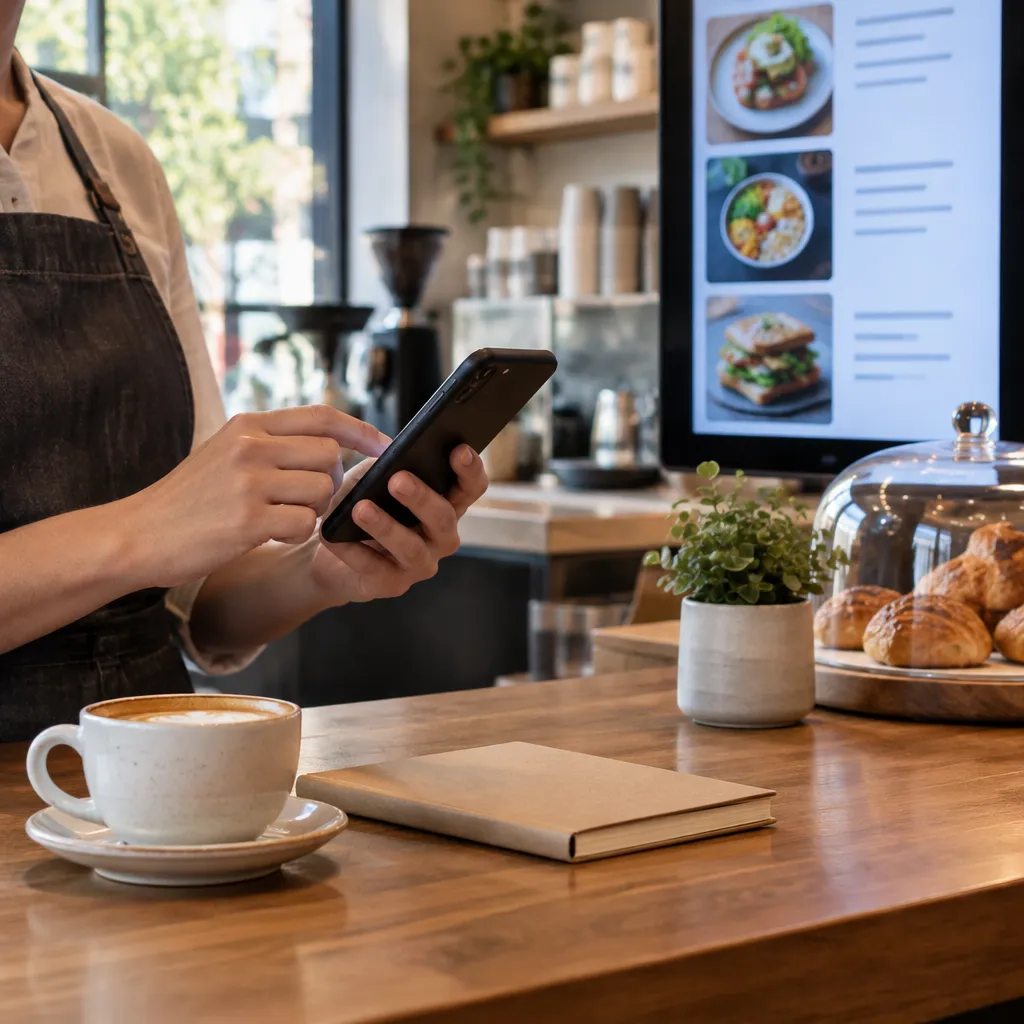
The most common failure is not technical. A special changes on Monday, nobody updates the screen, and it keeps showing the old soup until Thursday. Name one person to own the schedule and review it each Monday. Remote content management over WiFi means that person can update from anywhere, not only from the shop floor.
Connecting specials to your existing systems
If your café already keeps its menu in a content system, the screen can follow the same data rather than being typed in twice. Software subscriptions include complimentary full custom integration to your CMS, and CRM and CMS integration is part of the package. Ask for the integration to be scoped before you buy the hardware.
Printed Specials Versus Digital Screens
Paper still has a place, but it does a different job from a screen. A printed A4 sign works for a fixed offer that runs for weeks. It does not work when specials change every few days, because each change means printing, cutting and replacing a sheet in the frame.
Where backlit paper still earns its place
Premium backlit printing paper is sold in A3 and A4 sizes. A4 premium printing backlit paper is $110.00 plus GST for 100 sheets per box, 165gsm, with postage of $35 per box. A3 is $165.00 plus GST for 100 sheets per box, with the same $35 postage. For an offer that runs for a month, paper costs less to set up than a screen. Our comparison of backlit printing paper and digital screens for NZ shopfronts goes deeper on that trade-off.
Where a screen clearly wins
A screen wins when the offer changes more than once a week, when you want a time-based switch between breakfast and lunch, or when you want the window to show a short sequence of items. It also wins when the goal is to remove printing from the daily routine entirely. The table below compares the three most realistic options for a café.
| Option | Best for | Cost and effort |
|---|---|---|
| Printed A4 backlit paper | A fixed offer that runs for weeks | A4 premium backlit paper is $110.00 plus GST per box of 100 sheets, with $35 postage per box. Every change needs a reprint. |
| Hanging cable LCD display | Narrow shopfronts with one or two rotating specials | Sizes from 21” to 32”. Price on request via Get a Quote. No printing once installed. |
| Large LCD display | Wide glass with a hero offer and frequent daily changes | Sizes from 49” to 86”, portrait or landscape. Price on request via Get a Quote. No printing once installed. |
If your goal is zero printing, paper is the only option in the table that does not fit. Use a screen for daily specials and keep paper for any fixed items you still want to show.
Costs and What to Ask a Supplier
Screen pricing is provided on request, so the first step is a quote that lists the screen, mounting, software and installation as separate lines. A quote that shows only the screen price hides the costs that arrive later, such as the software subscription and the integration work.
What to ask before you sign
Ask who updates the content after installation, whether the software includes CMS integration, what happens to the display if the WiFi drops, and whether the screen is rated for sunlight. Also ask how the subscription handles a second café or a second window, so you are not renegotiating when you expand.
Paper costs you can calculate now
The paper you still use has a fixed cost that is easy to check. A4 premium backlit paper is $110.00 plus GST per box of 100 sheets, and A3 is $165.00 plus GST per box, with postage of $35 per box. For bulk paper orders above four, contact admin@vmedia.co.nz for cheaper postage costs.
Pro tip: Ask the supplier to quote the screen, mounting and software subscription in one document. If the quote splits them, you can see exactly which part of the ongoing cost you are paying for. Our first-time installation checklist lists the questions to ask before the installer arrives.
To start the process, use the Get a Quote button on the site, or call +64 204 880 099 between 9:00am and 4:00pm, Monday to Friday.
Mistakes That Kill a Specials Screen
Most failed café screens fail for the same few reasons. The content is too busy, the update routine depends on one person, or the screen runs the same loop all day. Fix those three issues before you spend money on anything else.
Too many items on one screen
A passer-by gives the window a few seconds. If the screen shows a full menu, the viewer reads nothing. Show one to three items per frame, each with a short name and a price, and keep the full menu for the counter.
Specials that stay up after they sell out
Nothing damages trust faster than a screen promoting a dish that has sold out. Set an end time for each special, and clear it the moment the kitchen runs out. A common mistake is treating the schedule as a set-and-forget task, when it needs a daily check.
Endless promotion loops
When every item rotates, the screen stops working as a special. Keep the rotation short and relevant to the time of day. Show the offer the customer can actually buy at that moment, not a catalogue of everything on the menu.
Pro tip: Check the screen at the time of day your specials run, not at midday when the display looks its best. Glare and reflections at that hour decide whether the screen is readable from the footpath.
Keeping the Screen Fresh Through the Busy Season
Late November is when café traffic changes. Christmas catering orders, summer iced drinks and end-of-year team lunches all compete for the same window space, and a screen gives you room to test them without reprinting.
Rotating seasonal specials
Plan the next two weeks of specials at the start of each week. Replace the lunch special on Monday, add a festive drink on Thursday and keep the core breakfast offer running. A short rotation of two or three seasonal items is easier to read than a long holiday list.
Promoting catering and group orders
Festive catering suits a screen because it is a clear offer with a deadline. Put the order cut-off time on the screen, not only in the fine print. For shopfront seasonal planning more broadly, read our guide to Christmas window display ideas for NZ retail.
Frequently Asked Questions
Can a café show daily specials on a window screen without printing anything?
Yes. Load each special into the content system, schedule it for its service window, and the screen updates over WiFi with no printed insert needed.
What screen size suits a small café with a narrow window?
A hanging cable LCD display in the 21” to 32” range usually suits a narrow frontage. Measure the glass width and the viewing distance before you choose, because those two numbers matter more than the headline size.
Will a window screen still be readable in direct sun?
It can be, but only if the screen is built for it. Ask for a UV protected LCD display, confirm it is sunlight readable, and check the screen at the hour when the sun hits the glass.
Do I need a technical person to update the specials?
No. Specials are updated through the content system, and the software subscription includes complimentary full custom integration to your CMS. Your team needs access to the content platform and a clear owner for the weekly schedule.
How much does a café digital display cost in New Zealand?
Screen pricing is provided on request through the Get a Quote button, so the cost depends on the screen size and configuration. If you still use backlit paper, A4 premium printing backlit paper is $110.00 plus GST per box of 100 sheets, with $35 postage per box.
We would like to hear how your café has handled daily specials on a window screen, so please share your experience with us at admin@vmedia.co.nz.
We would love your feedback and any insights you would share with others. What perspective would you add?
References
- Guide to digital signage uses, benefits and considerations for restaurants and cafés
- Window display advertising ideas and planning steps