

Digital Café Window Displays for Tauranga and Hamilton
A café window display Tauranga operators can rely on starts with a few decisions that most owners only learn about after installation. If you run a café in Tauranga or Hamilton, your front glass is probably the cheapest advertising you own, and it works whether you pay attention to it or not. A digital screen can switch from breakfast to lunch specials at 10am, promote a weekend coffee course, and hold a passerby long enough to step inside. But a screen that looks brilliant in a showroom can wash out under afternoon sun, overheat behind glass, or sit dark because nobody knows how to update it. This guide covers the choices that matter before you order.
Table of Contents
- Quick Takeaways
- Why Café Windows Work Harder Than Printed Posters
- Choosing Between Hanging Cable and Large LCD Screens
- Dealing With Sun and Glare on Café Glass
- Planning Power, Mounting and Landlord Approval
- Keeping Menus and Offers Current Remotely
- Digital Screens, Backlit Paper or Both
- Budget, Lifespan and Getting an Accurate Quote
- Frequently Asked Questions
- References
Quick Takeaways
| Key Insight | Explanation |
|---|---|
| Choose screen size by glass width and reading distance | Hanging cable LCD displays from 21 to 32 inch suit narrow frontages, while 49, 55, 65, 75 and 86 inch large LCD displays need wider glass and a planned mount. |
| Sun exposure decides the hardware spec | If a window takes direct afternoon sun, specify UV-protected or sunlight-readable screens before you compare software features. |
| Power and cable routing cause most delays | Confirm the power point and cable path before the screen is delivered, not on installation day. |
| Remote updates save staff time | WiFi content management lets you change daily specials from the office or home without a ladder at the window. |
| Paper still has a role in a café window | A3 backlit paper at $165.00 plus GST per box and A4 at $110.00 plus GST per box (100 sheets each) suit promotions that change weekly. |
| Ask for a quote with exact details | Display pricing is on request through Get a Quote, so send window dimensions, orientation and sun hours up front. |
Why Café Windows Work Harder Than Printed Posters
A printed poster in a café window has one job, and it has to be replaced every time the message changes. A digital screen can carry a breakfast menu in the morning, a live music listing in the afternoon and a loyalty offer after dark, all from the same glass. For a café in Tauranga or Hamilton competing for foot traffic on a busy street, that flexibility matters more than any single design decision. For a wider view of how cafés use window screens to fill seats, read our guide to café window displays and how NZ restaurants fill more seats.
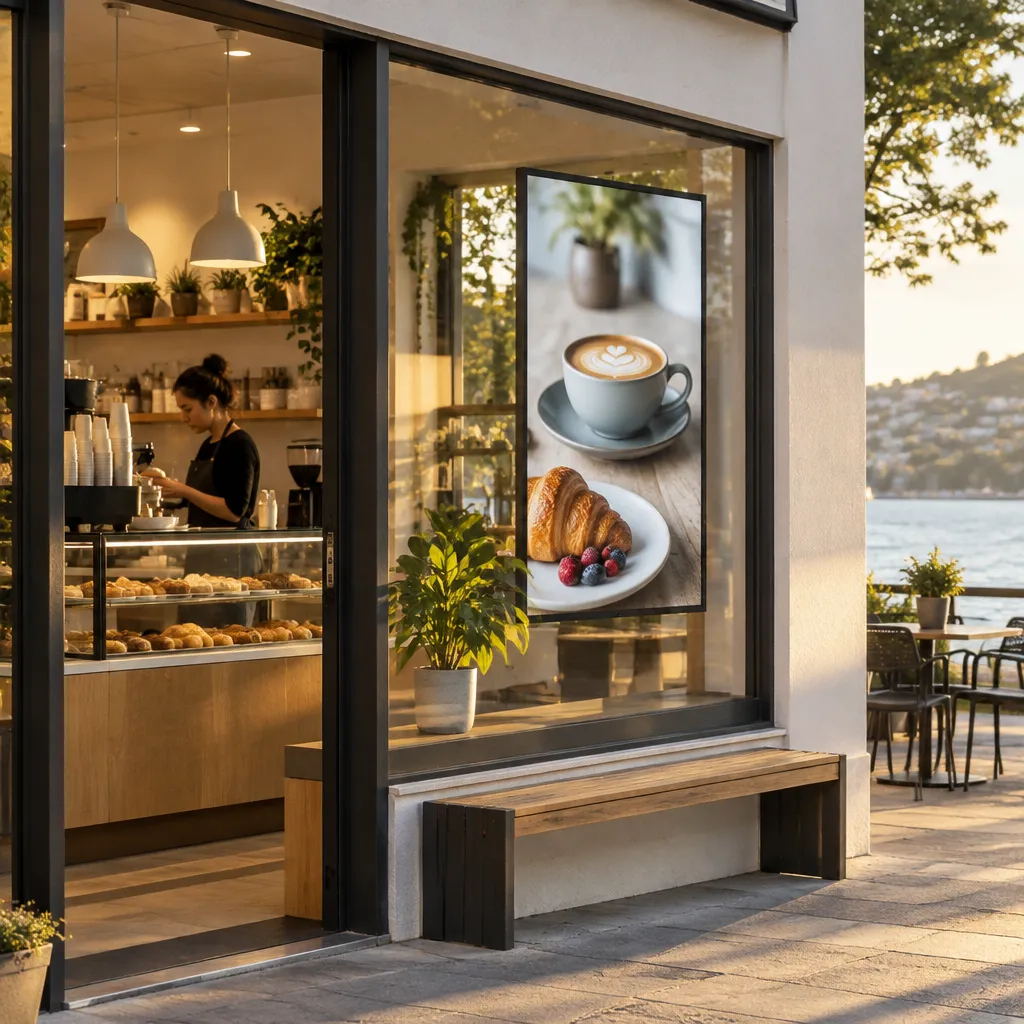
In practice, the cafés that get the most from a window screen treat it as a menu board that faces the street. Customers decide whether to stop within a few seconds, so headlines need to be short and prices need to be readable from the footpath. A common mistake is loading the screen with a full menu in small type. That works on a tablet at the counter but fails on the pavement.
Think about the times your café is busiest and quietest. A screen can push a morning coffee offer before 9am, switch to a family brunch on weekends and show a seasonal drink in winter. Cafés that set a schedule like this usually find the screen pays its way because it reflects what is actually on the counter that day.
The window is also the only advertising that reaches people who were not searching for you. A passerby who has never heard of your café can read a clear offer and decide to come in. That is the job a window display should be doing, and it is why the content has to be specific rather than decorative.
Choosing Between Hanging Cable and Large LCD Screens
The first question is not what content to run. It is how much usable glass you have and how the screen will sit in it. Most café fronts fall into two types: a narrow shopfront with a door and a slim strip of glass, or a wide frontage that runs most of the building width. Each suits a different hardware approach.
Hanging cable LCD displays for narrow frontages
Hanging cable LCD displays are available in 21 to 32 inch sizes with multiple hanging configurations. That makes them a good fit when you want a screen to float inside the glass without a heavy bracket. In a narrow café front, one hanging screen can carry a menu or promotion without blocking the view into the room. Price is on request through the Get a Quote button, so send your window measurements and the hanging height you have in mind. Our hanging cable LCD displays for shopfront windows page covers the configurations in more detail.
A common mistake is hanging the screen too high for the eye line of someone walking past. Measure from the footpath, not from inside the café, because the screen has to read well from outside the glass. If the display sits behind a counter or a tall shelf, the content will mostly reach staff, not customers.
Large LCD displays for wide glass
Large LCD displays come in 49, 55, 65, 75 and 86 inch sizes, in portrait or landscape. For wide frontages, landscape screens in the larger sizes can carry a full menu board or a seasonal drink feature that reads from across the street. Portrait orientation tends to work better beside the door, where a tall, narrow panel can run a menu top to bottom like a board.
Choose size by reading distance, not by how empty the window looks. A large panel set deep inside a café can look impressive, but a smaller screen placed close to the glass often reads better from the pavement.
A window screen is a sign first and a television second. If a passerby cannot read the headline in three seconds, the screen is too small or the message is too busy.
Pro tip: Photograph the window at the time of day you expect the most foot traffic and again when the sun hits the glass hardest. Send both photos with your quote request so the recommendation reflects real light conditions rather than a clean, empty frontage.
Dealing With Sun and Glare on Café Glass
Sun is the factor that most often separates a screen that works from one that gets switched off. A café window that takes afternoon sun can push both the screen and the glass beyond what an indoor-rated display handles well. Before you compare software features, check which windows take direct sun and for how many hours a day.
Sun-facing windows and UV exposure
UV-protected LCD displays are built for sun-facing shop windows, where ultraviolet exposure over months can fade and damage an unprotected panel. The risk applies to any frontage that takes direct sun for long stretches, and it is easy to underestimate because the screen looks fine on installation day. The UV-protected LCD display guide for sun-facing shop windows explains the options in more detail.
The risk is not only the panel. Heat builds up behind glass in a sealed frontage, and a screen that runs all day in that space needs ventilation and a sensible mounting position. Ask the supplier how the unit handles heat before you agree to a spot close to the glass.
Reading a screen in bright daylight
Brightness is the second spec to check. Standard indoor screens often look dim when placed in a window with daylight pouring in, and the message disappears against the glass. Sunlight-readable screens hold their contrast in daylight, which matters most during a midday lunch rush when natural light is at its strongest.
If your window is bright at midday, compare a high-brightness option with a UV-protected option before you commit. Our high brightness window displays for NZ shops page shows how that choice plays out in practice.
Pro tip: Check the window at 3pm on a clear day, not at 10am. Glare patterns shift through the day, and a position that looks fine in the morning can be washed out by the afternoon sun.
Planning Power, Mounting and Landlord Approval
Most installation delays have nothing to do with the screen itself. They come from a missing power point, a cable run through a wall the landlord has not approved, or a mounting position nobody measured. Sorting these out before delivery keeps the installer on schedule and the café open.
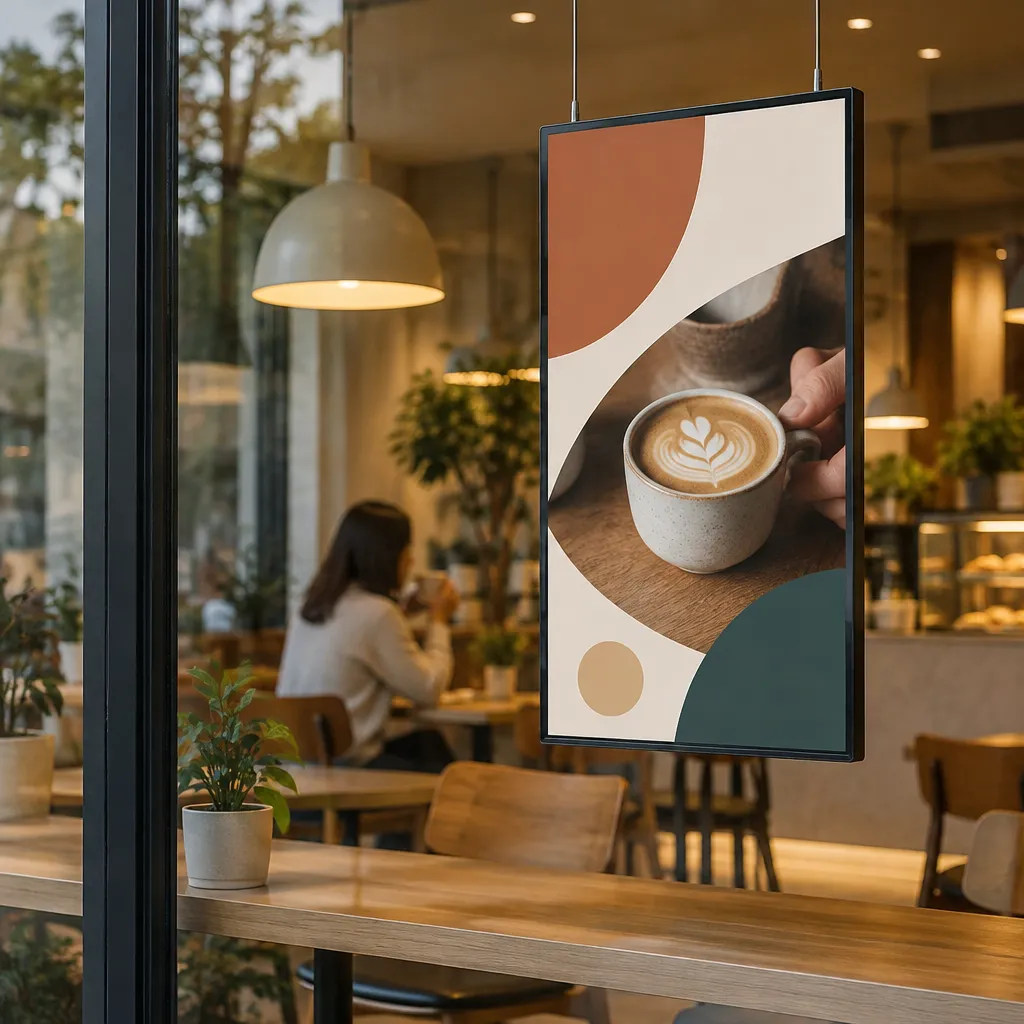
Power points and cable routing
Check where the nearest power point sits relative to the window and whether it shares a circuit with the coffee machine or refrigeration. A screen that trips a busy circuit during the morning rush is a poor outcome. Plan the cable route along the ceiling or behind a pelmet where possible, and keep cables away from the door track and the customer path.
A common mistake is leaving the cable route until installation day. The installer then has to choose between a visible cable across the window and a longer job, and neither helps your café look its best. Mark the route with the installer before the screen arrives. The first-time installation checklist for NZ digital window displays covers the same ground in more detail.
Landlord consent and lease terms
Many café leases and building owners set rules about fixings to glass, external signage and anything that changes the front of the building. Read your lease before ordering and get written approval for any fixing that goes into the frame or the glass. A screen that has to come down after three months costs far more than the time it takes to ask first.
Community discussion about coffee shop signage often treats screen installation and software as one package. That framing is right. Mounting, power and software should be planned together, because a well-chosen screen placed where it cannot be powered or updated delivers no value.
Pro tip: Ask your installer to photograph the wall and ceiling behind the mount location before the job starts. Those photos settle questions about cable paths and fixings if the landlord or a future tenant asks later.
Keeping Menus and Offers Current Remotely
A screen that cannot be updated quickly becomes a faded menu within a week. Digital removes the cost of reprinting, but only if the update process is simple enough that staff actually use it. Choose the content system before you choose the screen size.
Remote content management over WiFi
Remote content management lets you push changes to a window display over WiFi, so the morning special can be loaded from the office or from home rather than from a ladder at the window. In a café with more than one person handling the menu, one person can own the schedule and everyone else can see changes take effect. Our guide to remote content management for NZ window displays walks through how this works day to day.
Scheduling dayparts and specials
Schedule content by daypart. A breakfast offer should disappear at 11am rather than stay up until closing, and a weekend brunch slot should be loaded on Thursday rather than Saturday morning. Android-based scheduling and automation handle these timed changes, so the screen follows the café’s rhythm instead of relying on someone remembering to switch it.
In practice, set up three standing templates: a morning offer, a lunch board and an evening or weekend feature. Staff then only swap the specific item rather than rebuilding the whole screen each day. That keeps the screen current without turning it into a weekly job.
Custom CMS integration in your subscription
Software subscriptions include complimentary full custom integration to your CMS, which matters if your café already runs a point-of-sale system or a content tool. Ask for the integration scope in writing before you sign, so you know which menu data feeds the screen and which parts still need manual entry.
Pro tip: Name one owner for the screen schedule. When three people can edit the same window display, the wrong promotion often stays up for days.
Digital Screens, Backlit Paper or Both
A digital screen does not replace every window asset a café needs. Backlit printing paper is still an effective way to put a fresh, high-impact graphic in a window, and it suits promotions that run for a week or two. The practical split is usually a screen for changing content and paper for stable, longer-running messages. The comparison of backlit printing paper and digital screens for NZ shopfronts goes deeper on that split.
Our premium backlit printing paper comes in A3 and A4 sizes, 100 sheets per box, 165gsm. A3 is $165.00 plus GST per box and A4 is $110.00 plus GST per box, with postage of $35 per box. For bulk paper orders above 4 boxes, contact admin@vmedia.co.nz for cheaper postage costs. Paper orders can be placed with the Buy Now button on the site.
| Option | Best use in a café window | Main trade-off |
|---|---|---|
| Hanging cable LCD display (21 to 32 inch) | Narrow frontages and menus that change daily | Smaller panel, so the message must be short and large |
| Large LCD display (49 to 86 inch) | Wide glass with frequent menu or brand changes | Needs wider glass, a planned mount and dedicated power |
| Backlit printing paper (A3 or A4) | Weekly promotions and seasonal graphics at low cost per change | Every change needs a reprint and a manual swap |
For most cafés, the combination works best. Run the screen for daily specials and use backlit paper for the seasonal feature that stays up for several weeks. Neither option does the whole job well on its own.
Pro tip: Buy one box each of A3 and A4 and test them from the footpath before ordering a full run. Paper can look sharp indoors and still lose impact once daylight hits it.
Budget, Lifespan and Getting an Accurate Quote
Display pricing for these screens is on request, because the right specification depends on glass size, orientation, sun exposure and your content plan. Any article that quotes one price for a window screen is skipping the factors that drive cost. Gather the details first so you compare like with like.
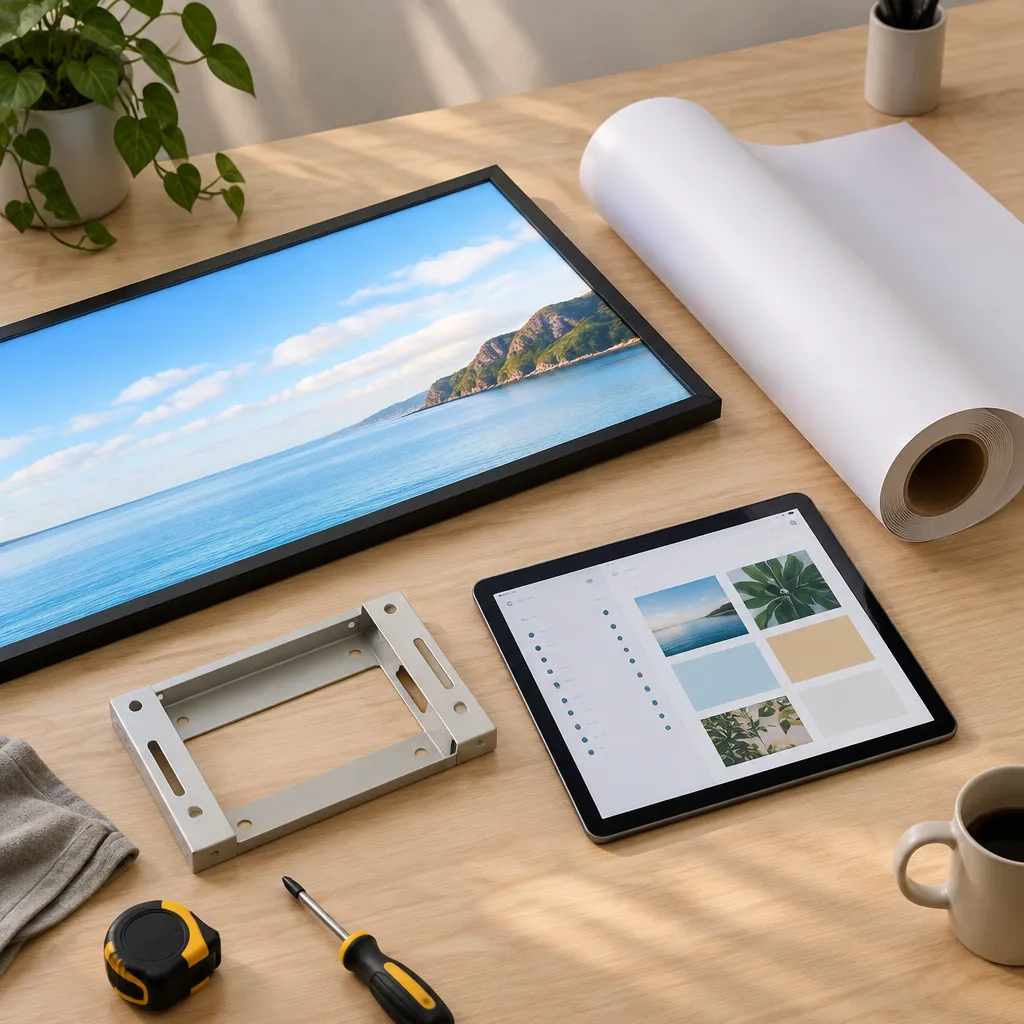
What the LED label actually means
Terminology causes confusion here. As HP’s explainer on LED and LCD monitors notes, all LED monitors are a type of LCD monitor, and the difference lies in the backlight. LCD monitors use cold cathode fluorescent lamps, while LED monitors use light-emitting diodes. An LED-backlit window display is still an LCD-based screen with a different light source behind it, so ask suppliers which backlight they use and what it is rated for.
Our LED backlit real estate displays are designed for 24/7 advertising with a 7 to 10 year life expectancy, and you print the content on your own A3 or A4 printer. That makes them a steady option for a window that runs all day, although the content still needs regular refreshes.
Running costs and lifespan
Members of a Spiceworks thread about LCD and LED advertising screens disagree about which technology uses less power, and both commenters say results vary by brand and model. Treat any blanket claim about running costs as a starting point, and ask for the power draw of the specific unit. A screen that runs around the clock will cost more to power than one switched off overnight, so ask whether the schedule can include standby periods.
Getting a quote that is worth comparing
Send the window width and height, the orientation you want, the hours each day the window takes direct sun, and whether you plan to use paper alongside the screen. Use the Get a Quote button on the site, or call +64 204 880 099 during business hours, Monday to Friday, 9:00am to 4:00pm. Email admin@vmedia.co.nz or peter@vmedia.co.nz if you want the team to review a floor plan.
Pro tip: Ask for the quote to list the mount, cable route, software subscription and CMS integration as separate lines. That shows where the money goes and which items you can phase in later.
Frequently Asked Questions
How big should a café window screen be?
Choose by window width, reading distance and orientation rather than by how much empty space you have. Hanging cable displays from 21 to 32 inch suit narrow frontages, while 49 to 86 inch large LCD screens suit wider glass that can carry a planned mount.
Will a window screen wash out in direct sun?
It can, if the screen is not built for the light. UV-protected and sunlight-readable screens are designed for sun-facing windows, but you should still test the position at the time of day when the sun hits the glass hardest.
Can I change the content from outside the café?
Yes, remote content management over WiFi lets you update schedules and specials without going to the window. Confirm with your supplier who can edit the schedule and how access is managed before you go live.
Do I still need printed backlit paper if I have a screen?
Most cafés benefit from both. The screen handles daily or weekly changes, while backlit paper suits longer-running graphics. A3 backlit paper is $165.00 plus GST per box of 100 sheets, and A4 is $110.00 plus GST per box, with postage of $35 per box.
How do I get a price for a window display?
Display pricing is on request through the Get a Quote button on the website. You can also call +64 204 880 099 between 9:00am and 4:00pm, Monday to Friday, to talk through your window.
Does a window display need a dedicated power point?
In practice, yes. A window display needs a reliable power point that is planned before installation. Check the circuit and cable route with your installer early, so the screen does not compete with busy café equipment.
What did you wish you had known before installing a window screen in your café, and what would you do differently next time?