

Window Display NZ Climate: Glare, Heat and Humidity Guide
Most window display failures in New Zealand do not start with the screen. They start with a specification written for an indoor room. A display that looks sharp in the showroom can wash out under strong afternoon sun, fog up behind the glass in humid weather, or fail within a year once salt-laden air gets into the housing. Treat the window display NZ climate as the first design input, not an afterthought, and the rest of the spec becomes much simpler.
Table of Contents
- Quick Takeaways
- Why Glare Is Harder on a Shopfront Than Indoors
- Sizing Brightness Without Overspecifying
- Heat Load Inside the Glass
- Humidity, Salt and Condensation
- Choosing an Enclosure Strategy for Coastal Sites
- Content and Scheduling for Bright Windows
- Maintenance Schedule for Coastal Shopfronts
- Frequently Asked Questions
- References
Quick Takeaways
| Key Insight | Explanation |
|---|---|
| Spec brightness for the worst hour, not the average | The screen has to be readable at the sunniest time of day when the window takes direct light, not in a dim showroom test. |
| Reflections often do more damage than the sun | Street-facing glass and bright interiors bounce light back at the viewer, which cuts contrast. Dark content backgrounds and a dimmer interior help more than extra nits. |
| Heat inside a sealed housing is the silent failure | Electronics and backlight LEDs need a ventilation path. A fully sealed box in a warm window shortens component life. |
| Salt and humidity attack hardware first | Screws, brackets and cable glands corrode before the panel does. Specify stainless fixings, coated brackets and sealed entry points. |
| Condensation is a design fault | Temperature swings across the glass cause moisture. Design the enclosure to drain or dry, rather than hoping it stays dry. |
| Schedule content around the sun | Lower brightness and simplify content during peak glare hours, and avoid large white fields that look washed out. |
| Plan exterior work for the drier months | Coastal exterior maintenance is commonly planned for late spring to early autumn, and the same timing suits fixings and seal checks. |
Why Glare Is Harder on a Shopfront Than Indoors
Glare on a shopfront arrives from two directions at once. Direct sun strikes the screen face, and light reflected from the footpath, parked cars and buildings opposite bounces off the glass and back into the viewer’s eye. A screen that reads well on a desk can lose most of its contrast once it sits behind a sunlit pane.

In practice, reflections cause more trouble than the sun itself. A bright white menu or a pale property photo reflects the room behind the viewer, so the screen looks grey even when its brightness rating is high. The fix starts with the content and the mounting position, not the price of the panel.
Direct sun on the screen face
Screens mounted close to single glazed glass take the full force of midday and afternoon light. Anti-reflective coatings and high brightness both help, but neither will rescue a screen that sits in a direct beam for hours. Where possible, set the screen back from the glass and angle it so it does not catch the sun path head-on.
Set-back depth matters more than most people expect. A gap between the panel and the glass reduces the heat and glare reaching the screen face, and it gives air a route to move past the housing. Check the sightline from the footpath before you fix the bracket.
Reflections from the street and the interior
Street-facing glass turns into a mirror after dark when the interior lights are on. Shop lights reflect back onto the screen, so the display competes with its own reflection. Dark content backgrounds and a dimmer surrounding interior will improve readability more than extra nits.
A window display is judged by someone standing on the footpath, not by someone sitting at a desk. Spec it for that viewing position, at that time of day, with the interior lights on and off.
Pro tip: Test at the hour when the sun hits the window hardest. Stand on the footpath, photograph the screen with a phone, and check whether the main message is still readable in the image.
Sizing Brightness Without Overspecifying
Sunlight-readable screens are commonly specified at around 1,000 nits or more, and that figure is a reasonable starting point for shopfronts that take direct sun. The real question is how much light reaches the screen face at the worst hour of the day. A screen set back in a deep shop behind tinted glass needs far less output than one pressed against single glazing.
Measuring light where the screen will sit
Take readings at the screen position, not on the footpath. A lux meter or a phone light meter app gives a rough figure, and it is worth checking at opening time, midday and late afternoon. Record the readings, then compare them with the brightness figure on the screen’s specification.
Why full output all day is a mistake
Running a screen at maximum output around the clock wastes power and shortens backlight life. It also makes content glare at night, when the street is dark and the window becomes a light source. A light sensor that adjusts brightness automatically, or a scheduled brightness profile, solves both problems.
Too little brightness is the more common error, though. A common mistake is specifying the screen by eye in a showroom, with blinds open and the sun behind the viewer. Those screens look fine during the sales visit and wash out the first sunny week.
Pro tip: Ask any supplier for the brightness measured at the screen face under operating temperature, and check whether that figure holds when the internal temperature rises. A rating that drops in heat is not the number to design around.
Heat Load Inside the Glass
Glass that takes sun heats the air in the window space well above outdoor temperature, and the screen sits inside that heat. Electronics, backlight LEDs and power supplies generate their own heat on top of it. A display that runs cool on the workbench can climb past its safe operating range in a sun-soaked window by mid-afternoon.
Ventilation paths and airflow
Sealed housings feel like good protection, but they trap heat. Give the enclosure an intake and an exhaust, with filtered air where dust or salt is present. Keep the exhaust clear of the window cavity, or the warm air simply recirculates back over the electronics.
Thermal shutdown and shortened component life
Screens that overheat often dim, flicker or shut down before they fail outright. Repeated thermal shutdown cycles shorten the life of backlight LEDs and capacitors, so the screen may look fine for months and then begin to fade. Compare the operating temperature range in the specification with the peak temperature the window reaches on a clear summer afternoon, not the forecast air temperature.
A common mistake is hiding cables and media players in a closed cabinet under the screen. That small box becomes an oven. Keep the media player ventilated and separate from the panel where the layout allows it.
Humidity, Salt and Condensation
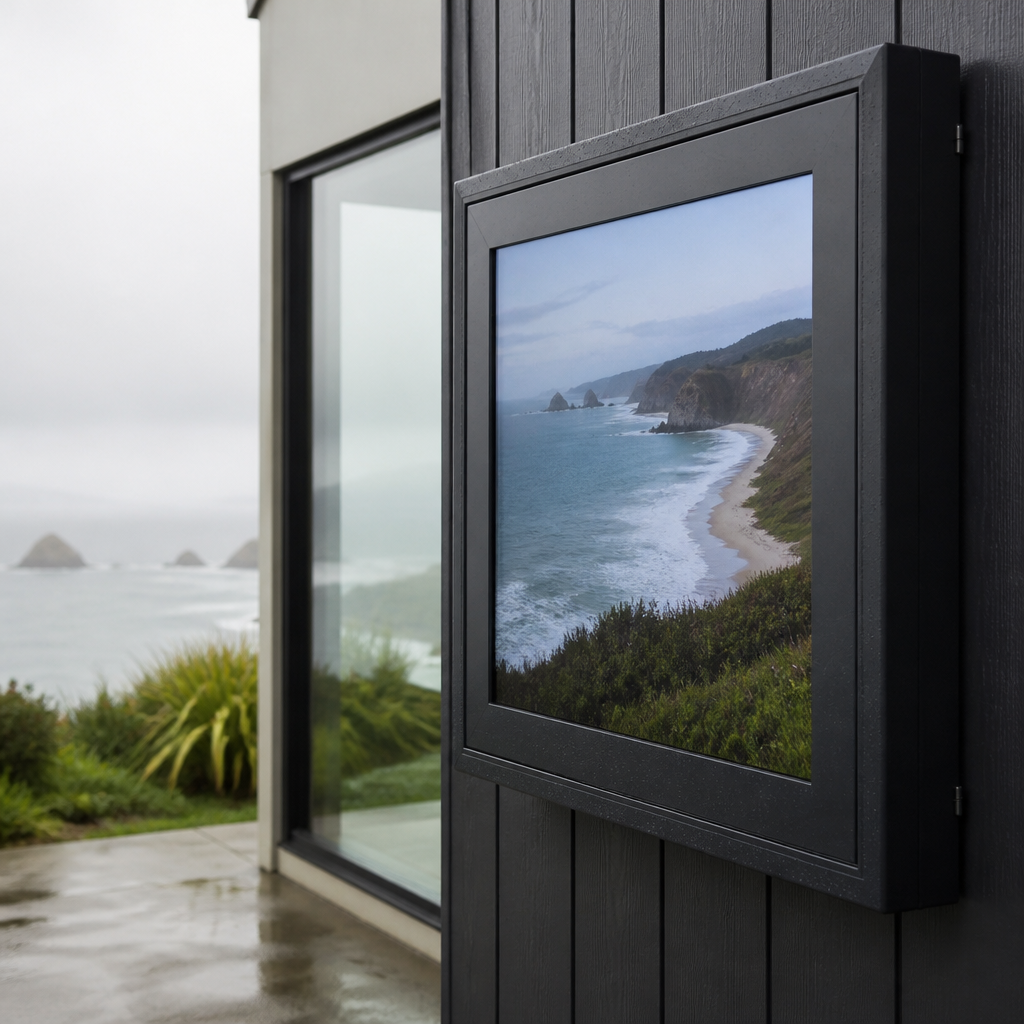
Coastal air carries fine salt that settles on every exterior surface, and window frames, brackets and screws are no exception. Salt speeds corrosion on metal parts, so a display that is fine in a dry inland store can show damage far sooner on the seafront. Humid weather adds moisture on top of that salt load, and the two work together.
Fixings, brackets and cable entry points
Screws, clips and mounting brackets fail before the panel does in most coastal installs. Specify stainless fixings, coated aluminium or powder-coated brackets, and cable glands with sealing washers. Cable entry points are the weak spot, because water tracks along a cable into the housing unless the gland is sealed properly.
Condensation on the inside of the glass
Morning and evening temperature swings can cause condensation on the inside of the glass and on the rear of the housing. Moisture on electronics causes corrosion and intermittent faults that are hard to diagnose. Good design either keeps the enclosure fully sealed with a desiccant pack or vents it so moisture can drain and dry out.
In practice, the choice depends on the window. A sealed unit with a desiccant suits a screen in a tight, unventilated recess. A vented housing with a drainage path suits a screen that gets steady airflow past it. Neither works if it is installed without a plan for water.
Choosing an Enclosure Strategy for Coastal Sites
Three enclosure approaches cover most shopfront situations, and each one fits a different window. The table below sets them side by side. The right choice depends on sun exposure, salt load and how deep the screen sits behind the glass.
| Approach | Where It Works | Main Trade-Off |
|---|---|---|
| Sealed outdoor-rated enclosure with active cooling | Direct-sun frontage with salt exposure | Higher upfront cost, and fans or cooling need regular upkeep |
| Ventilated housing set back behind double glazing | Deep shopfronts with tinted or double-glazed windows | Needs filtered intake and periodic dust cleaning |
| Standard indoor LCD placed against single glass | Low-sun interiors and short promotional use | Washout, heat stress and early failure in harsh sun |
When a sealed enclosure with cooling is worth the cost
A sealed outdoor-rated enclosure with active cooling is the right call for a screen that takes direct sun and sits in salty air. It keeps moisture and salt out and lets the screen run at a steady internal temperature. Budget for the cooling unit and the filters that keep it working, because an ignored filter quickly becomes the failure point.
Why double glazing changes the calculation
A screen set back behind double glazing receives less direct light and less heat, so a ventilated housing is often enough. The trade-off is the air gap itself, which can trap warm air and moisture. Give the enclosure a path for air to escape and check the seals at the start of each season.
Pro tip: Check the sun path against the window before you choose the enclosure. If the screen will see direct light for more than a few hours a day, specify the sealed option from the start rather than retrofitting cooling later.
Content and Scheduling for Bright Windows
Hardware sets the ceiling, but content decides whether the window works in the first place. Bright, washed-out layouts look weak in strong light, while dark, high-contrast layouts hold their shape. Plan the content for the sun, not for the monitor on your desk.
Contrast and background colour
Large white fields are the hardest content to read in sunlight, because the panel’s light spreads into the reflections on the glass. Use a deep background with bold, large type and one clear message per frame. Keep property photos and product images sharp at the size they will be viewed from the footpath.
Scheduling brightness and playlists by time of day
Set a brightness profile that rises during daylight hours and drops at night. Play the most important message during peak footpath traffic, and reduce motion or video loops during the hottest part of the afternoon if the screen runs warm. Android-based scheduling in V Media’s software handles these timings, so the profile changes without anyone visiting the shop.
Remote changes without a site visit
Remote content management over WiFi means you can change a promotion, or pull a playlist that is causing heat stress, from one dashboard. CRM and CMS integration lets the same content flow in from your existing marketing tools. For a real estate office with several listing windows, that saves a trip every time a property changes.
Maintenance Schedule for Coastal Shopfronts
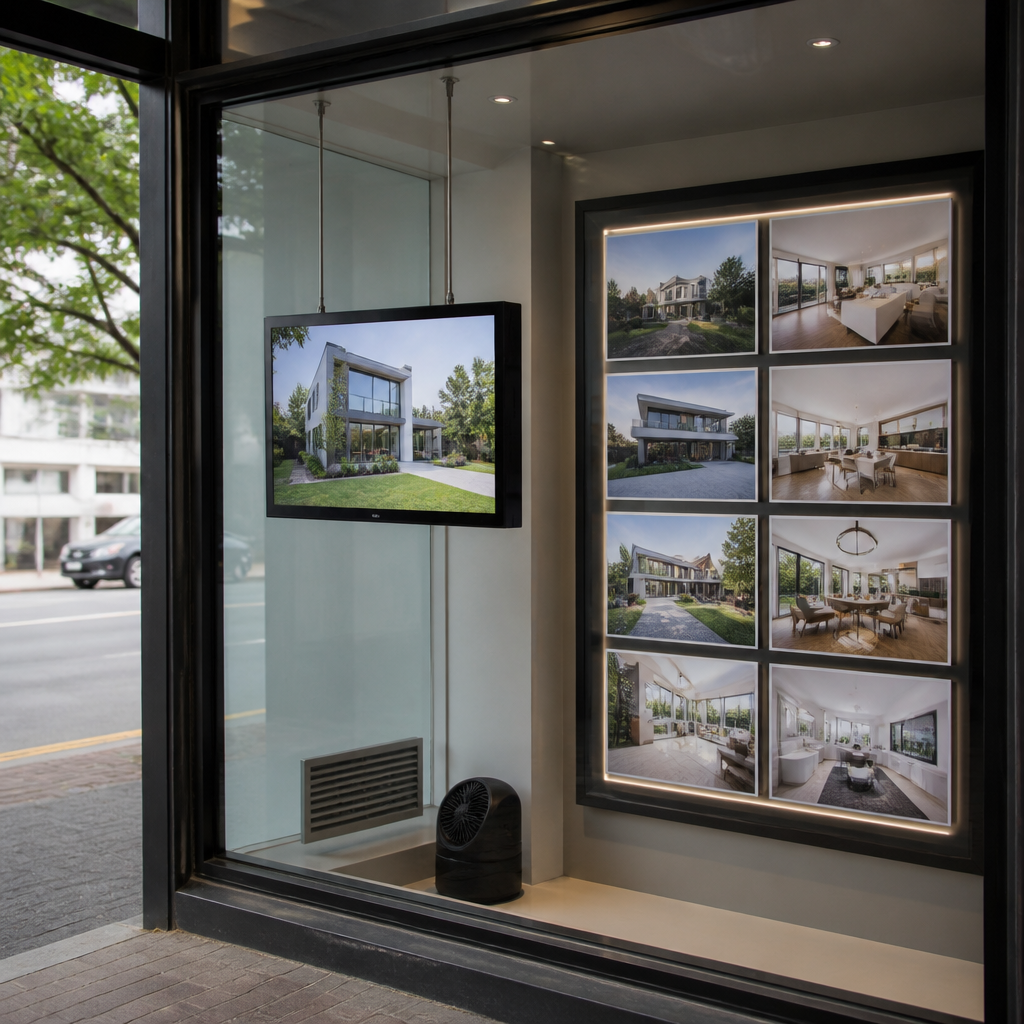
A coastal screen needs more maintenance than an inland one, and the schedule matters as much as the cleaning. Salt builds up on the housing and glass faster than most owners expect. A planned check finds problems while they are still cheap to fix.
Cleaning salt off the housing
Rinse the exterior of the housing and glass with fresh water, then wipe with a soft cloth. Avoid abrasive cleaners and high-pressure jets that can force water past seals. A common mistake is leaving salt to dry on the glass, where it leaves a film that cuts clarity over time.
Timing exterior work around the season
Exterior maintenance on coastal buildings is commonly planned for late spring to early autumn, when surfaces dry properly and coatings can cure. The same window suits fixings replacement, gland checks and sealant work on display housings. Avoid wet weather for that work, because moisture trapped under a fresh seal causes the same failure you were trying to prevent.
Seasonal inspection points
Check fixings, seals, cable glands and drainage paths at the start of each season. Look for rust on brackets, condensation inside the glass, and fan noise or filter blockage in cooled housings. Log what you find, so you can spot a pattern before it becomes a replacement.
Pro tip: Keep a simple log with dates, photos and brightness readings for each window. A year of records makes it far easier to tell whether a problem comes from the weather, the placement or the hardware.
Frequently Asked Questions
What brightness do I need for a window display in NZ?
Around 1,000 nits is a common starting point for a screen that takes direct sun, but the figure should be checked against the light measured at the screen position. A screen set back behind tinted or double glazing may need much less. Ask for brightness under operating temperature, not just a lab figure.
Can a standard indoor LCD survive a sunny shopfront?
Usually not for long. An indoor panel tends to wash out in direct light, and heat builds faster than the housing can release it. It may work for short promotions in shaded or low-sun windows, but it is a poor choice for a permanent display.
How do I stop condensation forming inside the display housing?
Choose either a fully sealed enclosure with a desiccant pack or a vented housing with a drainage path, and do not mix the two designs. Check the gaskets at the start of each season. Condensation that appears after a temperature swing is usually a seal or venting problem.
Does salt air affect the display or just the frame?
Both. Salt settles on the housing, brackets and fixings, then corrodes metal parts and can find its way into cable glands. Stainless fixings, coated brackets and sealed entry points reduce the risk to the electronics. Regular rinsing with fresh water slows the build-up.
Should I switch the screen off at night?
Not always. A bright window display is useful for street presence after dark, but it should drop to a lower brightness profile. Scheduled dimming keeps the screen visible without running at full output or glaring at the street. In a deep window with no street light, a lower profile may be enough.
Is a sealed enclosure always better than a vented one?
No. A sealed enclosure is the better choice for direct sun and salt exposure, but it needs cooling to manage the heat it traps. A vented housing behind double glazing can perform well for less money, provided it has filtered air and a drainage path. The window’s sun exposure should decide the design.
What failed first in your own shopfront, glare, heat or moisture, and how did you fix it?