

How to Choose a Backlit Printing Paper Supplier in NZ
Most window displays fail long before the print does. The image looks sharp on the office desk, then goes flat once it hits a shopfront with bright afternoon sun behind it, or the backlight shows blotchy patches across the sheet. The paper is usually the reason, and many businesses only find out after buying a box of the wrong stock. If you are looking for a backlit printing paper NZ supplier, the questions you ask before ordering matter far more than the price on the invoice. This guide covers what to check, from light transmission and printer compatibility to A3 and A4 sizing, batch consistency and bulk ordering.
Table of Contents
- Quick Takeaways
- Why Paper Choice Decides Your Window Result
- Paper Weight, Opacity and Light Transmission
- Inkjet vs Laser: Matching Paper to Your Printer
- A3 and A4 Backlit Paper: Sizing for Real Windows
- Supplier Due Diligence: Questions to Ask First
- Bulk Paper Orders and Real Cost Per Window
- Comparing Supply Options for NZ Businesses
- Matching Paper to Your Display Hardware
- Frequently Asked Questions
- References
Quick Takeaways
| Key Insight | Explanation |
|---|---|
| Buy for light, not just colour | Test each sheet against your backlight at real display depth before committing to a box. Colour on a desk tells you little about how it glows in a window. |
| Match paper to your printer’s ink system | Inkjet stocks and laser or copier stocks behave differently. Check the spec sheet against your printer type before a bulk run. |
| Test in daylight, in your own frame | Print one A3 and one A4 sample, fit it in the actual window and view it from the footpath at midday. A shopfront is harsher than any test room. |
| Ask how consistent batches are | If a supplier cannot confirm that the next batch matches the last one, your branches will show visible colour and glow differences. |
| Price per window, not per sheet | Include misprints, curled sheets and sun-faded replacements. The cheapest sheet is often the most expensive one per week on display. |
| Confirm the paper suits your hardware | Backlit paper belongs in backlit frames and lightboxes. Digital LCD screens play content files and do not need printed stock. |
Why Paper Choice Decides Your Window Result
In practice, a window display is judged from across the street, through glass, often in daylight. A backlit sheet has to hold its colour when a lamp sits behind it, not just under office lighting. That is a different job from standard printing paper, and it is why generic stock so often disappoints.
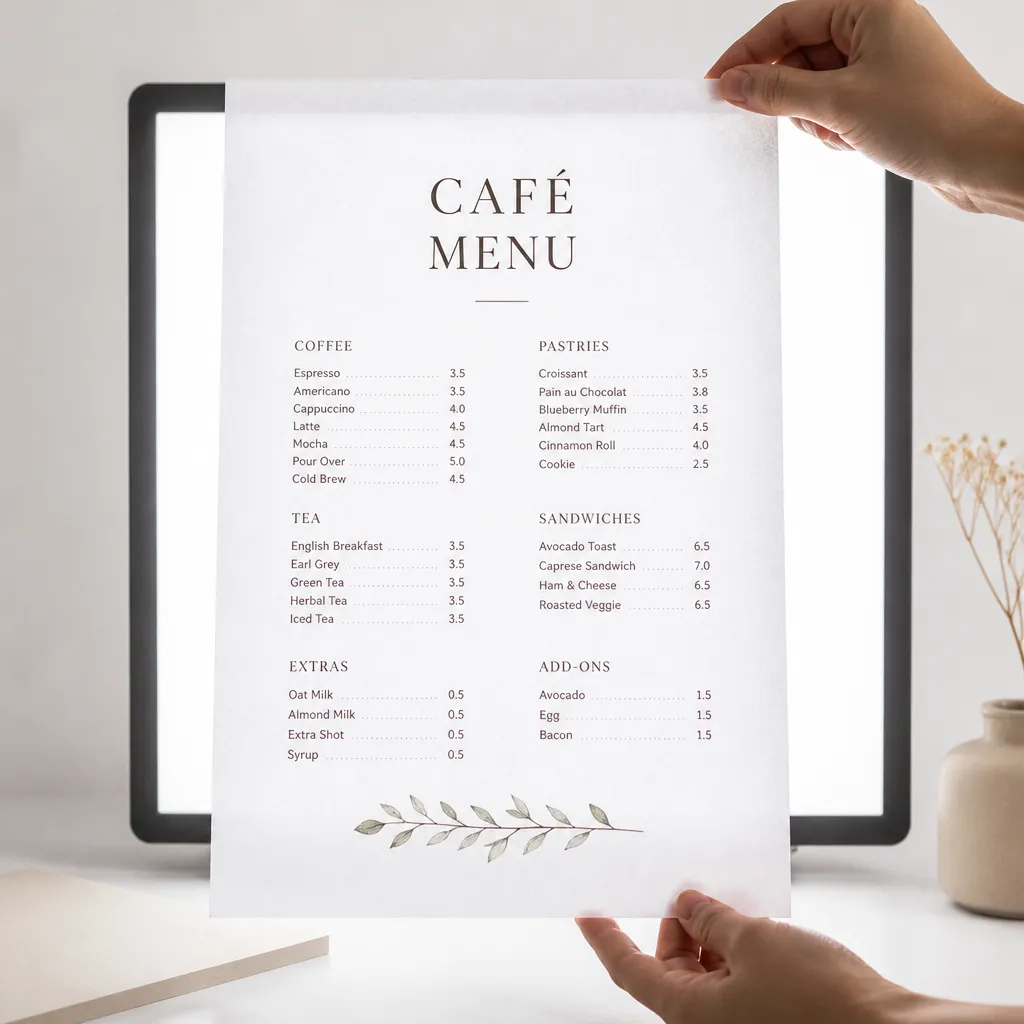
The most common mistake we see is treating backlit paper as photo paper with a better name. Photo papers are viewed by reflected light. A backlit print is viewed by transmitted light, so the coating, weight and fibre density all change how the image reads.
Backlit paper also has to survive its environment. A window gets warm, and a sheet that curls or yellows within a few weeks will look tired long before the campaign ends. Ask suppliers how their stock performs under sustained heat and light, not only on the day it is printed.
The paper is part of the light path. Every other part of the display, from the LED strip to the frame, is judged through it.
Paper Weight, Opacity and Light Transmission
Light transmission and the glow test
Light transmission is the property that matters most, and the one suppliers discuss least. Paper that lets too much light through looks washed out and shows the lamp structure behind it. Paper that blocks too much makes your window look dim beside a brighter neighbour.
The glow test is simple and works well. Print a solid block of colour and a line of fine text, hold the sheet over your backlight at normal working distance, then step back to footpath distance. If the text is hard to read or the solid block shows hot spots, the paper is wrong for that lamp, whatever the datasheet says.
Weight, curl and handling in shop windows
Heavier stock holds flat in a frame and resists sagging in warm conditions, but a dense sheet can reduce glow. Lighter stock glows more but curls when the room heats up or when a frame is opened and closed every day. Most window installations sit best in a middle weight, chosen after you have compared both samples in your own frame.
Check edge handling too. A sheet that tears at the corner when you slide it into a frame will cost more staff time over a year than any saving on the unit price.
Pro tip: Mark the top edge and the printed side on your first test sheet. Many backlit stocks look different on each side, and a reversed sheet can look dull from the street with no obvious fault on the desk.
Inkjet vs Laser: Matching Paper to Your Printer
Inkjet-compatible backlit stock
Most offices and small shops print backlit work on inkjet printers. Inkjet ink sits on the surface of the paper, so the stock needs a coating that holds the dots crisp without bleeding. A paper not designed for inkjet can look fine on a test page, then blur once ink saturation climbs on a full image.
Check the media setting in the print dialog as well. Selecting the correct media type tells the printer how much ink to lay down, and a mismatch is one of the most common causes of streaking in backlit work.
Laser and copier runs
Laser and copier stocks are built for toner, which is fused onto the surface with heat. A stock not rated for that heat can curl, flake or develop a dull finish that the backlight exposes. If your business prints both types, store them clearly labelled so nobody loads the wrong box.
A common mistake is buying one box of universal paper for every machine in the office. It looks cheaper on the invoice and costs more once you count the reprints. If you run several sites, from Auckland to Dunedin, standardise the printer model and the stock so colours match from window to window.
A3 and A4 Backlit Paper: Sizing for Real Windows
A3 measures 297 by 420 mm and A4 measures 210 by 297 mm. A3 has twice the area of A4, and that difference decides a lot in a window. The right size depends on how far the viewer stands from the glass and how often the content changes.
When A3 earns its place
A3 suits a hero image on a café door or a property feature sheet in an agency window, where the message has to be read from the footpath. It also reduces the number of seams across a large frame, which keeps the display looking like one piece of work.
The trade-off is handling. A3 sheets flex more, need larger frames and take longer to load and swap. If your team changes content every week, that friction adds up quickly.
Why A4 still wins for rotating content
A4 is the workhorse for rotating listings, weekly specials and promotional tiles. Smaller sheets are cheaper to reprint, easier to store and quick to swap without special tools. Many agencies run A4 for open home details and A3 for the main listing photo in the same window.
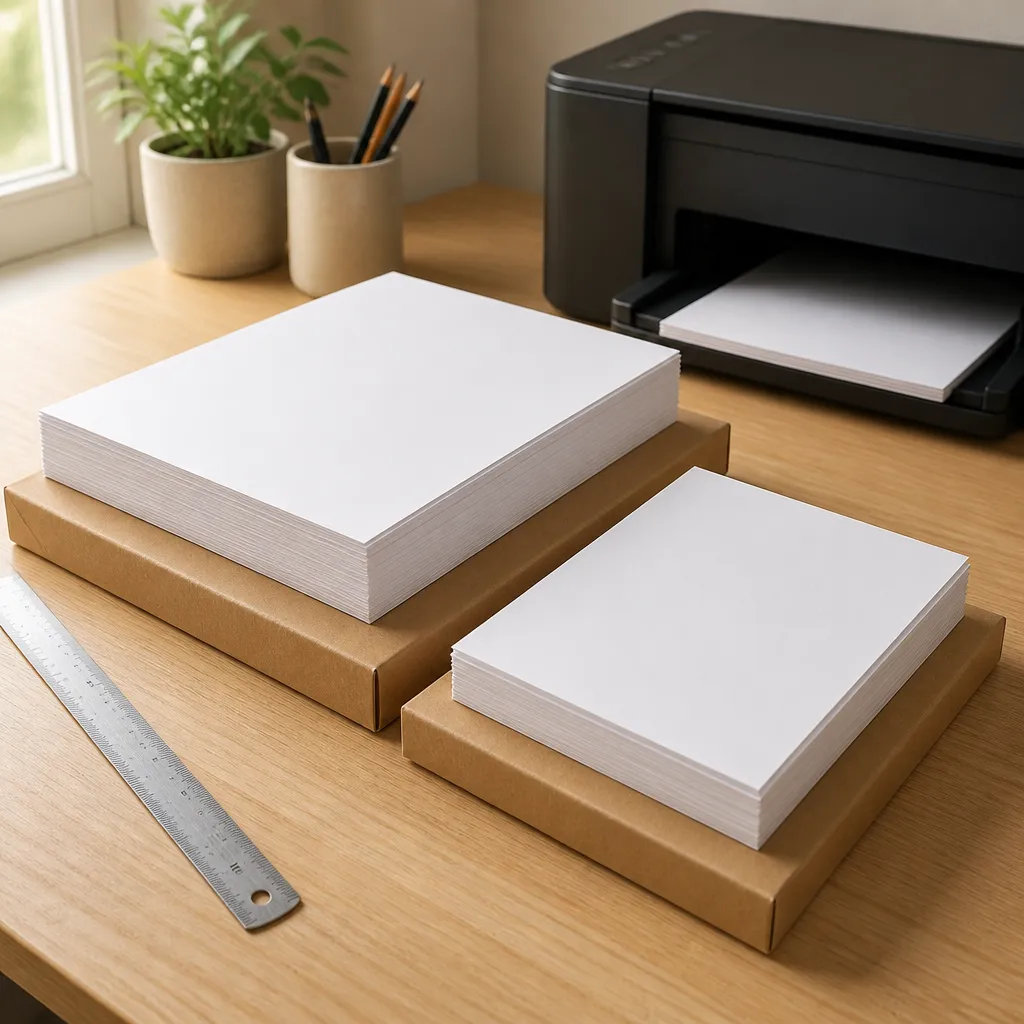
Do not assume A3 and A4 from the same supplier will share a finish. Order a sample of each size and compare them side by side under the lamp. A visible mismatch between sizes in one window looks careless to anyone walking past.
Supplier Due Diligence: Questions to Ask First
Sample packs and proof prints
Ask for a sample pack before any bulk order, and insist it is printed on the stock you would actually buy, not a comparison sheet. A good supplier will send A3 and A4 samples, state the coating and weight, and explain how to test them. If the sample process is vague, expect the same vagueness when something goes wrong.
Test the samples with your own printer, your own artwork and your own lamp. Proofs produced in a supplier’s showroom will always look better than what your team produces on a rushed Monday morning.
Batch consistency and repeat orders
This is where many businesses get caught out. A paper can look identical in a first order and then differ slightly in glow or colour six months later. Ask how the supplier tracks batch numbers, whether they hold stock for repeat runs, and what happens if a batch changes.
For a multi-site business, a mismatch between a Christchurch window and a Wellington window is visible to every customer who walks past both. Get the product code and specification confirmed in writing on every order.
Delivery, lead times and NZ logistics
Ask about lead times in working days, not “fast turnaround”. Find out whether the supplier stocks in New Zealand or imports per order, and who pays freight to Hamilton, Tauranga, Dunedin or wherever your sites sit. Confirm how faulty stock is handled before you need the answer.
Bulk Paper Orders and Real Cost Per Window
Cost per window, not cost per sheet
A bulk order looks like a saving on the invoice, but the real cost shows up in the window. Count misprints, curled sheets, sun-faded replacements and the staff time spent swapping content. A sheet that costs slightly more but holds its finish for the full display cycle is cheaper per week on display.
Use a simple calculation: total invoice divided by the number of days each sheet stays presentable. Compare suppliers on that figure, not on the unit price alone.
Storage and shelf life
Store backlit stock flat, in its original packaging, away from heat and direct sun. Stock kept in a hot garage or a sunny stockroom can cure unevenly and show up as curl or colour shift once it reaches the printer. Use first-in, first-out rotation so older boxes do not sit behind new ones.
Ask how long the supplier recommends holding stock before printing, and whether the product has an expiry. If they cannot answer, buy smaller quantities and reorder more often.
Pro tip: Write the date received and the batch number on each box. When a window looks different six weeks later, you can tell whether the paper changed or the lighting did.
Comparing Supply Options for NZ Businesses
Most businesses buy backlit paper in one of three ways. Each suits a different volume and level of support, so the right choice depends on how often your window content changes.
| Supply Option | Best For | Main Trade-off |
|---|---|---|
| General office or large-format supplier | Occasional printing, mixed jobs and one-off orders | Backlit performance is rarely tested, and batch records may be thin |
| Dedicated backlit paper specialist | Regular window refreshes for agencies, cafés and retailers with frequent promotions | Higher unit price, offset by stock tested for backlight use and more consistent batches |
| Display provider that bundles paper with hardware | Businesses installing new windows that want one point of contact | Less choice of paper, and switching later may need new frames or settings |
In practice, a dedicated specialist makes sense once you change window content more than once a month. Below that, a general supplier can work if you run the glow test before every bulk order. V Media supplies premium backlit printing paper in A3 and A4, so the specialist category is where we would point a business that changes its windows often.
Matching Paper to Your Display Hardware
Backlit paper only works in backlit systems. LED backlit real estate displays and static window backlit displays use a light source behind the sheet, so the paper is the image layer. Digital LCD screens, including large LCD displays and hanging cable LCD displays, show content from the screen itself and need no printed stock.

LED backlit real estate displays
Estate agencies usually want a clean, bright frame with a sheet that changes weekly. Choose A4 or A3 sheets sized to the frame, and confirm the frame depth lets the stock sit flat. An uneven light path across the frame will show on every listing you print.
Cafés, retailers and mixed window setups
Cafés often need one sheet for the daily special and another for the brand. Retailers want stock that holds up to sun exposure through the day. Match the paper to the window’s sun exposure rather than to the frame style.
Where a digital screen sits beside a printed sheet, keep the colour palette consistent so the two read as one display. A mismatched pair looks unplanned, even when each piece is well made.
Frequently Asked Questions
Can I print backlit paper on a standard office inkjet?
Yes, provided the stock is rated for inkjet and you select the correct media type in the print dialog. Test one sheet in your frame before printing a full batch.
What is the difference between A3 and A4 backlit paper for a window?
A3 measures 297 by 420 mm and A4 measures 210 by 297 mm, so A3 has twice the area. Use A3 for a hero image visible from across the street, and A4 for frequent updates and detail sheets.
How do I know if a backlit paper will glow enough?
Print a solid colour block and a line of fine text, hold the sheet over your backlight at working distance, then view it from footpath distance in daylight. If the text is hard to read or hot spots appear, change the stock.
Should I buy backlit paper in bulk?
Only after you have tested the stock and confirmed batch consistency. Bulk orders lower the unit cost, but a poor fit multiplies waste, so buy a trial quantity first.
Does backlit paper fade in direct sun?
Any printed material exposed to strong sun will fade over time. Choose stock with a coating suited to your window’s exposure, and plan replacement cycles rather than expecting one sheet to last indefinitely.
Can I use backlit paper in a digital LCD screen?
No. LCD screens display content files, so they need no printed sheet. Backlit paper is for LED backlit frames and static lightboxes.
Have you switched backlit paper suppliers recently, and what made the difference for your window?