

24/7 Window Advertising NZ: Is the Business Case Real?
Most shopfront windows in New Zealand go dark for half the day. A display built for 24/7 window advertising in NZ keeps working after closing time, when people still walk past your glass on the way home, to dinner or to catch a bus. The real question is not whether lit, moving content draws attention, because it does. The question is whether the numbers justify the hardware, and how to build a case your accountant and your landlord will accept. This article sets out that case without the hype.
Table of Contents
- Quick Takeaways
- What 24/7 Means in Practice
- Building an ROI Model for Always-On Windows
- Where 24/7 Window Displays Pay Off
- Always-On Content That Holds Attention
- Comparing Window Display Options for Always-On Use
- Remote Content Management and CRM Links
- Common Mistakes That Cut Returns
- Frequently Asked Questions
- References
Quick Takeaways
|
Key Insight |
Explanation |
|---|---|
|
Measure cost per hour, not cost per month |
A 24/7 screen offers 8,760 hours a year. Divide the installed cost and software fees by the hours it will run over its working life to see what each hour of display time really costs. |
|
Treat your closed hours as the audience you are not using |
Evening and early morning pedestrians have no competing shopfront trying to catch their eye, so a well-timed message after closing can stand out more than it would during the day. |
|
Choose brightness for the sun, not the showroom |
A screen that looks sharp indoors can wash out at midday on a west-facing window. Sunlight-readable panels and UV-protected LCD screens are the safer specification for shopfront use. |
|
Set your break-even figure before you buy |
Decide how many extra enquiries, bookings or appointments per month cover the monthly cost. If the number is unrealistic for your trade, the project should not go ahead yet. |
|
Plan remote updates before installation |
If changing content means a site visit, the screen will run last month’s message. WiFi-based remote management and Android scheduling let the person who knows what changed update the display the same day. |
|
Record a four-week baseline before go-live |
Log enquiries, walk-in counts or listing views for four weeks before the display goes live. Without that baseline, every claimed result is a guess. |
What 24/7 Means in Practice
A 24/7 window display is not simply a screen that stays on. It is a commitment to content that is relevant at 7am, at lunchtime and at 10pm, and to hardware that can handle the conditions of each of those hours. In practice, that means an LED backlit or UV-protected LCD unit rated for continuous running, mounted behind glass that does not wash out the image when the afternoon sun hits it.
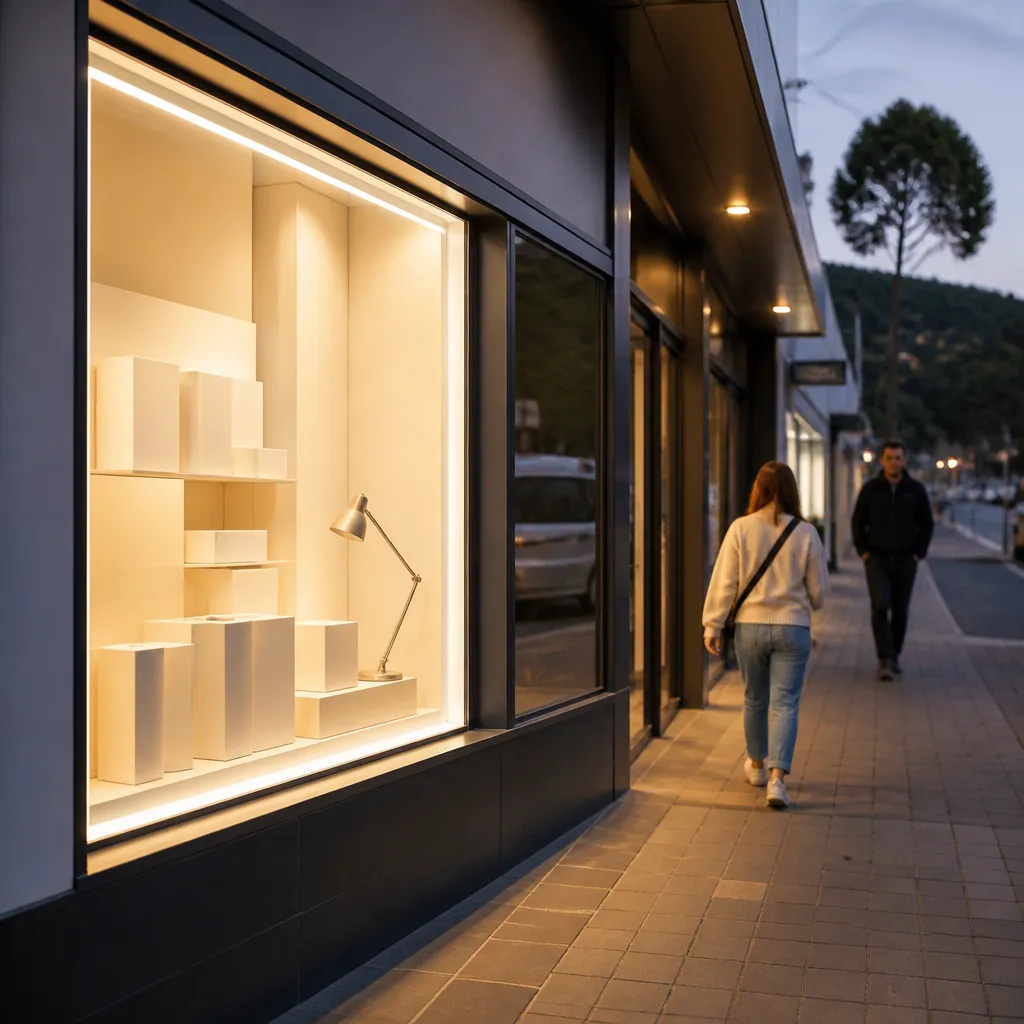
Most owners picture the window as a sales tool for daytime customers. In reality it is a billboard that never closes. Pedestrians heading home from work, people waiting at bus stops and drivers stopped at traffic lights all see it. For a real estate agency, that means a listing on the screen may be seen by someone who has just finished a long workday and is scrolling for houses on their phone at the same time.
Who Is Walking Past After Closing Time
Your after-hours audience is different from your daytime audience. Evening pedestrians are often browsing rather than buying, so the job of the screen is to plant a name, an offer or a listing in memory, not to close a sale on the spot. This favours short, high-contrast messages with one clear call to action, such as a phone number or a web address.
Think about the route, too. A window on a busy main street sees a steady stream of commuters, while a window on a quieter side street may only get a few people an hour after dark. Walk the footpath at the times you plan to run content and count the people who pass. That count is worth more than any generic footfall figure.
Why Brightness and Glass Decide the Result
Brightness is where many window displays fail. A screen that looks sharp in a showroom can be unreadable at midday when sunlight falls directly on the glass. Sunlight-readable screens solve this problem, and for shopfront use they are not an optional extra. A common mistake is to buy a standard indoor screen, mount it in a sunny window and then wonder why nobody notices it.
The glass itself matters as well. Tinted or reflective glazing reduces the light reaching the viewer, and mounting depth affects how the panel sits against the glass. Before ordering, check the glazing type, the window orientation and the expected sun exposure. A site survey takes an hour and saves a costly re-do.
Building an ROI Model for Always-On Windows
The business case starts with arithmetic, and the simplest version is cost per hour. Add up the installed cost of the screen, the software subscription and any mounting or electrical work, then divide by the hours the unit will run over its working life. A 24/7 screen runs 8,760 hours a year, so a three-year working life gives you 26,280 hours of display time.
Here is a hypothetical example, not a quote. Suppose the total installed cost is $6,000 before software. Spread over 26,280 hours, the hardware comes to roughly 23 cents per hour. Spread over 36 months, it is about $167 a month before software fees. That is the number your display needs to beat.
Setting a Break-Even Point You Can Defend
Break-even is the number of extra enquiries, sales or bookings per month that covers the monthly cost. For a café, that might be a handful of extra table bookings or takeaway orders from people who saw a weekend special on their evening walk. For a real estate agency, it might be one additional vendor appointment a quarter. Write the figure down before you buy, and make sure it is realistic for your trade.
The trap is to measure everything. Impressions, views and general brand awareness feel good in a meeting but rarely pay the rent. Pick one or two measures that connect directly to money, such as enquiries that mention the window, booking counts or listing appointments, and track them weekly.
Counting Returns Without Fooling Yourself
Attribution is messy in shopfront advertising, because a passer-by may see the screen on Monday and walk in on Thursday. Ask every new customer how they heard about you, and add a simple prompt such as an offer code that only appears on the display. You will get rough attribution rather than perfect data, and rough attribution is enough to make a sound decision.
A window screen does not have to close the sale. Its job is to be the reason someone walks in, picks up the phone, or remembers your name when they need you.
Where 24/7 Window Displays Pay Off
Not every business gets the same return from a window that runs around the clock. The strongest cases share two traits: a shopfront that is seen after closing time, and a message that stays useful for a long period. Real estate, hospitality and several retail categories fit that pattern well.
Real Estate Agencies and Estate Displays
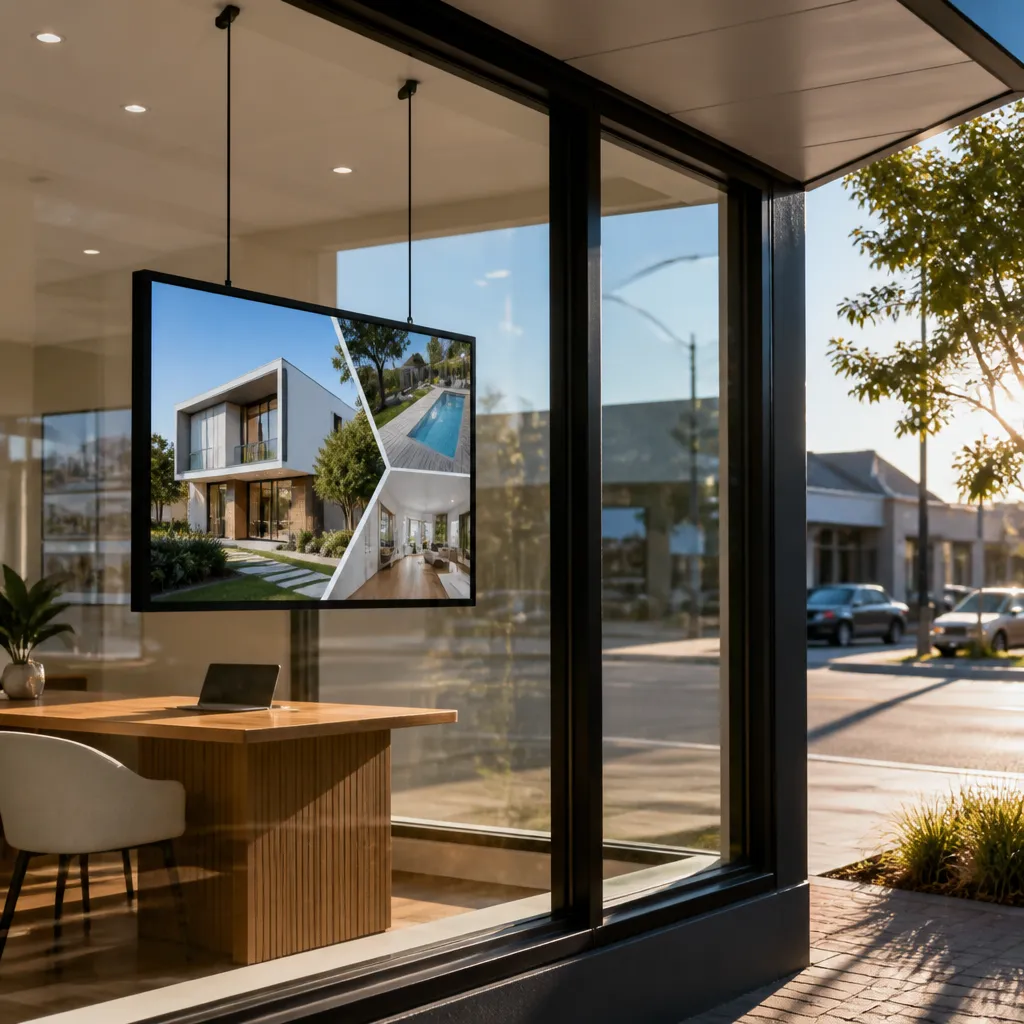
For property professionals, the window is often the first place a buyer or seller looks. An LED backlit real estate display lets an agency show current listings, open home times and recent sales to people walking past at any hour. In practice, agencies with busy main-street frontages get the most from this, because the screen competes with neighbouring offices whose signage is dark by 6pm.
Estate displays only work when the content is current. A listing still on the screen after it sells damages credibility fast. Build a simple routine in which the sales team updates the schedule the same day a listing status changes.
Cafés and Restaurants After Dark
Cafés and restaurants have a clear case for a 24/7 display. Daytime trade often comes from people who already know the business, while evenings and early mornings bring passers-by who are deciding where to eat or where to stop for coffee. A screen can show tonight’s specials, a breakfast menu or a booking prompt, which turns an empty street into a sales channel.
The content has to match the hour. A morning coffee offer loses its value at 9pm, and a dinner special shown at 7am confuses everyone who sees it. Set time-based schedules so each part of the day runs its own message, and keep the wording short enough to read from across the road.
Retailers With Evening and Weekend Trade
Retailers in Auckland, Wellington, Christchurch, Tauranga, Hamilton and Dunedin all face the same question: how do you keep selling when the doors are shut? For many shops, the answer is to treat the window as a second product line. Use it to show new arrivals, sale dates and collection options, and update it when stock changes rather than once a season.
Always-On Content That Holds Attention
Moving content is what stops people in their tracks, but it only keeps them looking if it changes in a way that rewards a second glance. A display that loops the same ten-second clip all day becomes wallpaper within a week. The aim is to give people a reason to look back, not to shout the same message louder.
Rotating Content Without Wearing Out the Message
Plan a rotation of four to six slides rather than one static message. Lead with the strongest hook, such as a new listing or a headline offer, then rotate supporting information such as opening hours, a phone number or a key feature. Repeat visitors see something new without the core message getting lost.
Sequencing Content for Repeat Passers-By
Many shopfront audiences pass the same window several times a week, on commutes or on the way to the shops. You can reward that by changing the sequence slowly. A new headline in week one, a testimonial in week two and a deadline reminder in week three builds a story across visits. Keep the full loop short enough that a regular passer-by sees every slide within one or two passes.
Keeping Text Readable at a Distance
A line of body text that reads well on a laptop fails on a shopfront. Use large type, high contrast and one idea per slide. Test the screen from the footpath, not from the desk where the content was built. If a passer-by cannot read the main message while walking at a normal pace, the message needs cutting.
Pro tip: Stand on the footpath at walking pace and read every slide from the point where a passer-by would first notice the window. Anything you cannot read at that distance should be cut or enlarged before the content goes live.
Comparing Window Display Options for Always-On Use
Not every window needs the same hardware. The right choice depends on how much movement you need, how bright the surroundings are and how often the content changes. The table below compares three approaches that suit different shopfront goals.
|
Option |
Best For |
Trade-off |
|---|---|---|
|
Static window backlit displays with premium backlit paper |
Agencies and shops that change content a few times a month and want a low-cost, high-quality backlit look |
Content changes mean a manual swap, so the display cannot respond to daily updates |
|
LCD window display screens with UV protection |
Retailers and cafés that want moving content and detailed images in a window that gets direct sun |
Needs a reliable power supply and a plan for remote content updates |
|
LED backlit real estate displays |
Estate agencies that want an always-on, high-brightness screen for listings and open home information |
Higher upfront investment than printed options, so the break-even calculation matters more |
In practice, the cheapest option is rarely the one that pays back fastest. Backlit paper suits a fixed message with a long shelf life, but it cannot change when a sale finishes on Friday. A screen costs more to install, but it can carry several messages across the day and week, which is what makes the cost-per-hour maths work.
Remote Content Management and CRM Links
The biggest reason 24/7 windows underperform is neglect. If updates require a site visit or a technician, the display ends up running last month’s content. Remote management over WiFi removes that bottleneck, so the person who knows what changed can update the screen the same day.

Scheduling Content From Your Desk
Android-based scheduling lets you plan content by day and time, so the morning message and the evening message run without anyone touching the screen. Set one schedule for opening hours, one for after-hours content and one for public holidays. Check the schedule every Monday, because a missed holiday is an easy and very visible error.
Connecting Display Content to Your CRM
CRM and CMS integration is included in our software subscriptions, so listings, offers or event details can be set up to flow from the systems you already use rather than being retyped. For an agency, that means a listing update in your system can feed the window. For a café, a special set up in your booking or menu system can reach the screen without a second step.
Common Mistakes That Cut Returns
Most underperforming window screens fail for predictable reasons. The hardware is usually fine. The problems are planning, content and maintenance, and each one can be fixed before the screen is switched on.
Skipping the Baseline
Owners often switch the screen on and then try to remember what business looked like before. By then the memory is wrong. Record enquiries, walk-ins or listing views for four weeks beforehand, so the comparison after installation is based on real numbers rather than impressions.
Setting Content Once and Forgetting It
A display that shows the same offer for six weeks teaches regulars to ignore it. Assign one person to own the content calendar, and set a review date every two weeks. If nobody owns the screen, it will run stale content until someone complains.
Ignoring Power, Cleaning and Maintenance
A dusty window or a dim panel quietly reduces impact. Schedule cleaning of the glass and check the unit for dimming or dead zones every quarter. Keep a record of the installation date and warranty terms so faults are caught early rather than after weeks of lost visibility.
Pro tip: Photograph the window from across the street at the time of day the display will run most, before installation and again after. The photos will show you glare, reflections and sightlines that a site visit can miss.
Pro tip: Write a one-page content and maintenance plan before go-live that names the person responsible for updates, cleaning and fault reporting. Most failed screens have no owner, not a faulty panel.
Frequently Asked Questions
Does a window display really need to run 24 hours a day?
Running 24/7 is the goal for always-on advertising, because after-hours passers-by are an audience most shops never use. You can still dim the display or change content overnight, but a fully switched-off screen gives up the hours that make the cost per hour work.
Is a 24/7 window display worth it for a small café?
It can be, if you set a realistic break-even figure first. A café needs only a few extra bookings or takeaway orders a month to justify a screen, provided the content matches the time of day and the display is easy to update.
How do I measure the return on a window display?
Record a four-week baseline before installation, then track one or two measures linked to money, such as enquiries that mention the window, bookings or appointments. Ask new customers how they heard about you, and use an offer code that only appears on screen to get rough attribution.
Do window screens need special features for New Zealand sunlight?
Yes, for any window that gets direct sun. Sunlight-readable panels and UV-protected LCD screens keep the image visible in bright conditions, and a site survey should check glazing type and orientation before you choose a specification.
Can I change the content on a window screen remotely?
Yes. Remote content management over WiFi lets you schedule and update content without visiting the shop. Android-based scheduling supports time-based messages, so your opening-hours content and after-hours content can run automatically.
What has your window display done for you after dark, and did the results match the numbers you expected before you installed it?
References
-
Six reasons retailers use digital LED displays to attract shoppers