

Window Display Content Calendar: NZ Summer to Christmas Plan
Most shopfront windows in New Zealand go quiet over the summer months, then scramble in early December with last-minute posters and a screen stuck on the same loop until January. A window display content calendar NZ businesses can rely on fixes that. It sets out what each window shows, when it changes, and who it is for, from the first warm weekend of summer through to the post-Christmas clearance. Here is how we plan that calendar for real estate agencies, cafés, restaurants and retailers, and where the planning usually goes wrong.
Table of Contents
- Quick Takeaways
- Why the Summer to Christmas Window Needs Its Own Plan
- Set Goals Before You Pick Dates
- Map the Calendar Month by Month
- Content Types That Earn Attention in a Shopfront
- Scheduling Digital Screens Without Losing Control
- Choosing a Rotation Model for the Rush
- Production Timelines and Approvals
- Common Mistakes That Waste the Rush
- Measuring and Adjusting Mid-Season
- Frequently Asked Questions
- References
Quick Takeaways
| Key Insight | Explanation |
|---|---|
| Brief the peak season by late October | Print runs, installers and stock deliveries tighten as December approaches, so the creative needs to be finished before the rush starts. |
| Give every slot one job | Sell a specific offer, book a viewing, or inform people about hours and collection. A slot that tries to do all three usually does none of them well. |
| Split the calendar into three phases | Use setup (late October to mid November), peak (late November to Christmas Eve) and clear-out (Boxing Day to late January) as your planning blocks. |
| Daypart digital screens | Morning commuters, lunchtime office workers and evening diners respond to different content, so schedule each loop to match the time of day. |
| Test legibility from the footpath | Stand outside the shop at normal walking distance and read the headline before approving any artwork. If you cannot read it on the walk past, customers will not either. |
| Hold a two-week buffer in every slot | Approvals, stock changes and last-minute price updates are where calendars slip. Build slack into each slot rather than hoping for the best. |
| Review performance weekly from early December | Waiting until January means you only learn what worked after the season has passed. |
Why the Summer to Christmas Window Needs Its Own Plan
The stretch from December to Christmas is not simply a busier version of normal trading. Shoppers arrive with different intent, and a window that worked in March will often miss the mark. A passer-by outside a café in early December is usually thinking about a work function, a family lunch or a gift, while someone looking at a property window in January may be on holiday and actively browsing homes.
The Three Phases That Matter
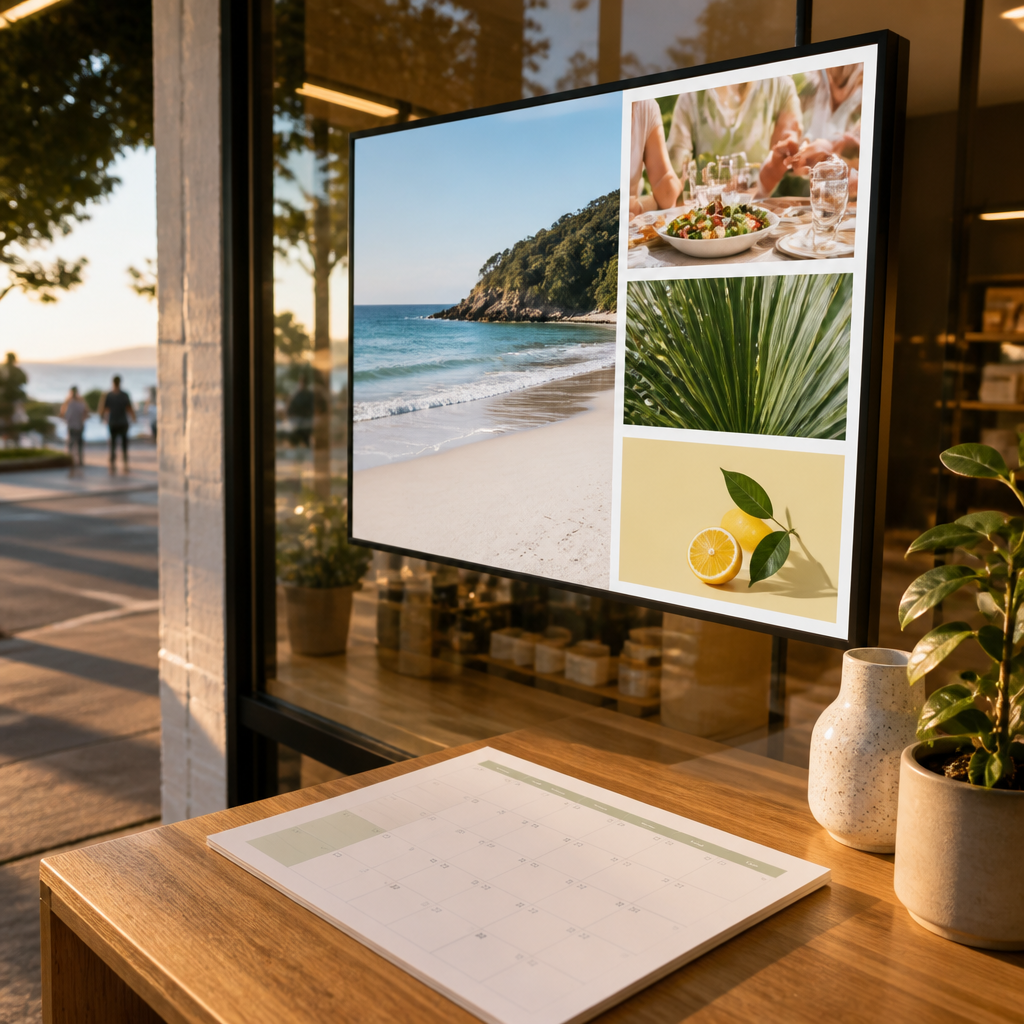
We treat the season as three phases. Setup runs from late October to mid November, when you build and test creative and confirm the screen schedule. Peak runs from late November to Christmas Eve, when most of your promotional content should be live. Clear-out runs from Boxing Day to late January, when stock goes, the window resets and summer messaging takes over.
Each phase needs its own brief. Treating the whole season as one block is the simplest way to end up with a window that looks tired by the second week of December.
Where the Calendar Usually Breaks
Most calendars fail at the handover between phases. The setup creative is approved and loaded, but nobody has briefed the peak content, so the screen keeps running the November loop into December. The fix is to date each handover in the calendar and assign one named person to sign it off.
Pro tip: Put the handover dates in your calendar as fixed events with a reminder a week ahead, not as notes in a shared document nobody opens.
Set Goals Before You Pick Dates
Start with what the window needs to achieve, not with the calendar grid. A real estate agency might want enquiries about open homes, while a restaurant wants bookings for the weekend before Christmas. Those are different jobs, and each one changes what goes on the screen and how often it changes.
Give Each Slot One Job
Every content slot should do one of three things: sell a specific offer, book a viewing or a table, or inform people about hours, collection dates or menu changes. Mixed messages are the most common reason a window gets ignored. When a screen shows a sale, a Christmas greeting, opening hours and a logo in one short loop, nothing registers.
A window that tries to sell three things at once usually sells none of them.
Pick the Audience for Each Slot
Write one sentence for each slot that names the person you want to stop. Office workers in the lunch rush or families planning a Christmas Eve visit gives your designer something concrete to work with. A café in Wellington and a homewares store in Dunedin will often need different content for the same week because their passing trade is different.
Keep the audience list short. Three audiences per season is workable. Seven means your calendar is really a wish list.
Map the Calendar Month by Month
Once goals and audiences are clear, lay the calendar out week by week across all three phases. A spreadsheet works well for this. What matters is that every row has a start date, an end date, an owner, a file deadline and a clear reason for the content being there.
Late October to Mid November: Build and Test
This is the time to brief designers, lock in the core artwork and confirm that every screen is running the right schedule. Load test content at least a few days before anything goes live, and check it at the actual viewing distance. Many teams skip this because the deadline pressure has not yet arrived, which is exactly why it is worth doing early.
Use this phase to check the hardware side too. Confirm WiFi connectivity for remote screens, check that scheduled loops are saving, and make sure whoever will update content in December knows how to log in.
Late November to Christmas Eve: The Peak Run
The peak run needs the most rotation. Retailers often change offers weekly, while cafés might swap seasonal drinks or post Christmas hours every few days. Put promotions with fixed end dates in the calendar, and set reminders to take them down on time. An expired offer on screen does more damage than an empty slot.
Plan the Black Friday and pre-Christmas weekends as separate events. They are the busiest trading days in the calendar, so give them dedicated loops rather than squeezing them into a general rotation.
Boxing Day to Late January: Clear and Reset
Clear-out is where many businesses lose ground by default. Stock stays in the window, and the screen keeps promoting Christmas gift guides for weeks after the date has passed. Plan the reset in advance: a clearance message, then a summer or new-year theme, with the old content removed in a single scheduled change.
For real estate agencies, January is often a good month for open homes and market updates, so the reset can carry live listings rather than a generic summer look.
Content Types That Earn Attention in a Shopfront
The right content depends on what the business sells and how people use the window. A property window, a café window and a retail window are read differently, even when they sit on the same street. The examples below reflect the businesses we work with most often.

Real Estate Listings and Open Homes
Property windows work best when they show one or two listings at a time, with a clear open home time and a contact method. Rotating through a long list of properties on a single screen makes each one hard to read. LED backlit real estate displays suit this because the listing photography stays bright during daylight hours.
Check your agency’s advertising obligations before publishing sale-related wording, and keep dated content current so an expired open home does not sit on screen for the rest of the week.
Menus, Specials and Seasonal Drinks
For cafés and restaurants, the window is a menu board that people read in passing. Keep prices and items to a short list, and rotate in Christmas specials as early as the menu allows so people can plan ahead. A single seasonal drink with a clear photograph will usually outperform a full menu crammed onto a screen.
Gift Guides and Stock Arrivals for Retail
Retail windows need two kinds of content in the peak run: gift guides that help people shortlist, and stock arrival messages that give them a reason to come back. Put the gift guide up before the busiest weekends, not after. Stock arrival messages work best when they are dated, so they feel current.
If you want to see how a window display range can be set up for these uses, V Media’s window display options cover LED backlit, LCD and printed formats for shopfronts.
Scheduling Digital Screens Without Losing Control
A digital screen can change its content many times a day, which is exactly why it is easy to misuse. Without a schedule, the same loop plays from opening to close, and the peak-season offer runs at 9am on a Tuesday when nobody is buying. A clear schedule turns a screen into a planning tool rather than a noticeboard.
Daypart Your Content
Dayparting means assigning different content to different times of day. Morning commuters may respond to a quick coffee offer, lunchtime office workers to a set lunch deal, and evening passers-by to bookings or takeaway options. You do not need many loops to start, but two or three is enough to make a visible difference.
Keep the timings simple enough to check. If the schedule needs a spreadsheet to understand, it will not be updated when the season changes.
Remote Updates Over WiFi
Remote content management is what makes a December calendar practical. When your team can push a new offer from the office or a phone, a Friday afternoon price change does not need someone standing in the shop with a USB stick. Android-based scheduling and automation help here, and so does software that connects to the CRM or CMS your team already uses.
Test the connection before the peak run starts. A screen that stops updating on the first busy weekend is the most expensive failure in the calendar.
Keeping Content Readable in Sunlight
Shopfront screens compete with daylight, glare and reflections from the street. Large headlines, high-contrast colour and minimal text perform far better than a dense layout. Sunlight-readable screens and UV-protected LCD panels help, but the content still has to be designed for the light it will actually be seen in.
Pro tip: Photograph your window at the time of day most people walk past, then check the content on screen. If you cannot read the headline in the photo, neither can your passers-by.
Choosing a Rotation Model for the Rush
There are several sensible ways to organise a screen across the season. The right one depends on how often your offers change and how many people can realistically update the content. Each of the three models below works well in the right setting and fails in predictable ways.
Comparing the Three Models
| Approach | Best For | Main Risk |
|---|---|---|
| Fixed seasonal campaign | Real estate agencies running an open home series or a long-running brand message | Content goes stale by the middle of the peak run, and nobody notices until a customer does |
| Weekly rotation | Retailers and cafés with a new offer each week, such as gift guides or specials | Missed deadlines leave expired offers on screen unless someone owns the handover |
| Daypart rotation | Cafés and restaurants with clear morning, lunch and evening trade | More loops to build and check, so the timing grid can become hard to maintain |
Starting Point for Most Shops
Most businesses should start with a weekly rotation and add dayparting once the team is confident with the update process. A fixed campaign on its own suits a property window during quieter weeks, but it rarely carries a full peak run.
The Unplanned Mix
The worst option is an unplanned mix, where the screen runs a bit of everything with no owner. That produces old offers, mismatched times and a window that looks abandoned by the second week of December.
Production Timelines and Approvals
A content calendar is only as good as its production timeline. Artwork, approvals and installation each take time, and December is when all three are most likely to collide. Working backwards from the date a screen goes live is the most reliable way to avoid a scramble.
Work Backwards From Go-Live
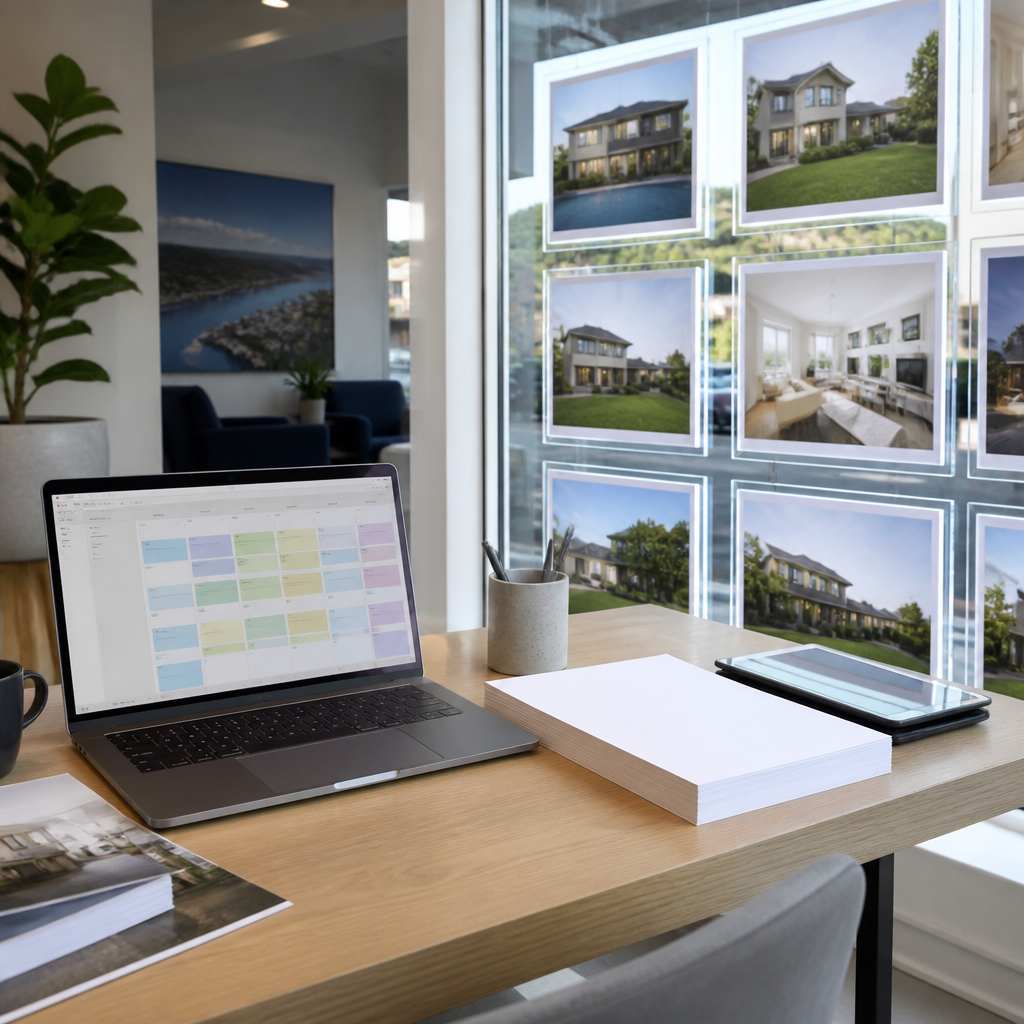
Start with the go-live date for each slot, then set internal deadlines: final copy, design sign-off, file upload and a test run on the actual screen. For a fixed campaign, we usually allow at least two weeks for design and approval. Shorter slots, such as a same-week special, can run on less time, but only if the template is already approved.
Who Signs Off and How Long It Takes
Approval is where timelines slip. Name one person who can approve content, and set a rule that approvals not received by a fixed day move the slot to the next available rotation. Agencies with legal review, franchise head offices or several decision makers need those steps built in from the start.
Keep a simple log of who approved what and when. It saves arguments later and shows quickly which step is causing delays.
Stock, Printing and Paper Materials
Window content is not only digital. Printed materials, such as backlit premium printing paper in A3 and A4 sizes, also need lead time, particularly when you order in bulk for several shopfronts at once. Add print runs to the same calendar as screen content so printed and digital messages match in the same week.
Pro tip: Order your printed materials for the peak run before the first week of November and keep a small reserve for last-minute price changes.
Common Mistakes That Waste the Rush
Most of the problems we see during the season are predictable. They come from the same few habits, and they are easy to fix once someone names them. The three below cause the most lost trade in our experience.
Launching Too Late
Starting the calendar in December means your content competes with every other shopfront on the street for the same attention. By then, designers are booked, print runs are tight and approvals are slow. Late starts also push teams into rushed designs that do not read well from the footpath.
Running One Creative for Eight Weeks
People stop seeing a window after a few days of the same content, even when it is well designed. Refresh at least the headline and offer each week during the peak run. A change of colour or wording is often enough to make people look again.
Forgetting Stock Changes and Off-Hours
A window showing a product that has sold out, or a café special that ended last week, damages trust quickly. Build a stock or menu check into the weekly review, and schedule a neutral message for outside opening hours so the screen never shows a stale offer when the shop is closed.
Measuring and Adjusting Mid-Season
You do not need sophisticated analytics to know whether a window is working. You do need a consistent habit of looking at the same few numbers and making changes quickly. The aim is to adjust the calendar while there is still time to use what you learn.
Track Numbers You Can Actually See
Useful measures include rough footfall counts at peak times, enquiries or bookings that mention the window, phone calls, and sales of the item being promoted. For a real estate window, count open home attendance and follow-up calls. For a café, track how many people order the seasonal drink on the days it is featured.
Record these in the same place as the calendar, so each content change can be compared with what happened before and after.
Review on a Fixed Weekly Rhythm
Pick one time each week, such as Monday morning, to review the previous week’s numbers and plan the next. Keep the meeting short and focused on three questions: what ran, what got attention, and what needs to change this week. A fixed rhythm turns the calendar into a working document rather than a plan that gets forgotten.
When a slot underperforms, change one thing at a time. Swapping the image, the offer and the timing all at once makes it impossible to know which change mattered.
Frequently Asked Questions
When should a New Zealand business start planning its Christmas window content?
We recommend briefing your core creative by late October, with setup running through to mid November. That gives designers, print suppliers and your team time to test content before the busiest trading weeks begin.
How many content slots should a window calendar include?
Most shopfronts do well with three to five slots in rotation during the peak run, each with one clear job. More than that usually makes the calendar hard to maintain, and each message gets less time on screen.
Can a small café manage a digital window display calendar without a designer?
Yes, if the templates are set up in advance. Build a small set of approved layouts for specials, seasonal drinks and hours, and the team only needs to swap text and images. A designer is most useful for the main seasonal look, not for weekly changes.
What should happen to window content after Christmas?
Plan a single scheduled clear-out from Boxing Day onward that removes Christmas offers and introduces a summer or new-year theme. Taking everything down in one planned change is faster and looks more deliberate than letting old content drift on screen.
Do printed paper displays still have a place next to digital screens?
They do, particularly for offers that change less often or need to be read up close. Backlit printed paper works well alongside digital content, as long as both carry the same message and are updated in the same week.
Share with us which part of your Christmas window calendar causes the most trouble and what has worked for your business.
We would love your feedback and any insights you would share with others. What perspective would you add?