

High Brightness Window Displays for NZ Shops This Spring
Walk down any busy New Zealand main street after dark and you can tell within seconds which shopfronts are working. The lit windows pull your eye, while the rest blend into the footpath. High brightness window displays are the reason one window stands out and its neighbour does not. For retailers, cafés and property agents, the shopfront is often the cheapest marketing channel they own, yet most of its potential sits unused. This spring, the question is not whether to put a screen in the glass. The real question is whether that screen can still be read at midday, in direct sun, from across the road.
Table of Contents
- Quick Takeaways
- Why Brightness Decides Whether Anyone Sees Your Window
- Spring Foot Traffic and the Shopfront Opportunity
- Sunlight Readability and UV Protection for NZ Glass
- Real Estate Windows That Keep Working After Hours
- Cafés and Restaurants: Hanging Cable Displays for Tight Frontages
- Remote Content Management, Scheduling and CMS Integration
- Backlit Paper Displays and Bulk Print Runs
- Comparing Window Display Options Side by Side
- Frequently Asked Questions
- References
Quick Takeaways
|
Key Insight |
Explanation |
|---|---|
|
Check the nit rating before anything else |
Screens built for shopfronts are commonly specified at 700 nits (cd/m²) or higher. Anything lower risks washing out once direct sun hits the glass. |
|
Test readability from the footpath |
Stand where a customer actually walks past, then check the screen at midday and in late afternoon. A showroom test tells you very little. |
|
Put the strongest message in the first few seconds |
Passers-by decide in a moment whether to look. Lead with the offer or the listing, then add the brand name. |
|
Specify UV protection for sun-exposed glass |
West-facing shopfronts take the afternoon sun straight on. UV-protected LCD screens suit that exposure far better than standard panels. |
|
Choose hanging cable displays for narrow frontages |
Where a wall-mounted screen would eat into floor space, a hanging unit keeps the window open for stock, seating or signage. |
|
Set up remote updates before the Christmas run |
Remote content management over WiFi lets you change offers from one dashboard, so you are not dependent on someone visiting the shop. |
|
Trial with backlit paper before buying a screen |
A3 and A4 backlit premium paper lets you test a rotating offer for a few weeks before you commit to a full screen. |
Why Brightness Decides Whether Anyone Sees Your Window
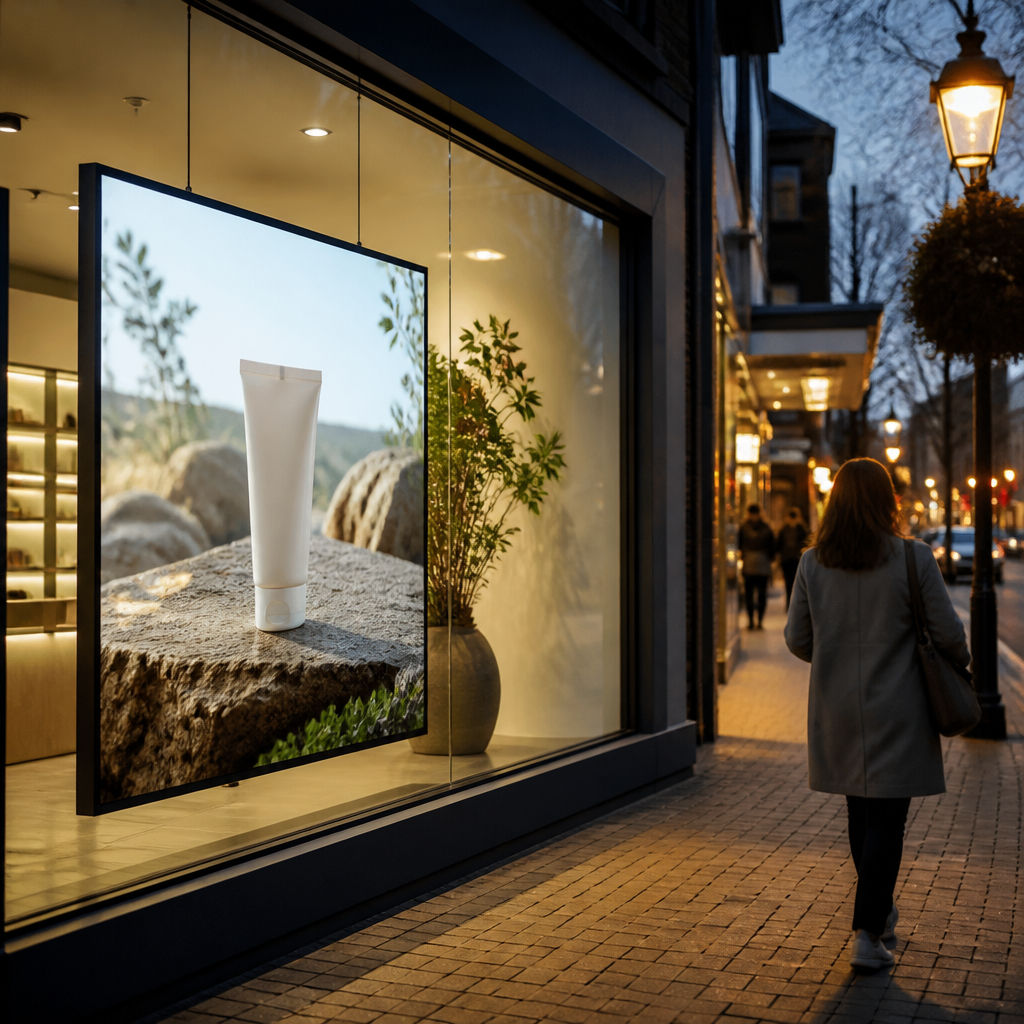
Brightness is measured in nits, which is the same unit as candela per square metre (cd/m²). A standard indoor monitor is built for a dim room, so it cannot compete with a bright afternoon. Screens designed for shopfronts are commonly specified at 700 nits or higher, and that is the number to start from.
What the nit rating actually tells you
A higher number is not automatically better for every window. A screen running at full output behind a south-facing window on a street that gets little direct sun wastes power and can look harsh at night. The practical question is how much light reaches the glass across the day, and whether the screen can adjust its output to match.
Ask suppliers for the rated brightness of the exact model, not the range across their catalogue. A range can hide a lower-spec unit that looks fine indoors and fails on the footpath. Get the specific rating in writing before you compare prices.
Why daylight, not darkness, is the real test
Most displays are judged indoors, under office lighting, which is the wrong test for a window. The screen has to beat the reflection of the street, the glare off a car windscreen and the sun bouncing off the pavement. If the content disappears under those conditions, the screen is just expensive decoration.
In practice, check the display at the time of day when your shop is busiest, not when you are signing off the purchase. A café that opens at seven and wants morning trade needs different performance from a homewares store that peaks at four in the afternoon. Test under the light you actually get, and write down the hours when the screen struggles.
Spring Foot Traffic and the Shopfront Opportunity
Why spring changes how people use the street
Spring in New Zealand brings longer days, warmer weather and more people out walking after work. Shoppers who spent winter hurrying past closed-up fronts start to slow down, browse and look at what is in the window. That shift is why spring is the right time to upgrade a display, not just refresh a poster.
The timing matters because your window does its work before anyone walks through the door. A customer who notices a property listing, a café special or a new range while passing has already decided to look. A static poster that has been up since winter tells them nothing new, so they keep walking.
Pro tip: Photograph your window from the footpath at the same time each week. Comparing those photos shows you whether the screen is still legible as the sunlight shifts across the season.
Setting the display up before the busy weeks
A common mistake is installing a screen in the final week of a trading period and expecting results straight away. Give new content a few weeks to settle, then review what passers-by seem to respond to. The best time to plan is before the busy weeks, while you still have room to adjust the schedule.
Spring is also the start of the longer run toward the Christmas trading period. Set up your content calendar now, so the window is already running tested messages when the big shopping weeks arrive. Plan the calendar in advance, not in a rush at the last minute.
Sunlight Readability and UV Protection for NZ Glass
Glare, reflections and the afternoon problem
Glare is the enemy of every window display. Direct sun strikes the glass, bounces back and washes out content that looked sharp in the showroom. Afternoon light is usually the harshest, particularly on west-facing glass that takes the sun straight on.
The fix is a screen engineered for sunlight readability, paired with content designed to survive it. High contrast between text and background matters more than colour choice. Large type and fewer words per slide hold up far better than fine print.
UV protection on the screen and the content
Sun exposure also ages the display itself. Screens fitted behind sun-exposed glass need UV-protected LCD panels, or colours fade and the unit wears out faster than it should. Ask the supplier which models are rated for UV exposure before you commit to one.
The best window display is the one a passer-by can read at a glance, not the one with the longest feature list on the spec sheet.
Printed content has its own exposure risk. Paper-based displays fade in direct sun, so match the material to the orientation of the window. For a sun-facing frontage, a UV-protected screen is usually the more reliable choice over paper.
Real Estate Windows That Keep Working After Hours
LED backlit real estate displays after hours
For a property agency, the window is often the first showroom a buyer or renter sees, and it gets seen for more hours than the office is open. An LED backlit real estate display keeps listings visible through the evening, when passing traffic is heading home or out to eat.
Long life expectancy matters here because a window display runs for most of the day. A unit that fails after one season costs money and leaves a gap in coverage. Choose a display built for continuous operation, not one designed for occasional use in a showroom.
Keeping listings current without a site visit
Agents hate updating a window by hand. Once a listing sells or an open home changes, the old photo sits in the glass for days. Remote content management lets the team swap listings from the office over WiFi, so the window matches what is actually on the market.
Integration matters too. If your listings live in a CRM, a CMS integration means the window can reflect the latest details without someone re-keying them. Keep one source of truth for listing data, and let the display draw from it.
Pro tip: Set a fixed weekly slot for checking the window content, even when nothing seems to have changed. Stale listings damage trust faster than a blank screen does.
Cafés and Restaurants: Hanging Cable Displays for Tight Frontages
Hanging cable LCD displays in narrow frontages
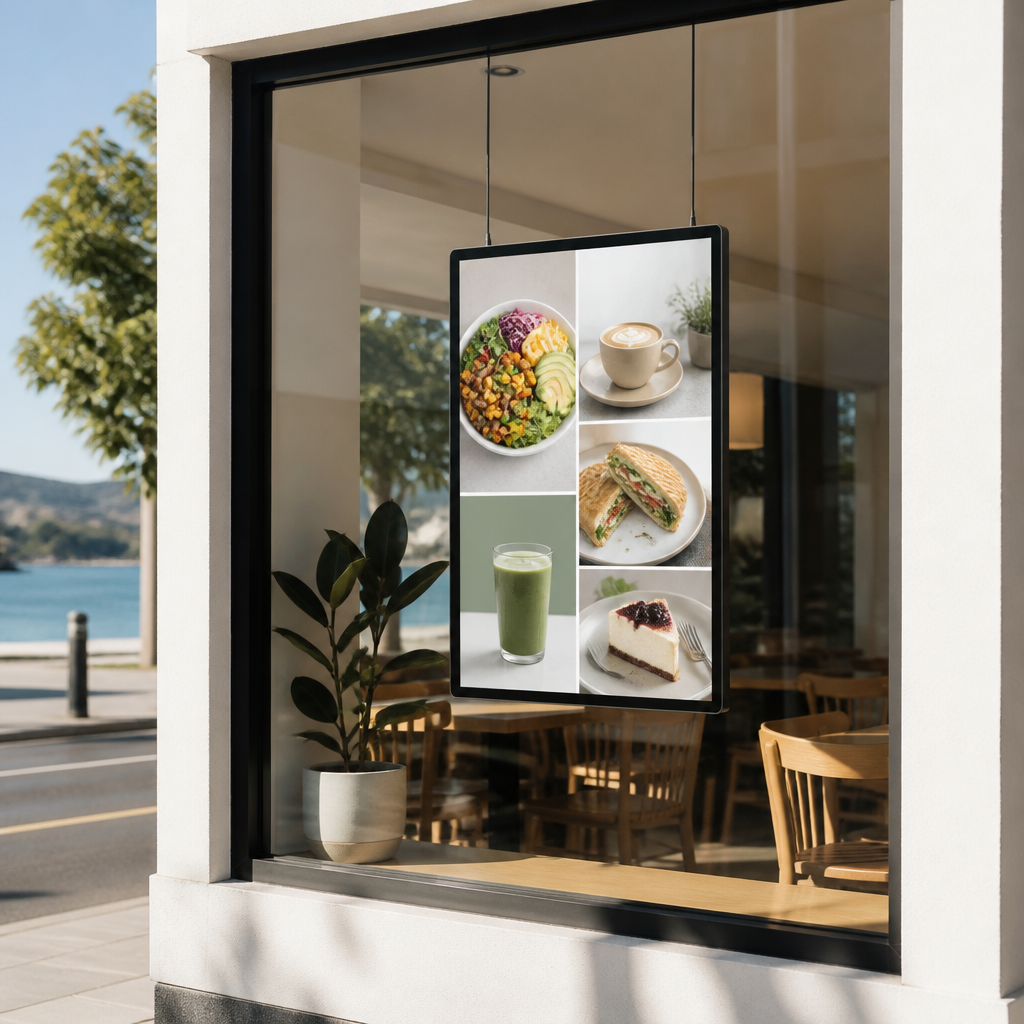
Many cafés and restaurants have narrow frontages where a wall-mounted screen would take up valuable space or block the view inside. A hanging cable LCD display suspends the screen in the window, leaving the floor and walls free for seating, stock and signage.
The screen sits close to the glass, so it reads clearly from the footpath without competing with the interior lights. Hanging units also suit rented premises where drilling into the frontage is not an option. Check your lease before installation, because some landlords restrict fixings to the glass.
Menus, specials and the lunch-hour window
Food businesses have a short window of opportunity. People deciding where to eat at lunchtime make the choice in seconds, often while walking past. Put the lunch special at the top of the screen, use a large item name and price, and rotate a second message for the afternoon coffee crowd.
A common mistake is loading a full menu onto a single screen. Passers-by cannot read it at walking pace. Show one offer per slide, change it on a schedule, and let the screen do what a chalkboard cannot.
Pro tip: Start the lunch special about thirty minutes before your busiest trading window. People who already have lunch in mind are the ones who stop to look, so give them the message while they are still deciding.
Remote Content Management, Scheduling and CMS Integration
WiFi updates and Android-based scheduling
A window display only works if someone keeps it current. Remote content management lets you upload, schedule and swap content from a browser, so updates do not depend on a staff member standing in the shop with a USB stick. V Media’s software uses Android-based scheduling, so you can plan a content loop around your trading hours.
Scheduling is where most of the practical value sits. Breakfast, lunch and evening content can run in separate blocks, and a weekend offer can replace a weekday message without touching the hardware. Keep the loop short, usually a handful of slides rather than a long playlist, so each message gets seen.
Connecting window content to your CRM and CMS
Once a display is connected to your other systems, it stops being a standalone screen and becomes part of your marketing setup. Property listings, product details and campaign calendars can feed the window directly, which cuts down on double handling. CRM and CMS integration is included in V Media’s software subscriptions.
Be realistic about setup. Integration works best when the underlying data is clean. If your CRM is full of duplicate listings or out-of-date prices, the display will faithfully show the mess. Clean the data first, then connect it.
Backlit Paper Displays and Bulk Print Runs
A3 and A4 backlit premium paper for rotating offers
Not every business needs a full screen to get the benefit of a lit window. Backlit premium printing paper in A3 and A4 sizes gives you a lower-cost way to rotate offers. It suits seasonal promotions, new stock and open home listings.
Paper works best for short campaigns where the message changes every few weeks. It cannot show motion or video, so match the format to the message. Use paper for testing and screens for ongoing campaigns, a split that works for many shops.
Bulk orders and keeping print consistent
If you run several branches or rotate messages across a large window area, bulk paper orders keep colour and finish consistent from one print run to the next. Mismatched stock across locations is a visible problem, and it is easy to avoid by ordering in one batch.
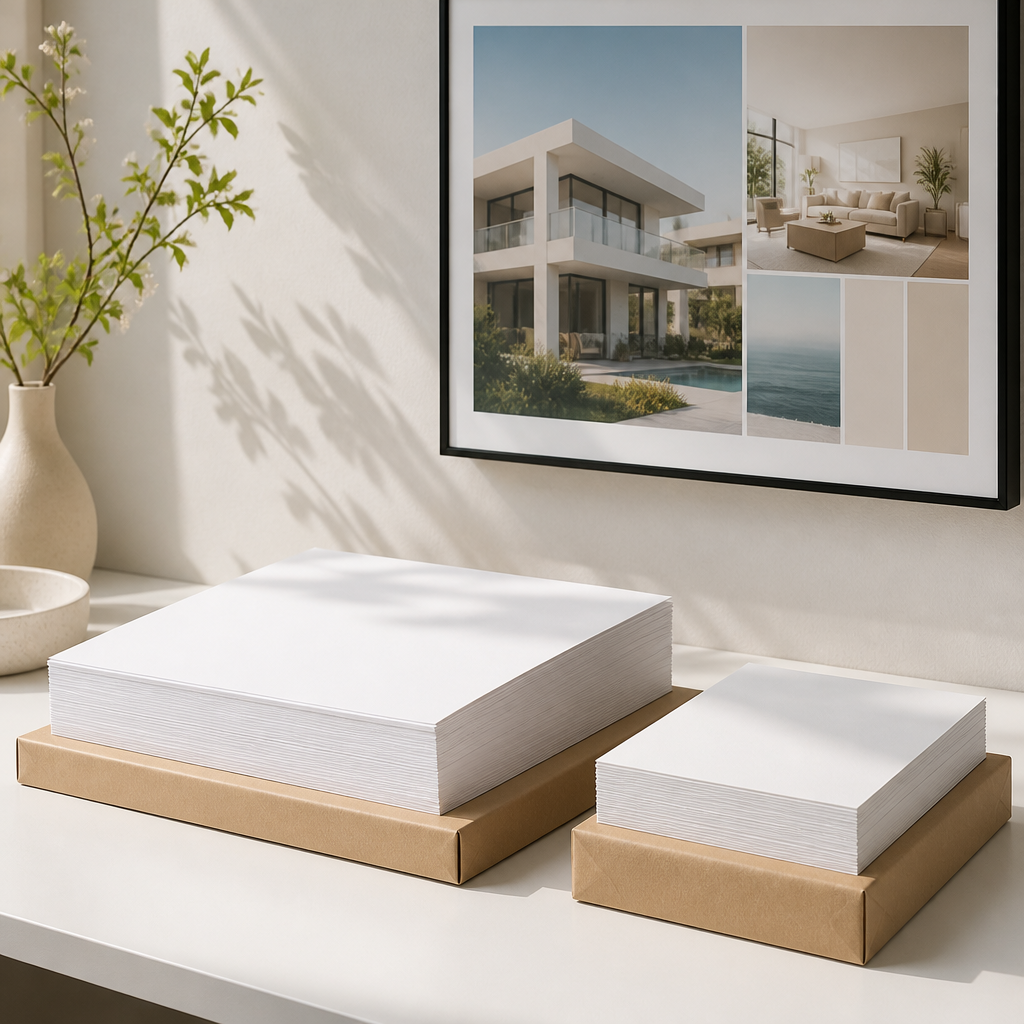
Store paper flat and out of direct sun between uses. Heat and light fade print faster than most owners expect. Keep a record of which design ran in which window and for how long, so you can compare response across campaigns.
Comparing Window Display Options Side by Side
Static print, backlit paper and digital screens
Each option has a place, and the common mistake is treating them as rivals for one budget line. Static printed posters are cheap and quick to produce, but they do not change without a reprint. Backlit paper sits in the middle, while high brightness LCD or LED screens carry the highest upfront cost and the most flexibility.
If you want a side-by-side on dynamic updates against static print, a comparison of digital window displays and traditional window posters covers the cost and brand angles in more detail. Use it as a starting point, then test with your own footfall.
|
Option |
Best For |
Trade-off |
|---|---|---|
|
Static printed poster |
Permanent branding and opening hours |
Cannot change without a reprint, and fades in direct sun |
|
Backlit premium paper (A3 and A4) |
Short campaigns and testing new offers |
No motion or video, and needs protection from sun |
|
High brightness LCD or LED window display |
Ongoing campaigns, property listings and daily specials |
Higher upfront cost, and needs power and a content plan |
Which option fits which business
Real estate agencies usually get the most from LED backlit real estate displays, because listings change weekly and the window runs through the evening. Cafés with narrow frontages often do best with hanging cable LCD displays. A retailer with a wide window might combine a large LCD screen with backlit paper for promotions.
My rule of thumb is simple. If the content changes more than once a month, buy a screen. If it changes less often, start with paper and move to a screen when the paper stops keeping up. Match the display to the rate of change, not to what looks best in a catalogue.
Frequently Asked Questions
How bright does a shopfront window display need to be?
For a window that gets direct sun, screens are commonly specified at 700 nits (cd/m²) or higher. Lower ratings can work in shaded or night-only settings, but they tend to wash out once daylight reaches the glass.
Will a high brightness window display work on a west-facing shop?
Yes, provided the screen is built for sunlight readability and UV exposure. West-facing glass takes the afternoon sun directly, so ask for UV-protected panels and test the screen in the late afternoon before you sign off.
Can I update a window display without visiting the shop?
Yes. Remote content management over WiFi lets you change schedules and content from a browser, which suits agencies updating listings and cafés changing daily specials.
Is backlit paper a good alternative to a screen?
For short campaigns and testing new messages, yes. Backlit premium paper in A3 and A4 is quicker to swap and cheaper to produce, but it cannot show motion or video and it needs protection from direct sun.
What should a small café check before installing a hanging display?
Check the frontage width, the lease terms on fixings and the distance from the glass to the screen. Then test the content at lunchtime from the footpath, because that is when many passing customers make their decision.
Do I need CRM integration to run a window display?
No. A standalone screen with manual scheduling works well for many shops. Integration becomes worth it when you update listings or product information often and want the window to reflect your core data without re-entry.
What has your shopfront display taught you this spring, and did brightness change the results you saw?